

VPS
SSH Key Lost
SSH Key Lost
If you lost your SSH private key and cannot access your VPS:
- Use web console — Log in to the Sumopod dashboard and use the web console feature.
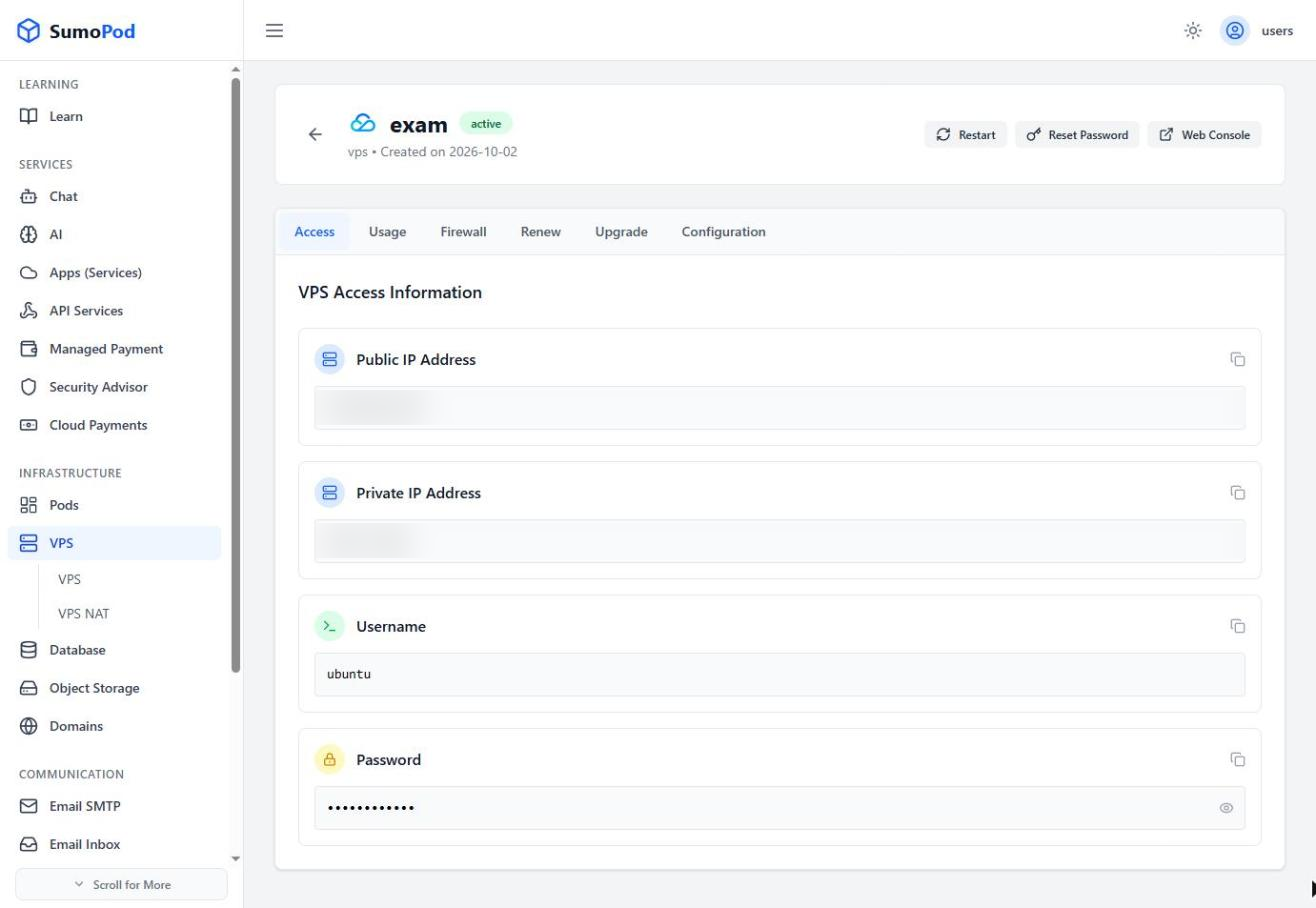
- Reset SSH key — You can reinstall or reset the VPS from the dashboard (note: this will erase data).
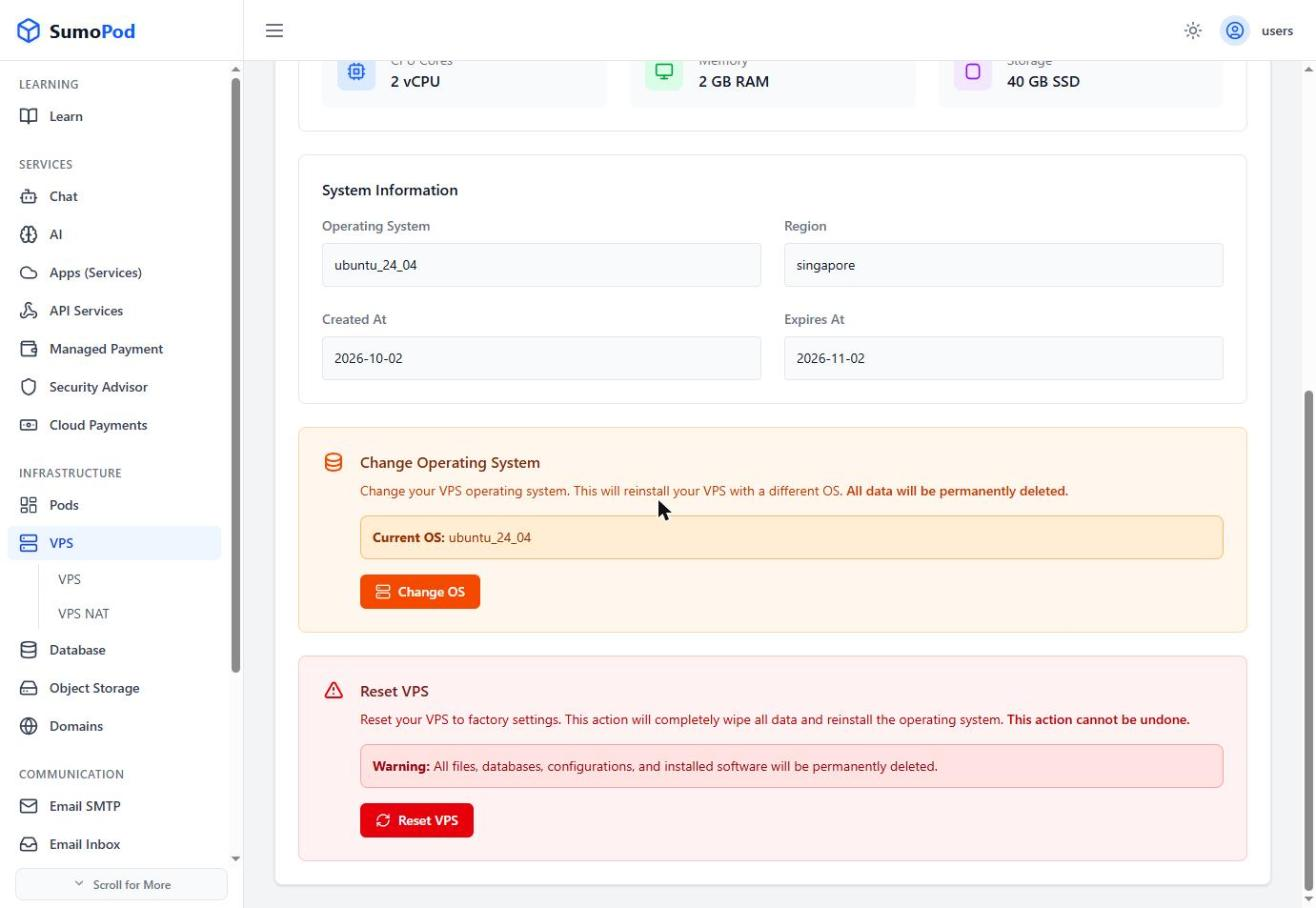
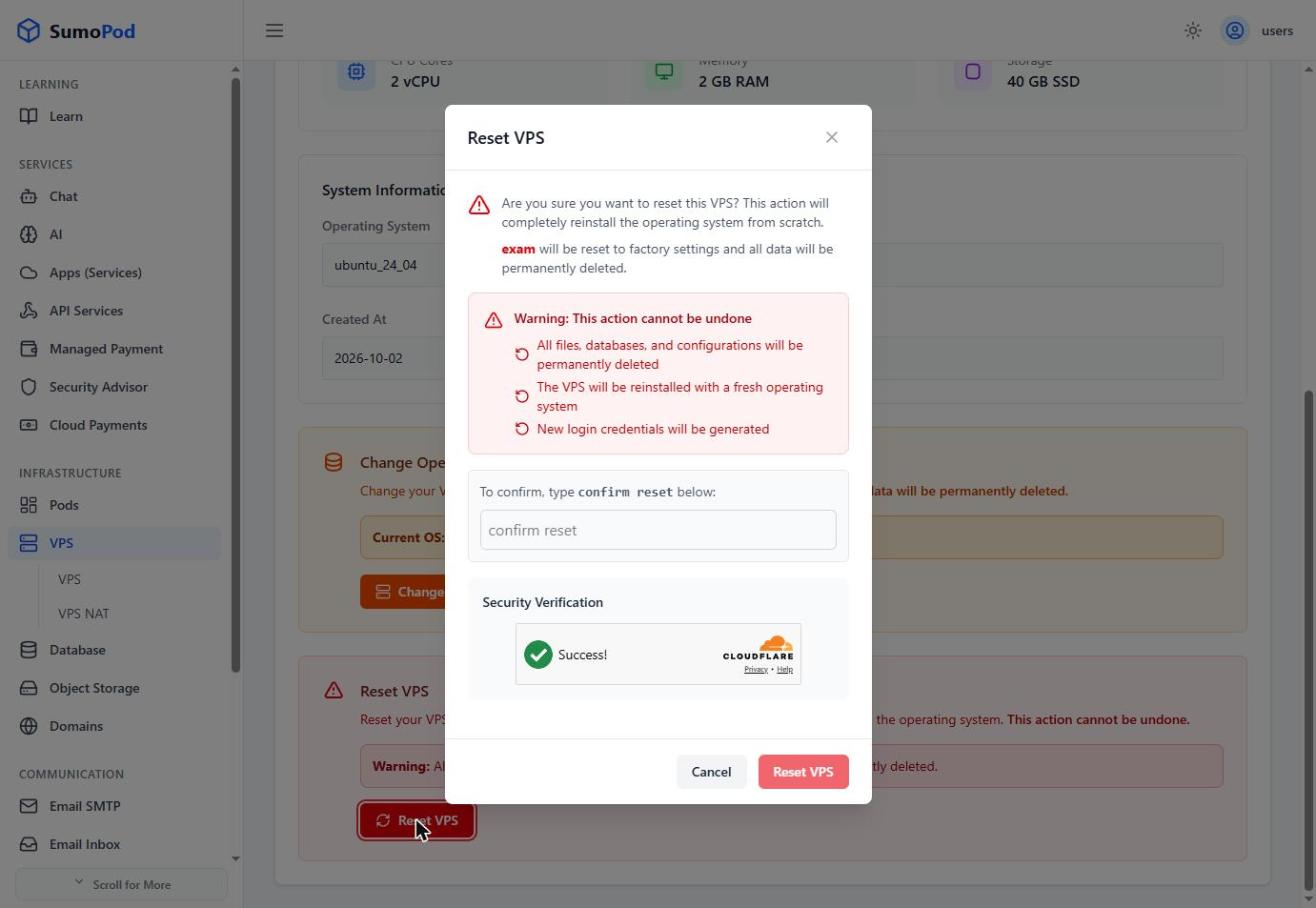
Note: This is an unmanaged VPS. We do not have access to your instance, so we're unable to add or replace an SSH key on your behalf.
Last modified on