

Billing
Top-Up Not Received
Top-Up Not Received
If your top-up balance has not been credited:
- Wait a few minutes — Balance updates may take a moment to process.
- Check payment status — Verify the payment was successful from your payment provider.
- Refresh the dashboard — Try refreshing the billing page.
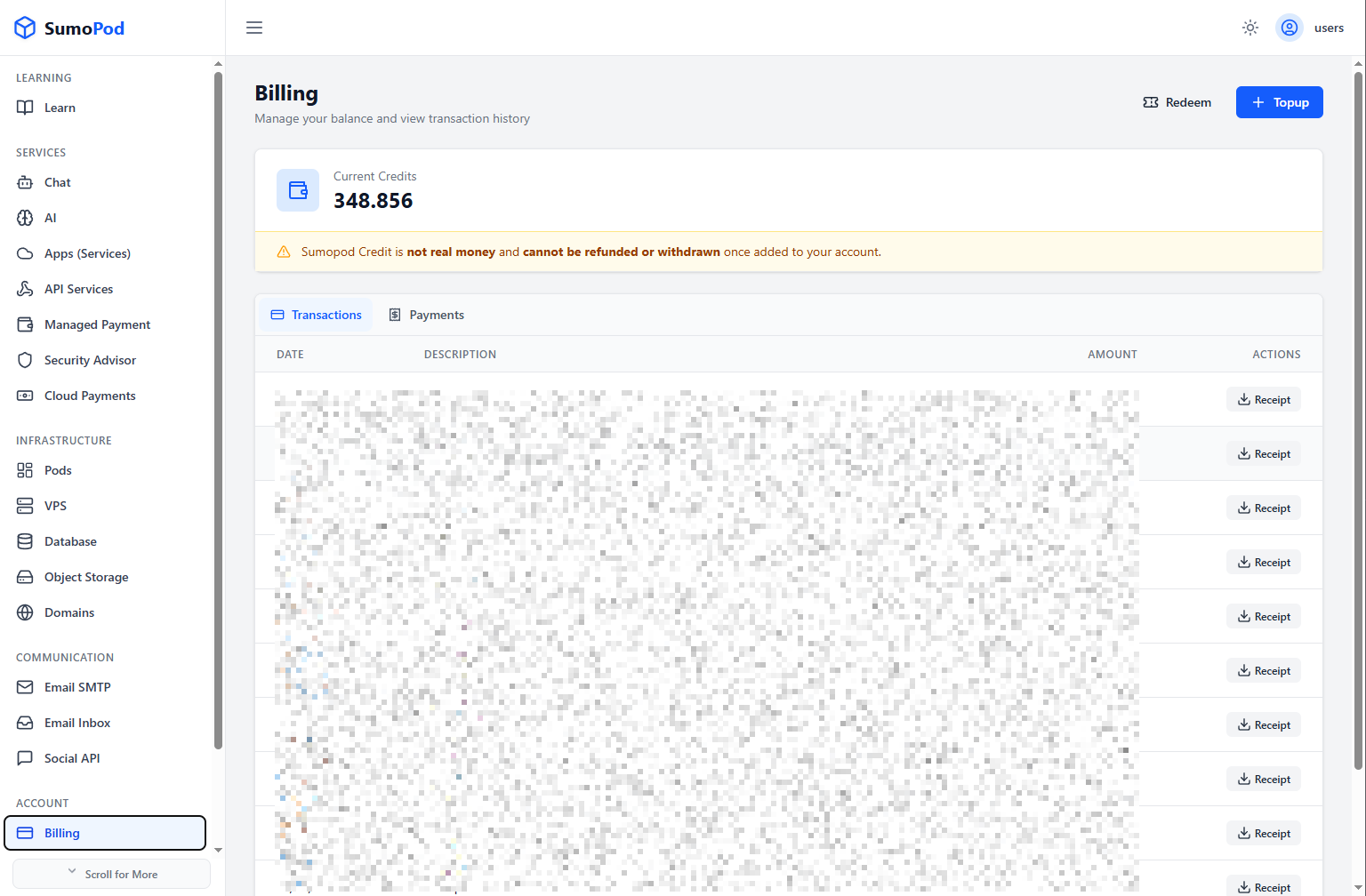
- Check transaction history — Look for the transaction in your billing history.
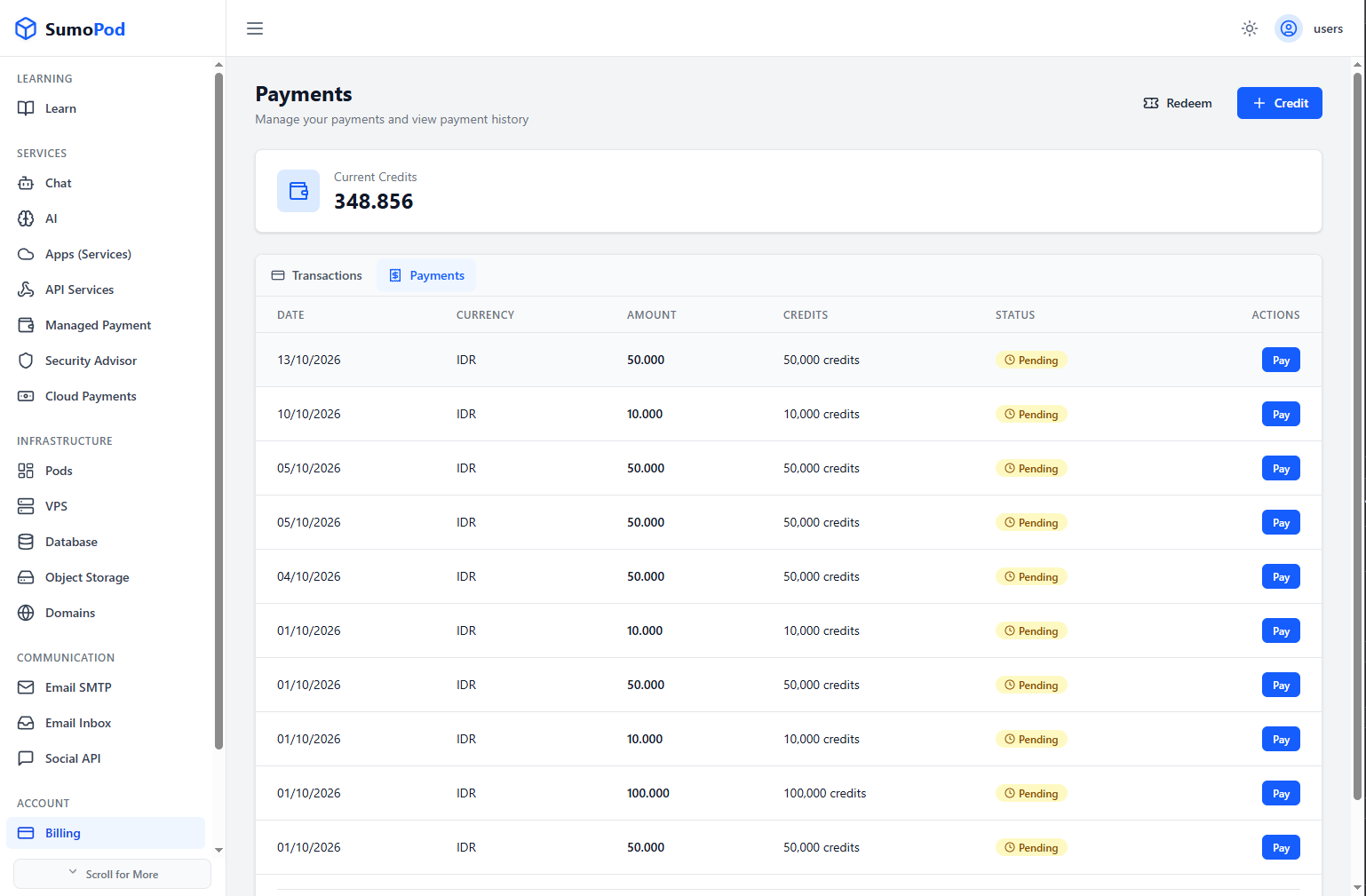
- Contact support — If the balance is still not credited after 30 minutes, contact support@sumopod.com with the transaction details.
Last modified on