

AI
Blocked
AI Service Blocked
If your AI service access is blocked:
- Check your balance — Make sure you have sufficient credits.
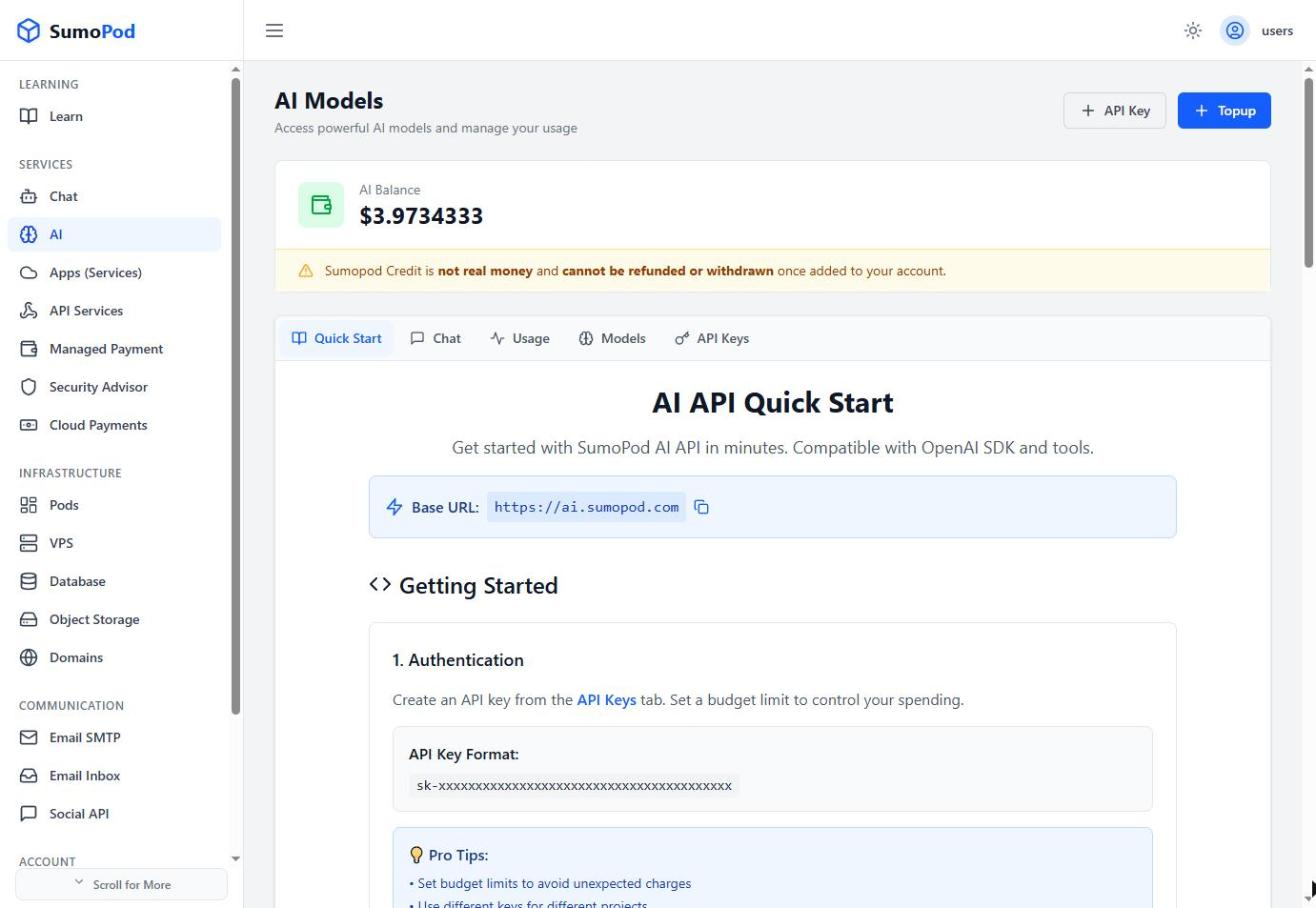
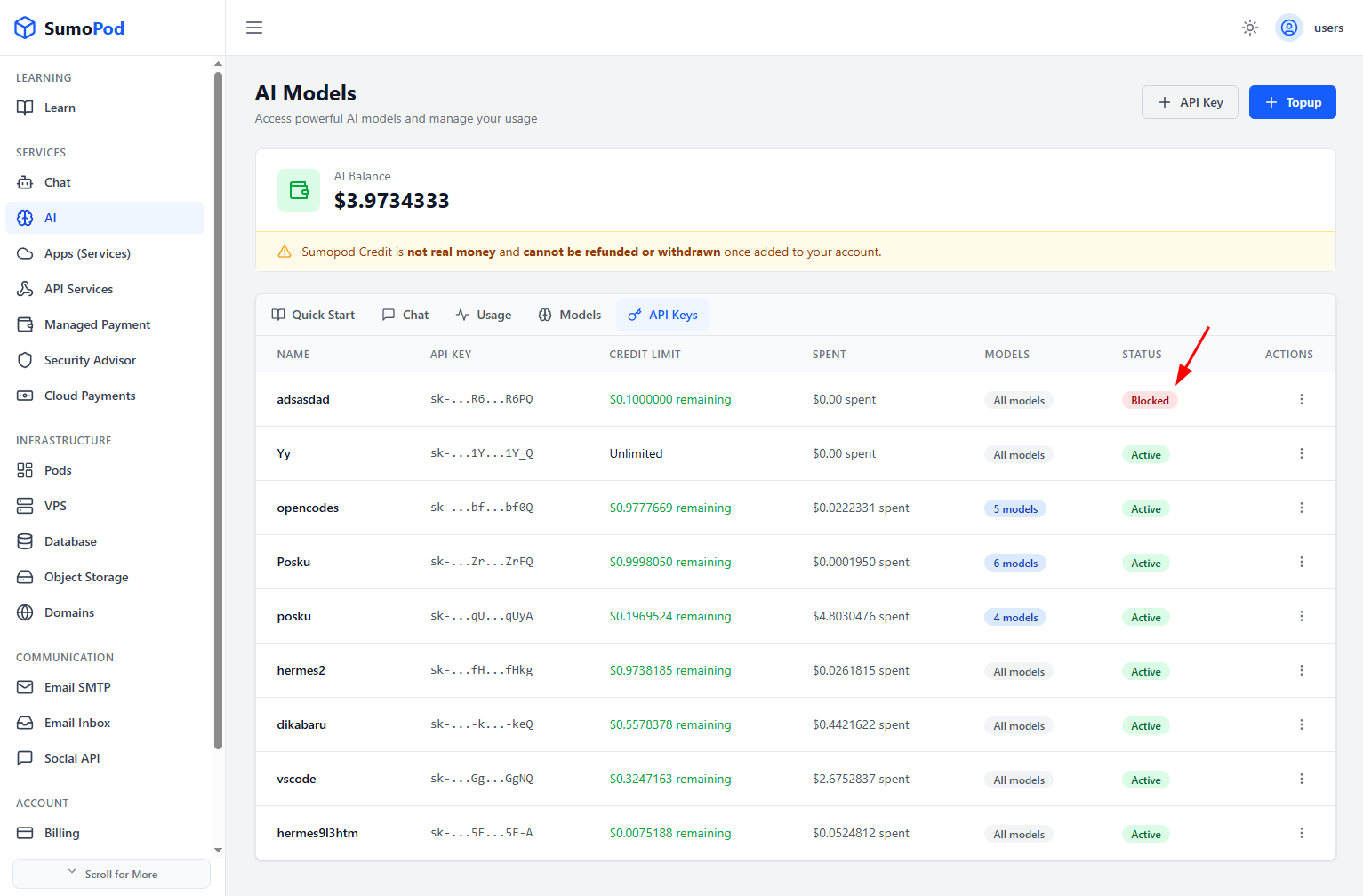
- Verify your API key — Ensure your API key is valid and not blocked.
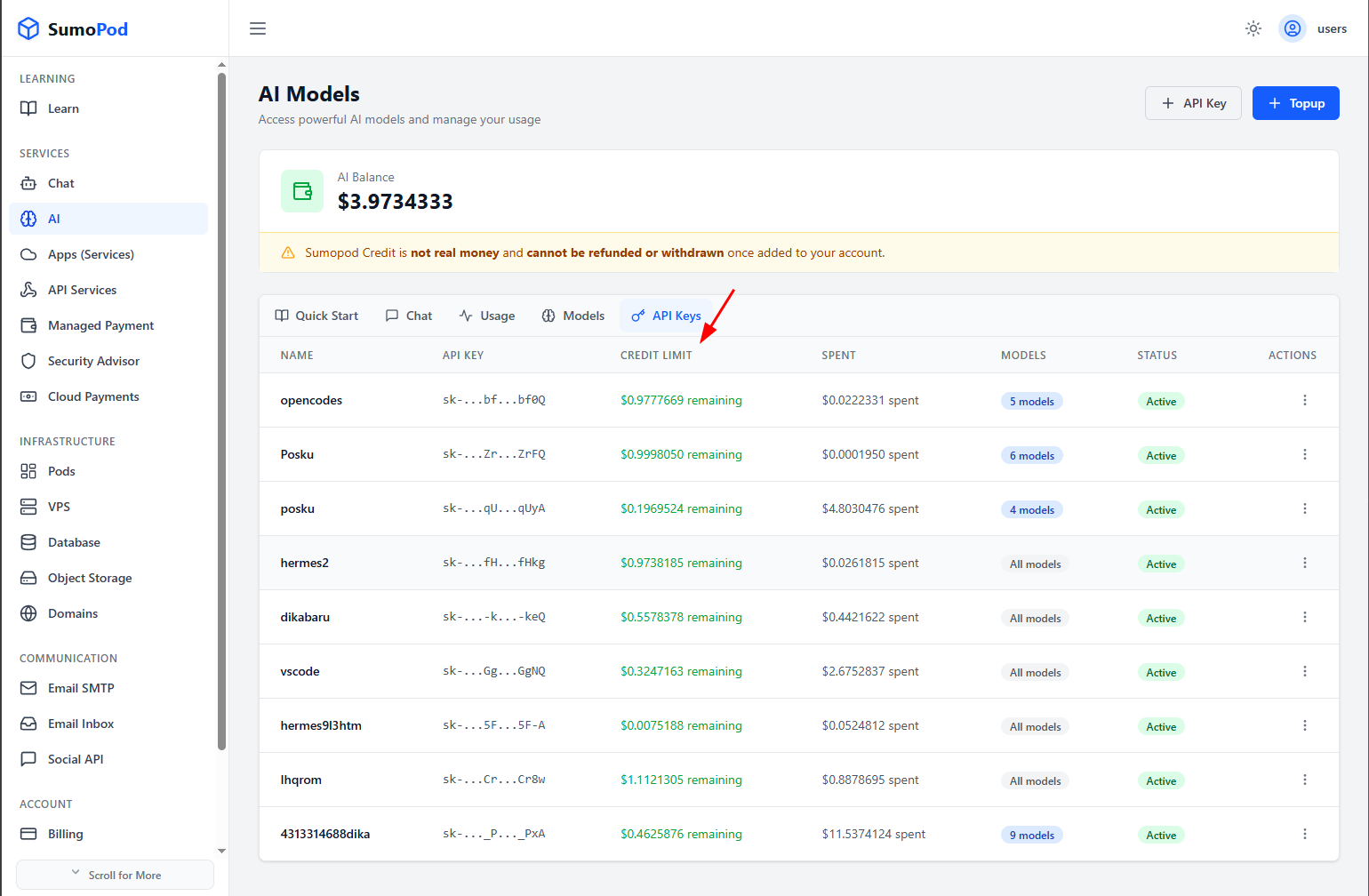
- Check usage limits — This API key may have reached its usage quota (spend or rate limit).
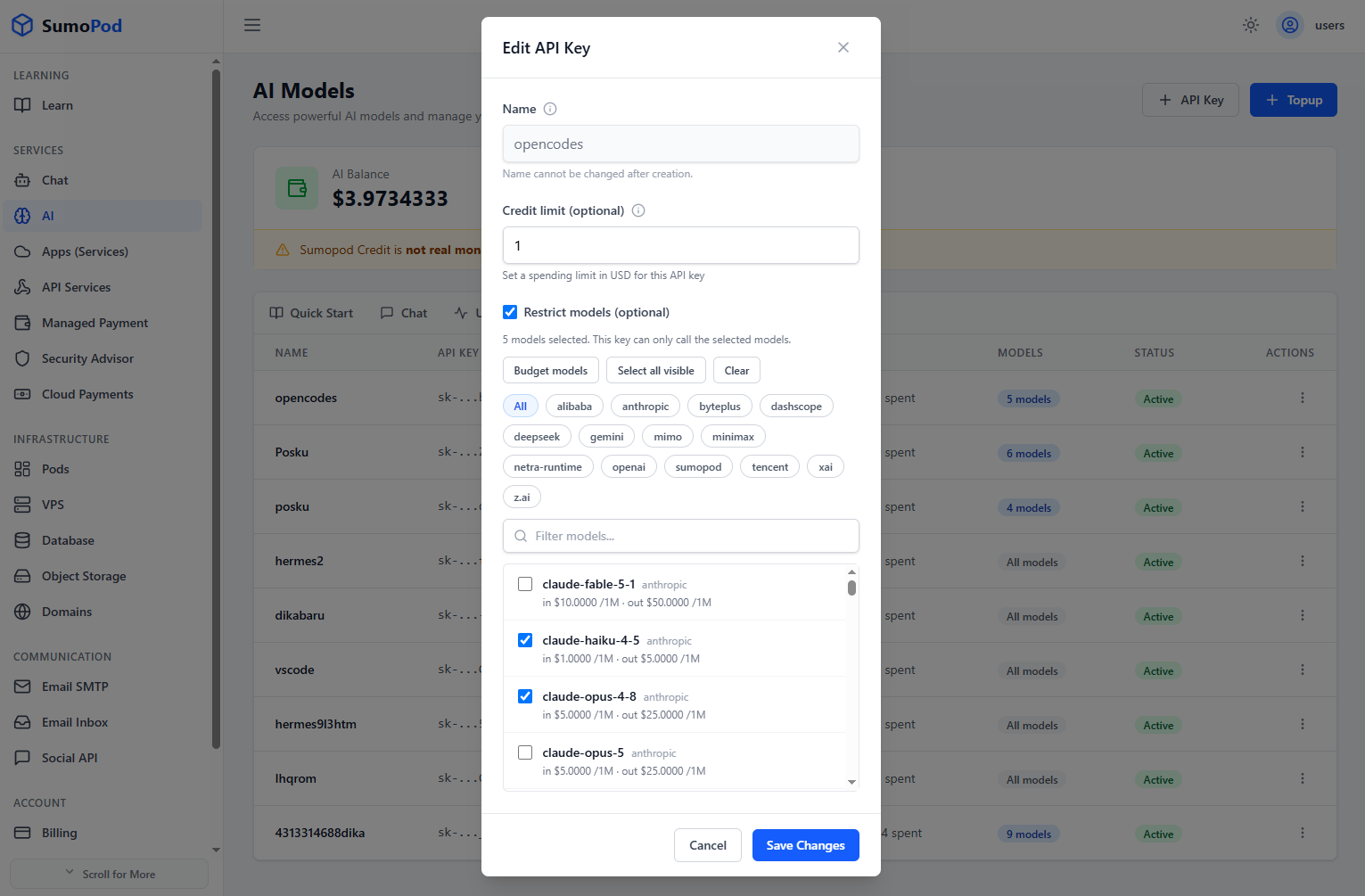
- Check model restrictions — Some models may be restricted on your API key.
- Contact support — If you believe this is an error, please contact support@sumopod.com.
Last modified on