

Account
Cannot Login
Account Troubleshooting
If you are experiencing issues with your account:
- Check Google Account — Make sure you are using the correct Google account.
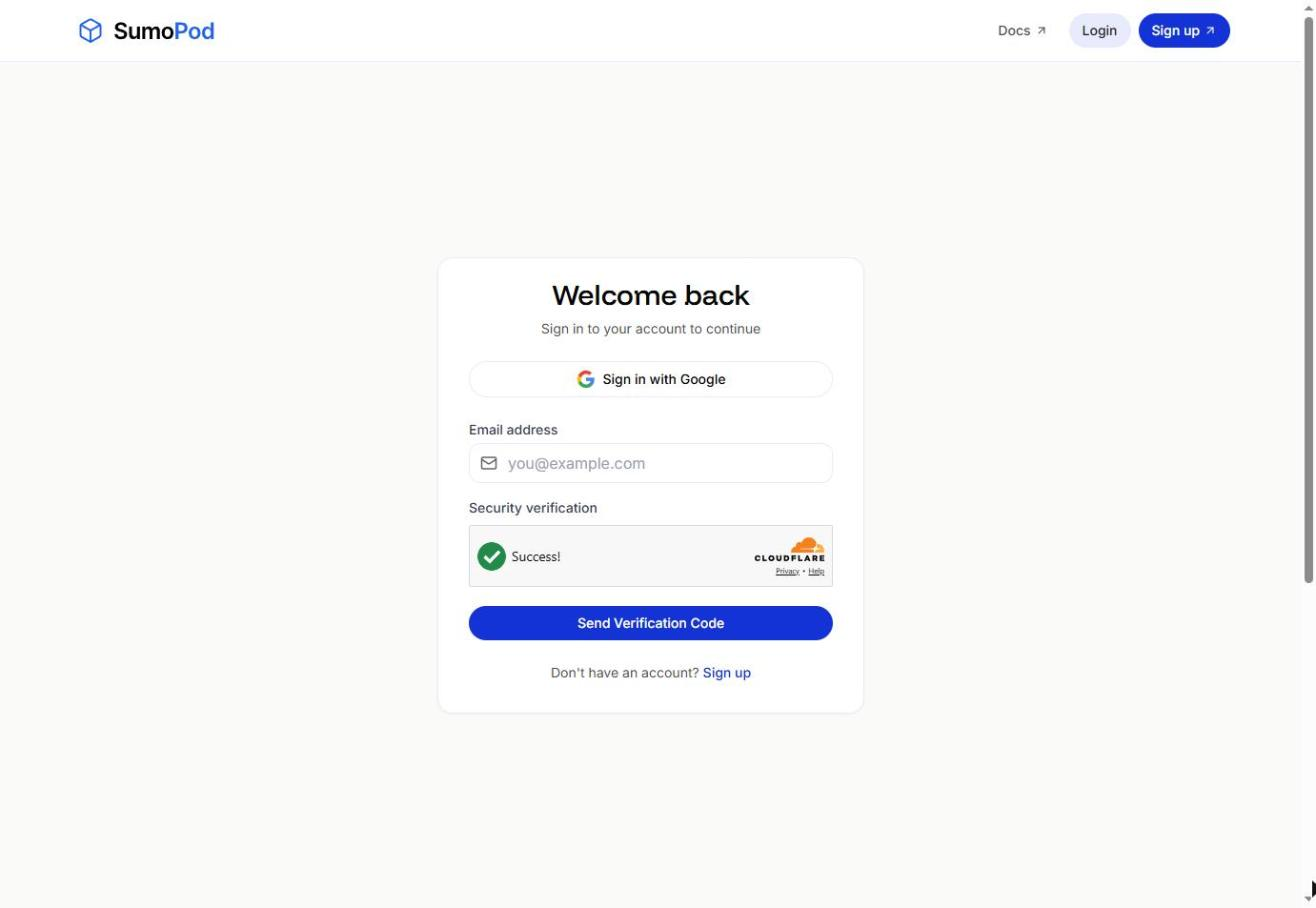
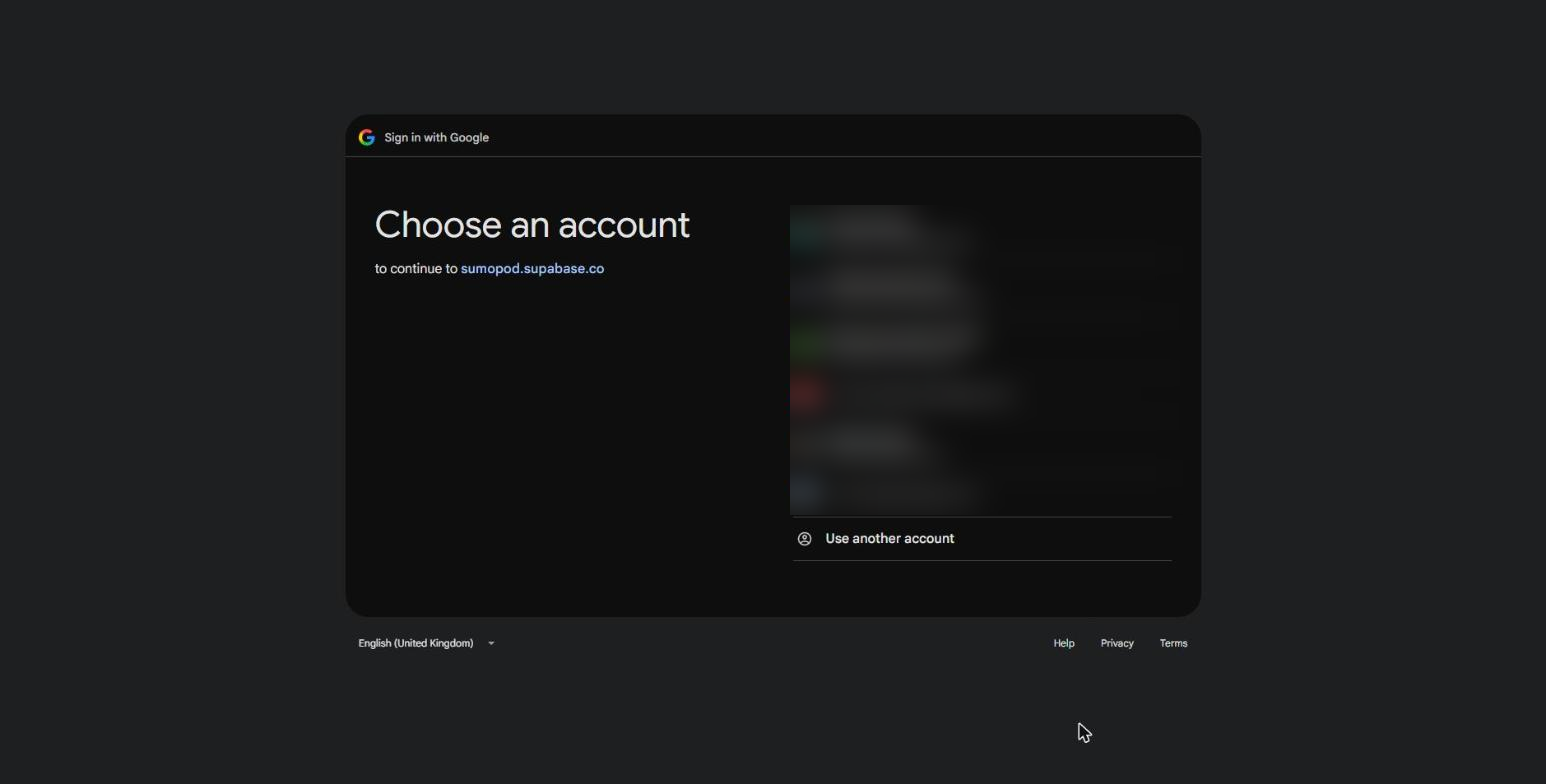
- Check Google Access — Ensure you can access your Google account and that it is active.
- Check your spam folder — If you log in with email, the verification code may land in your Spam or Promotions folder. Wait a moment and check there before requesting a new code.
- Try Another Browser — Clear your browser cache and cookies, or try using another browser.
- Contact Support — If you are still unable to log in, contact our support team at support@sumopod.com for assistance.
Last modified on