

Chat
Using Chat
Chat is a built-in AI chat assistant in the Sumopod dashboard, similar to a standard AI chat interface, billed from your separate AI Balance.
Steps
- Open the Dashboard and select the Chat menu.
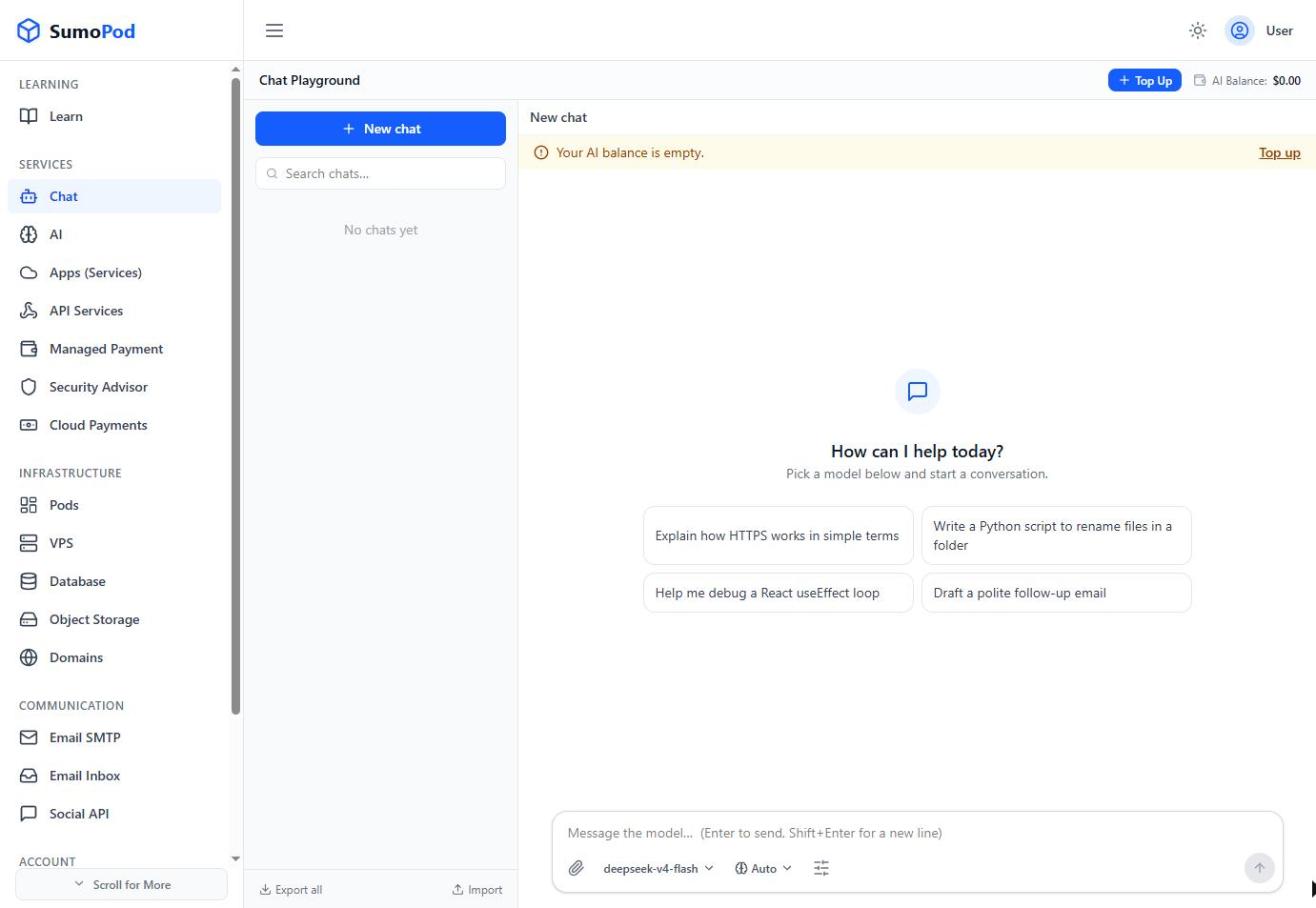
- Make sure you're on the Text tab (Image, Speech, and Video are coming soon).
- Pick a model from the model selector
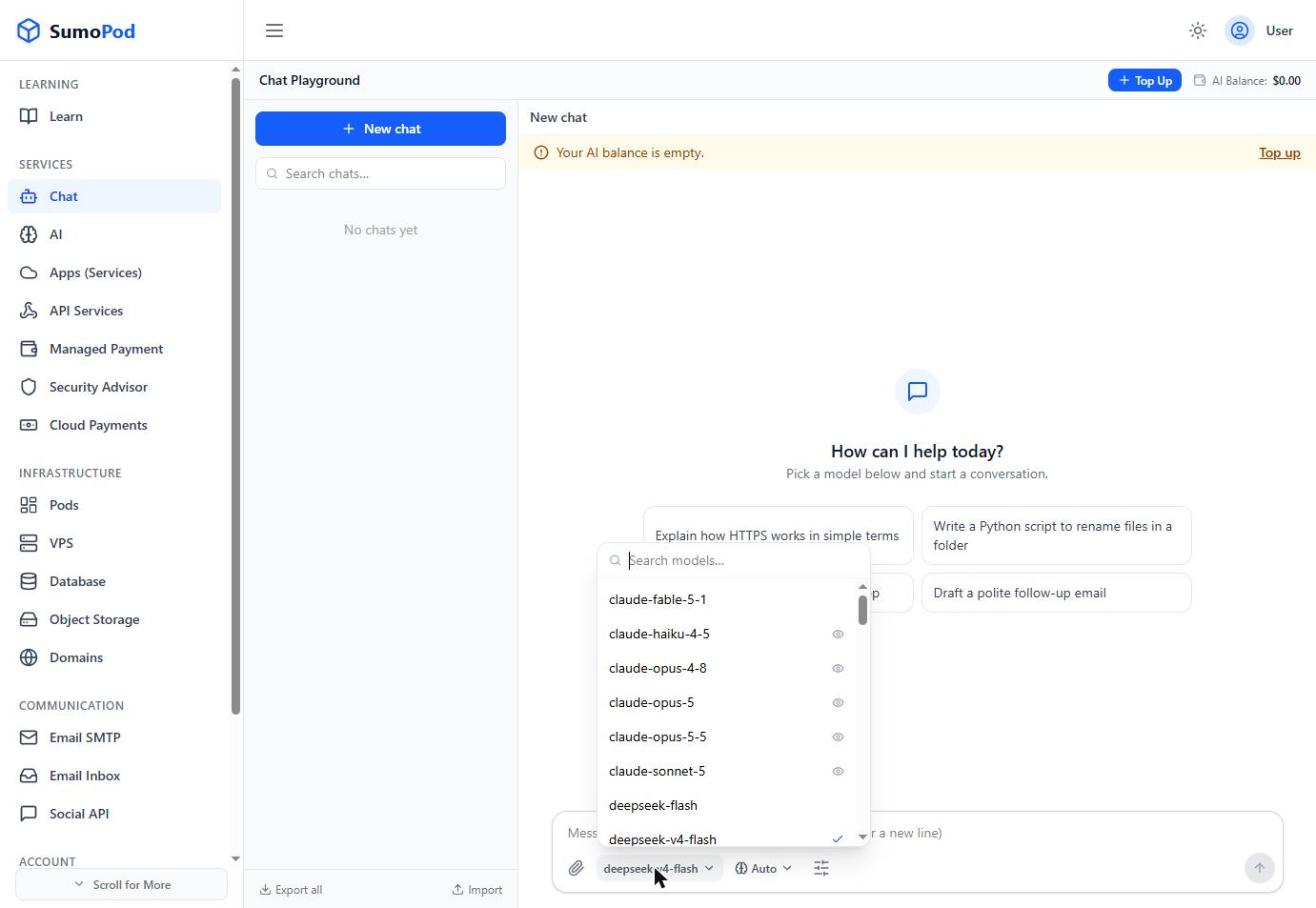
- Click New Chat and start chatting.
- Use Export all to download your chat history, or Import to bring previous chats back in.
Notes
- Chat usage is billed from your AI Balance, shown at the top of the page, this is separate from your main Sumopod Credit.
- The Image, Speech, and Video tabs are placeholders for upcoming features and aren't usable yet.
- Direct link: Chat
Last modified on