

Cloud Payment
Cloud Payment Transactions
Keep track of every top-up made through Cloud Payment.
Steps
- Open the Cloud Payments menu on the Dashboard.
- Go to the Transactions tab to see the history of top-ups made to your linked provider accounts.
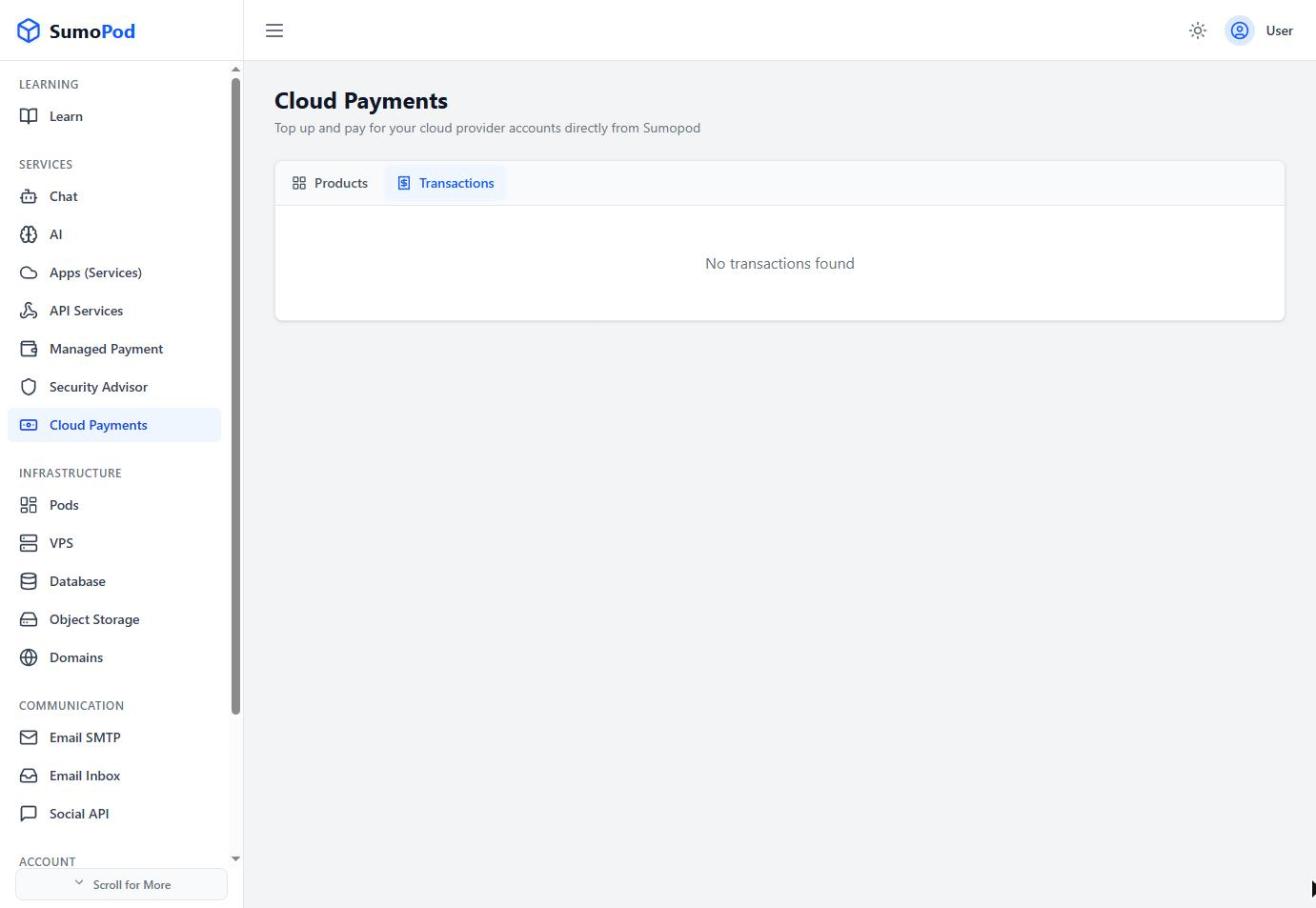
- Use this to confirm a top-up went through, or as a reference when contacting the provider's own support.
Notes
- Direct link: Cloud Payments
Last modified on