

Database
Managing Database Backups
Steps
- Open your database, then go to its Backups tab.
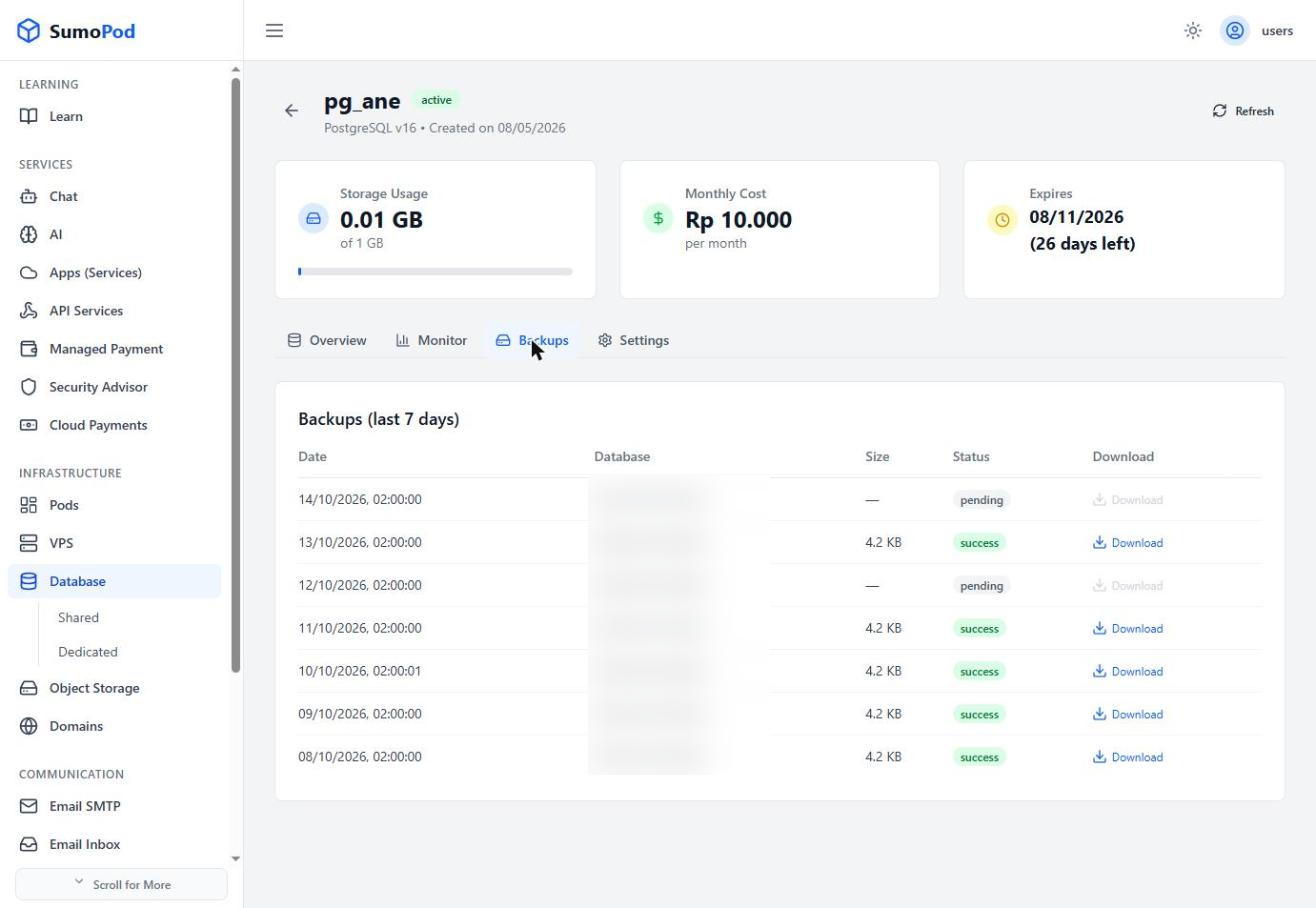
- Review the list of automatic backups from the last 7 days, each with its date, size, and status.
- Click Download next to any successful backup to save a copy.
Notes
- Backups are taken automatically once a day; there is currently no manual "backup now" action on this tab.
- Direct link: open your database, then go to its Backups tab.
Last modified on