

Database
Configuring Database Settings
Steps
- Open your database, then go to its Settings tab.
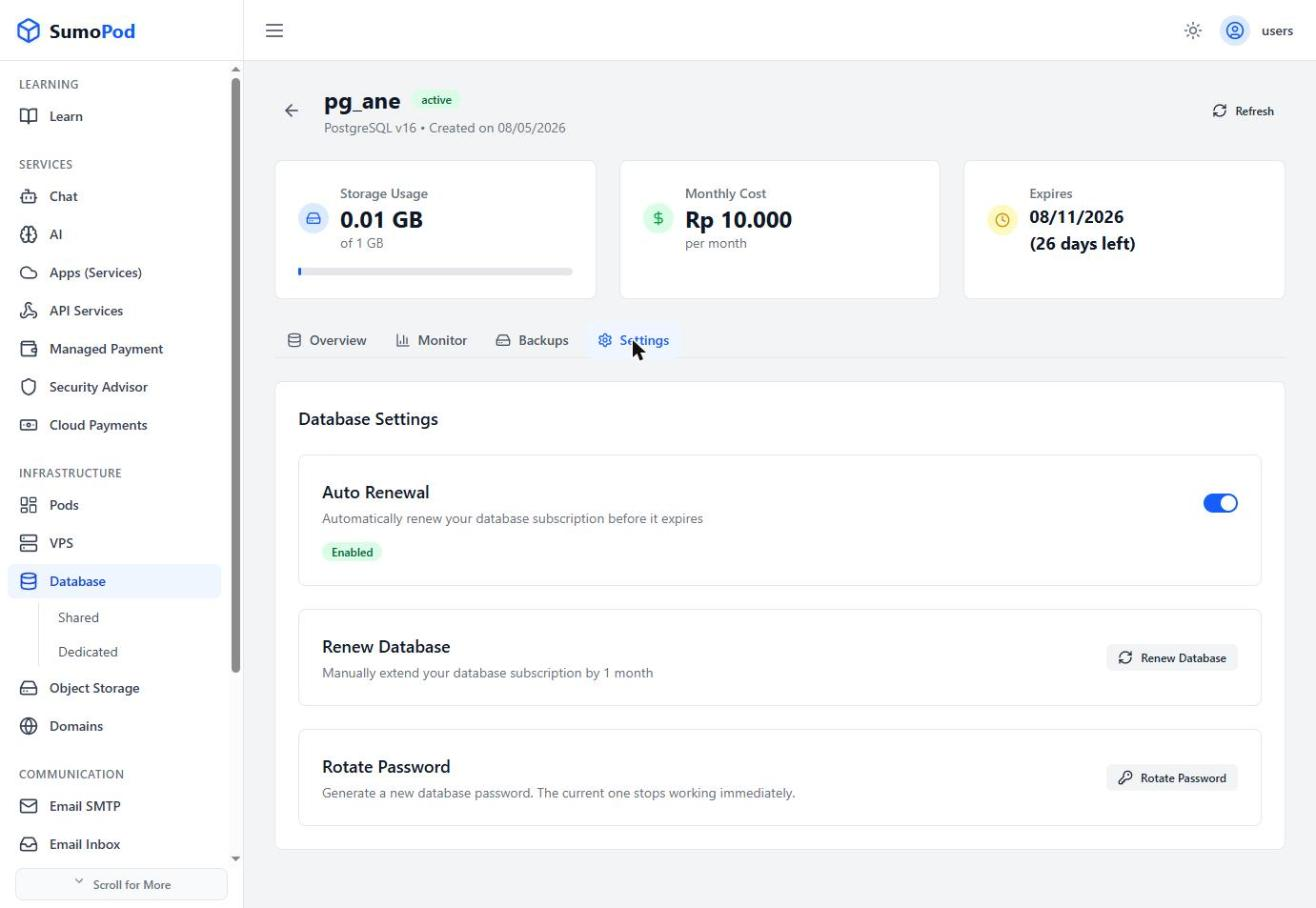
- Toggle Auto Renewal to automatically renew your database subscription before it expires.
- Click Renew Database to manually extend your subscription by 1 month.
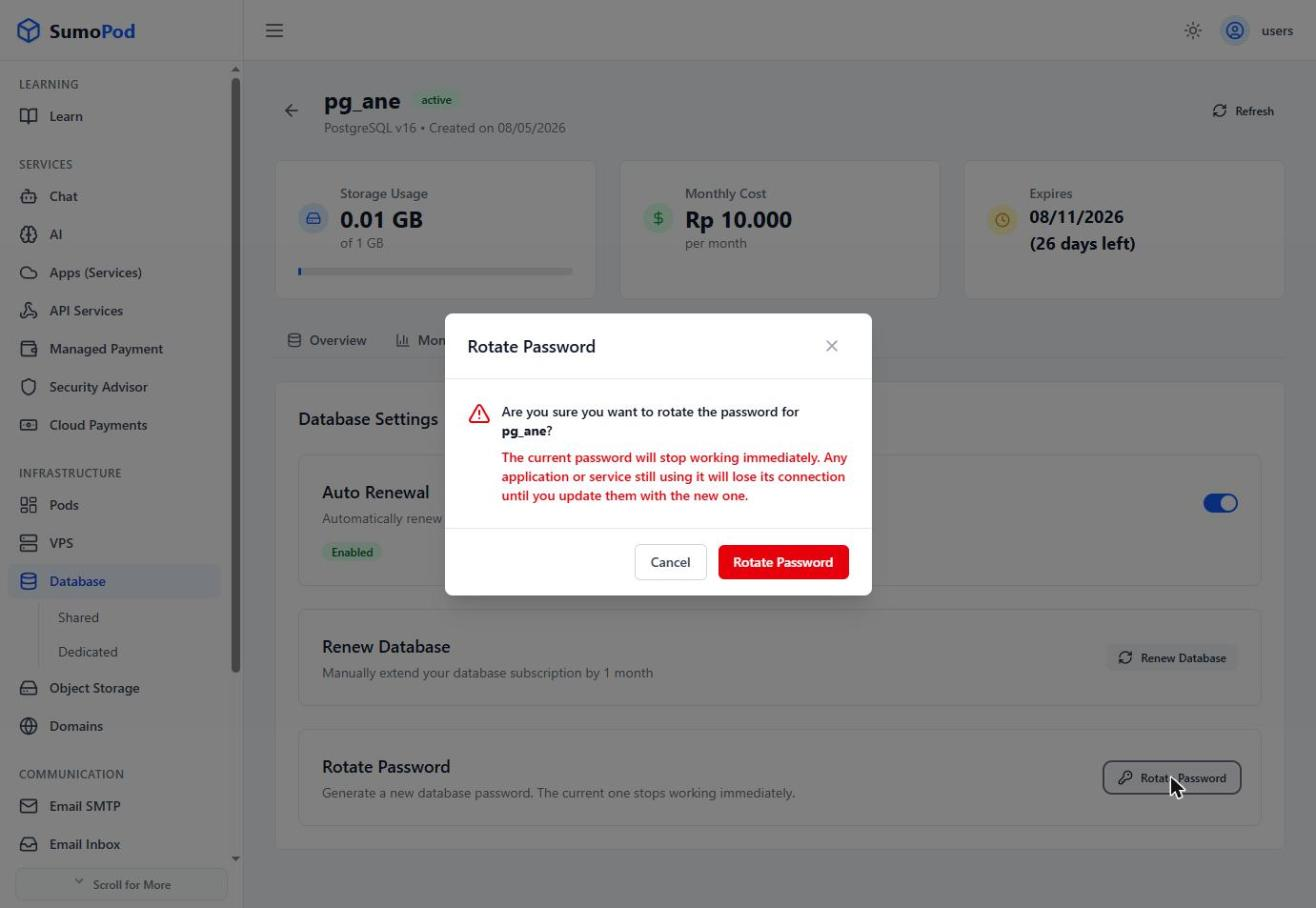
- Click Rotate Password to generate a new database password, the current password stops working immediately once rotated.
Notes
- After rotating the password, update the credentials in any application connected to this database, or it will lose its connection.
- Direct link: open your database, then go to its Settings tab.
Last modified on