

Domain
Buying a Domain
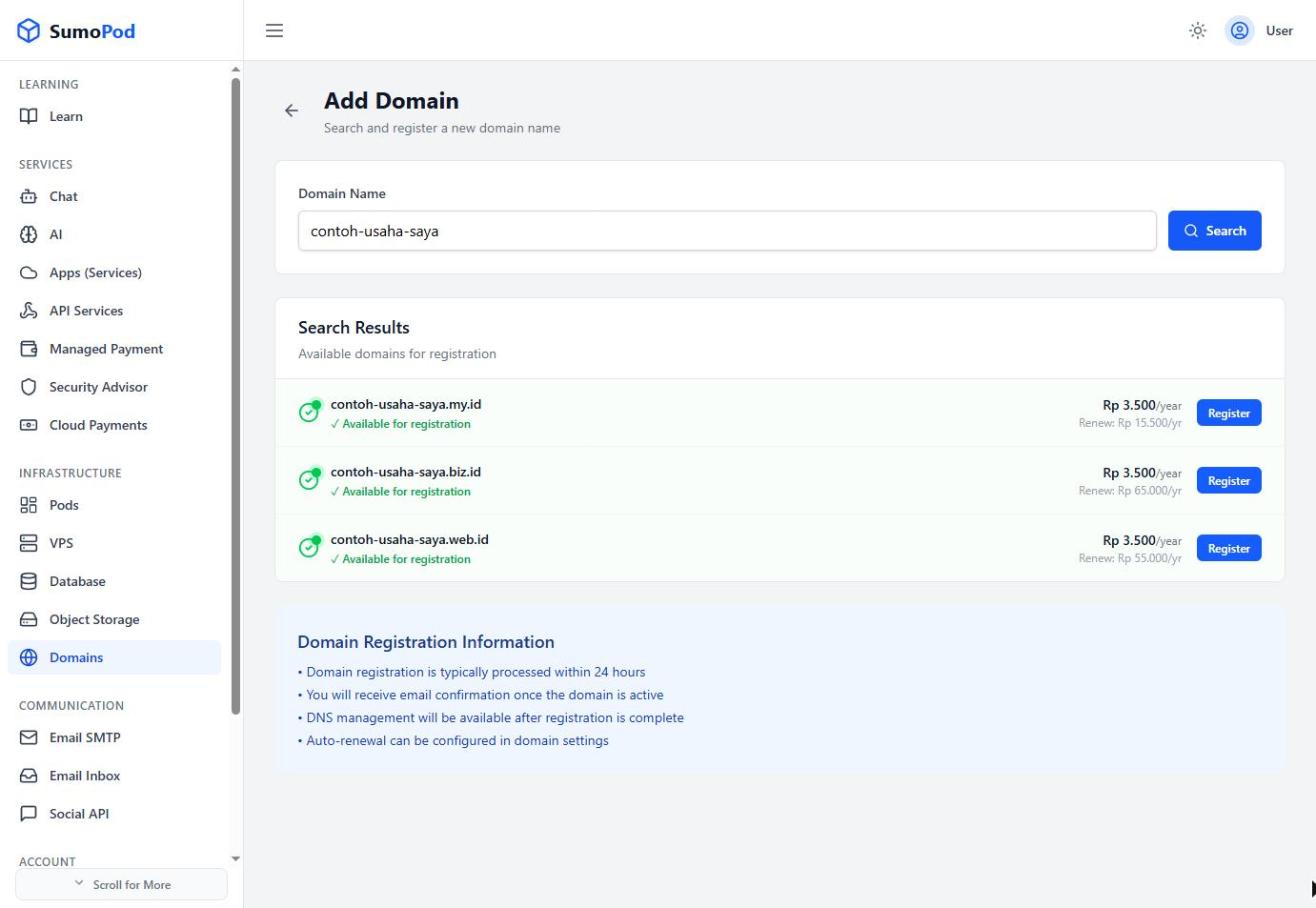
Domains can be searched and registered directly from the Domains menu on the Dashboard; available extensions and pricing are shown instantly after a search.
Steps
- Open the Dashboard and select the Domains menu.
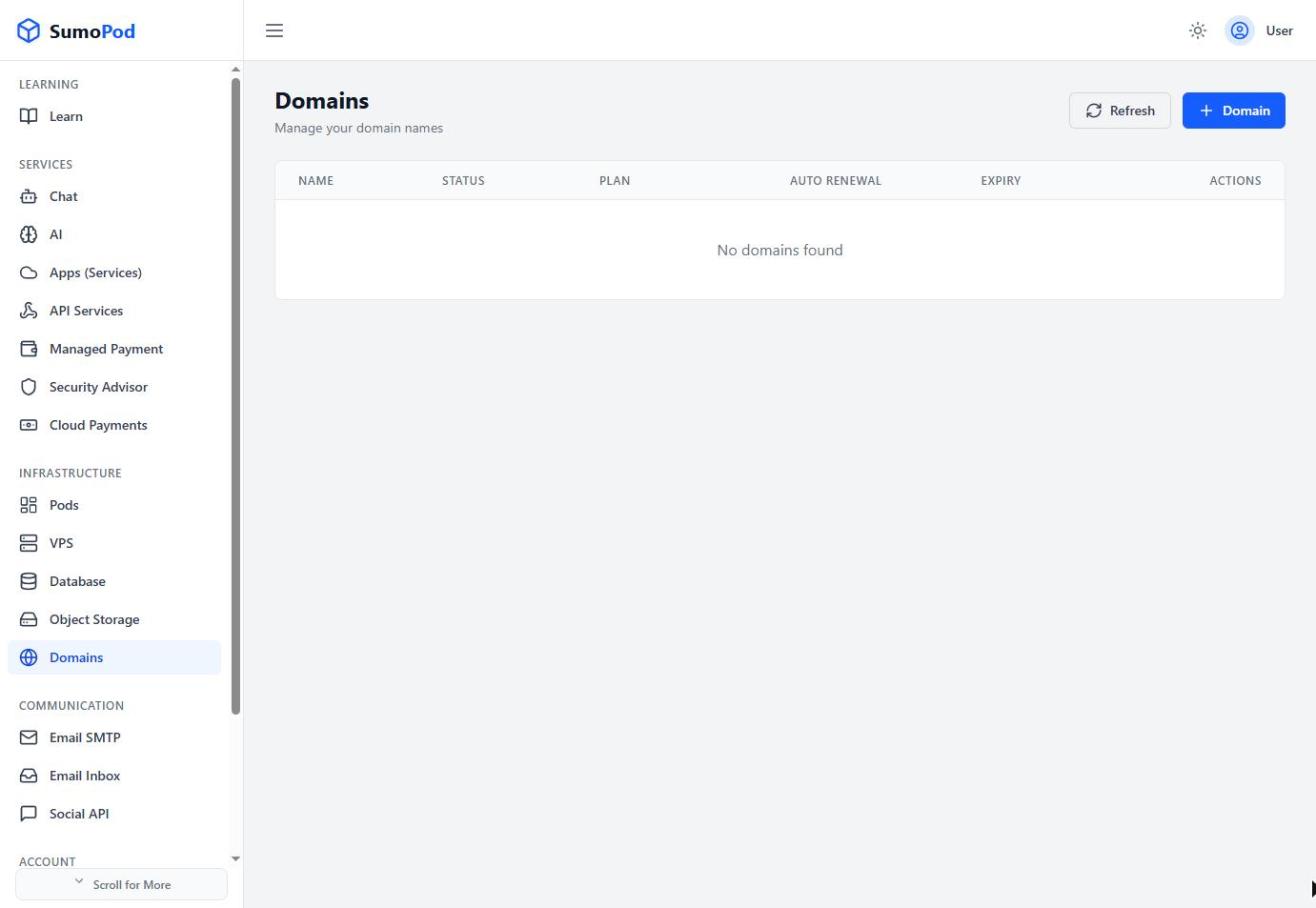
- Click + Domain.
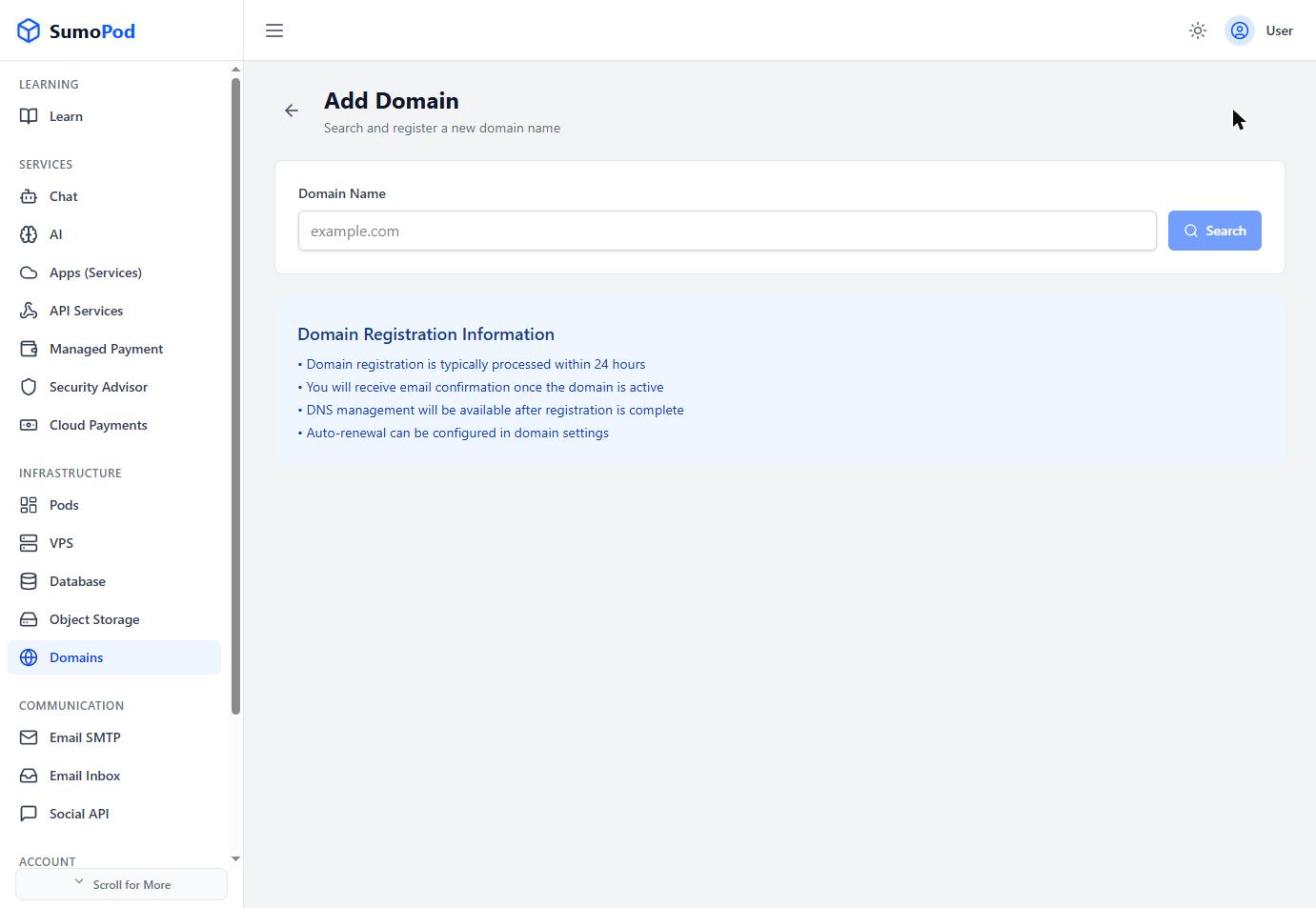
- Enter the domain name you want (without the extension) and click Search.
- Pick one of the available extensions (TLD) shown with its price, then click Register.
- Complete the payment.
Notes
- DNS management will be available after registration is complete.
- Direct link: Domains
Last modified on