

Database
Monitoring a Database
Steps
- Open your database, then go to its Monitor tab.
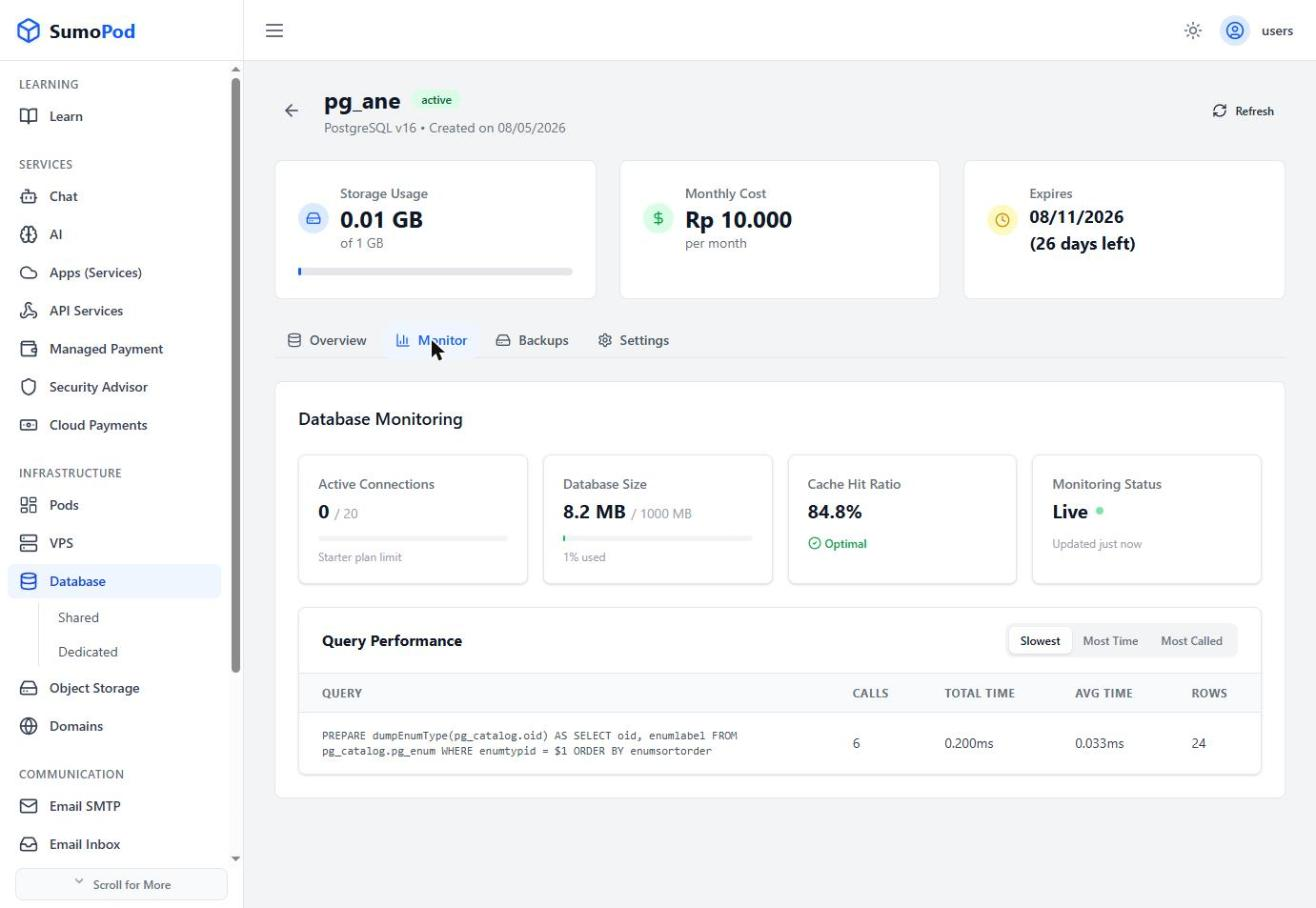
- Review Active Connections (against your plan's connection limit), Database Size, and Cache Hit Ratio.
- Check Query Performance for the Slowest, Most Time, and Most Called queries, each with call count, total/average time, and rows returned.
- Click Refresh at the top of the page for the latest numbers, status shows Live when monitoring is active.
Notes
- A low Cache Hit Ratio or queries with high average time are good signals to optimize your schema or indexes.
- Direct link: open your database, then go to its Monitor tab.
Last modified on