

Shared
Connecting to a Shared Database
Steps
- Open your database from the Database list and click Manage.
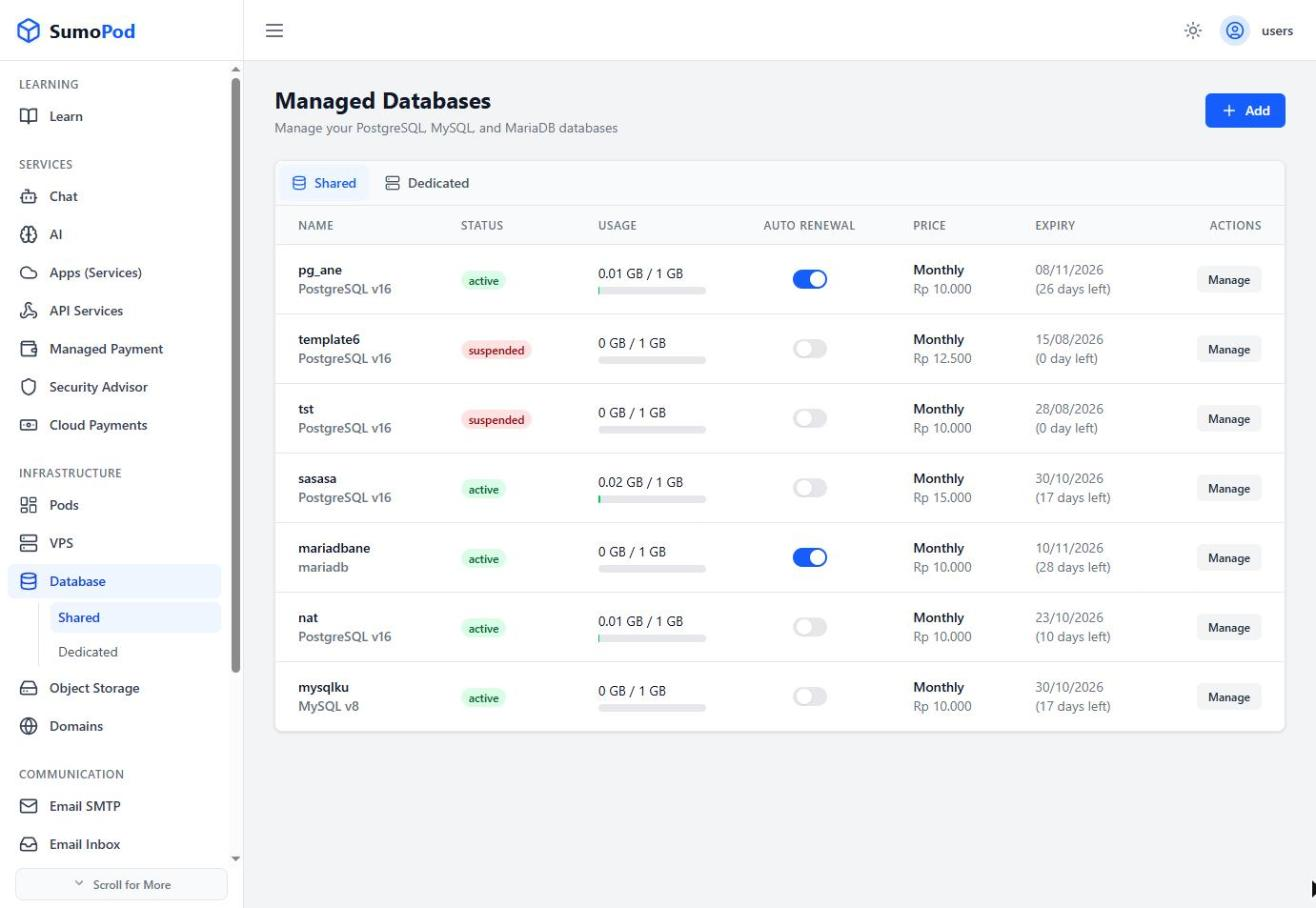
- On the Overview tab, under Database Connection Methods, choose a connection method:
- Transaction Pooler (recommended for most applications)
- Session Pooler
- Direct Connection
- Copy the Host, Port, Database Name, Username, Password, or the ready-made Connection String.
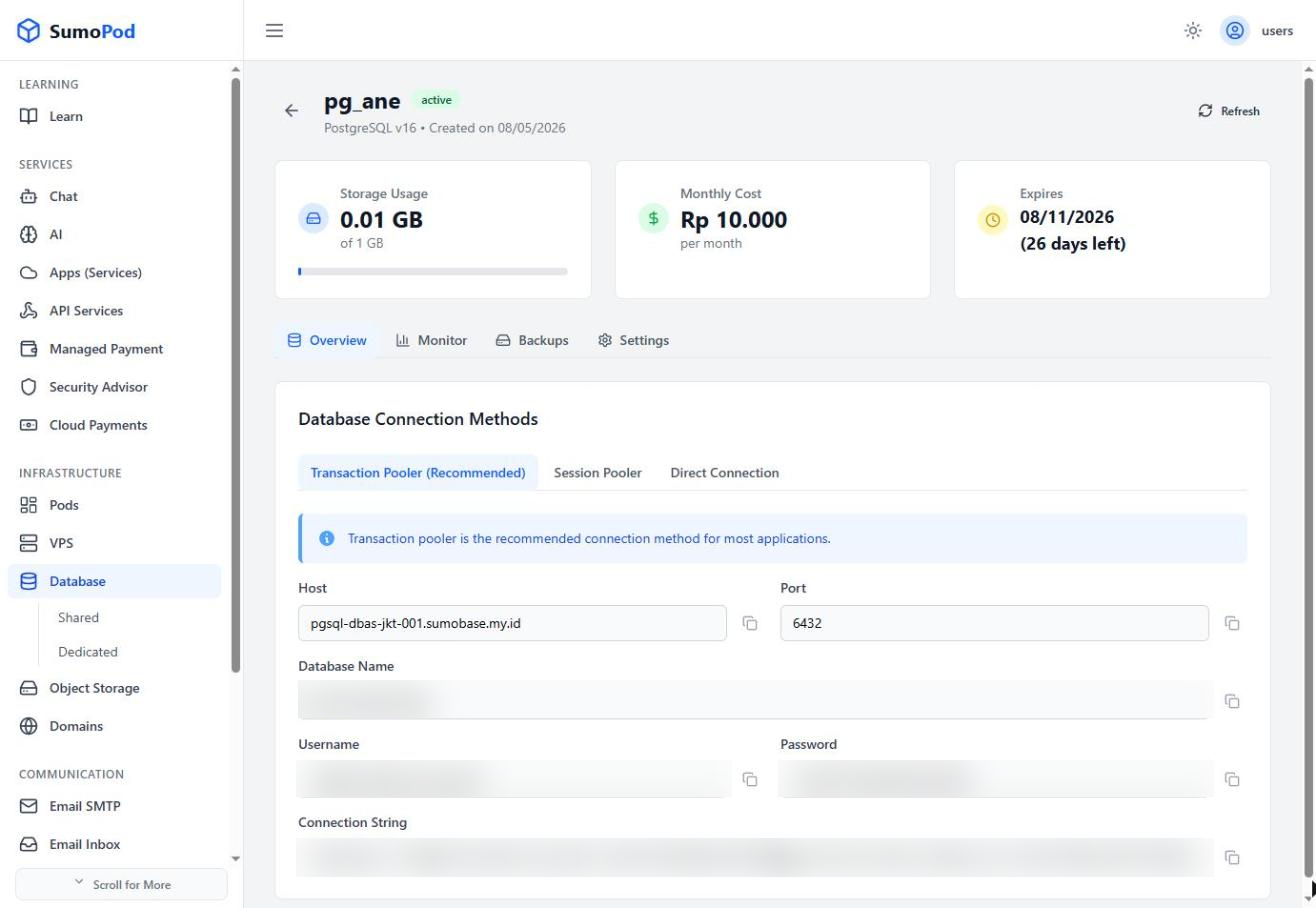
- Paste the connection details (or connection string) into your application or database client.
- Test the connection to confirm it's reachable.
Notes
- Transaction Pooler is best for short-lived connections (e.g. serverless functions); Direct Connection is best when your application needs session-level features (e.g. prepared statements,
LISTEN/NOTIFY). - Direct link: Database
Last modified on