

AI
Changing the AI Model
The AI model can be changed at any time to suit your quality and cost requirements.
Steps
- Open the AI configuration in your application or relevant dashboard.
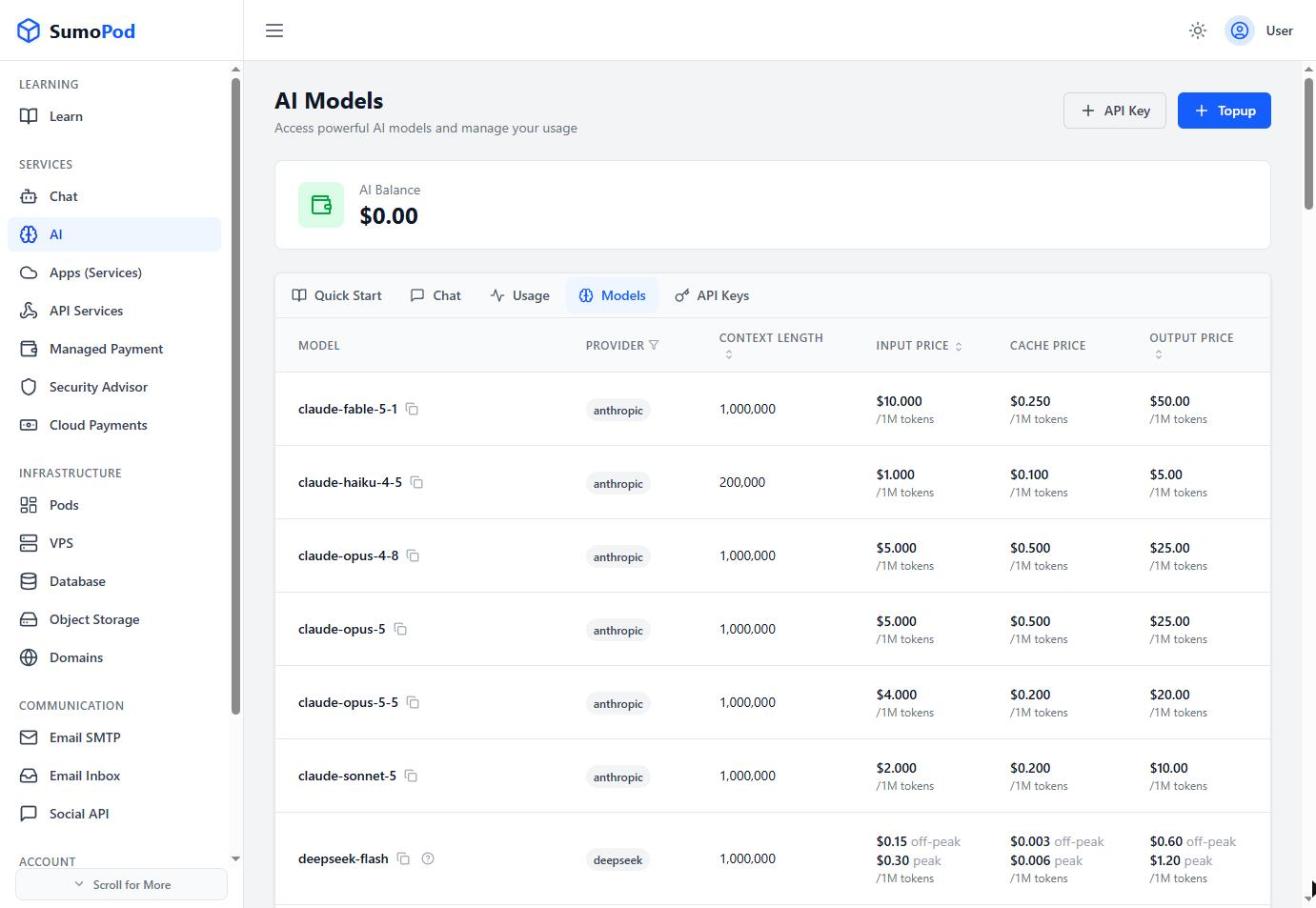
- Select the desired provider and model. The Models tab on the AI page lists every model you can use.
- Save the changes.
- Start a new session for the updated model to take effect.
Notes
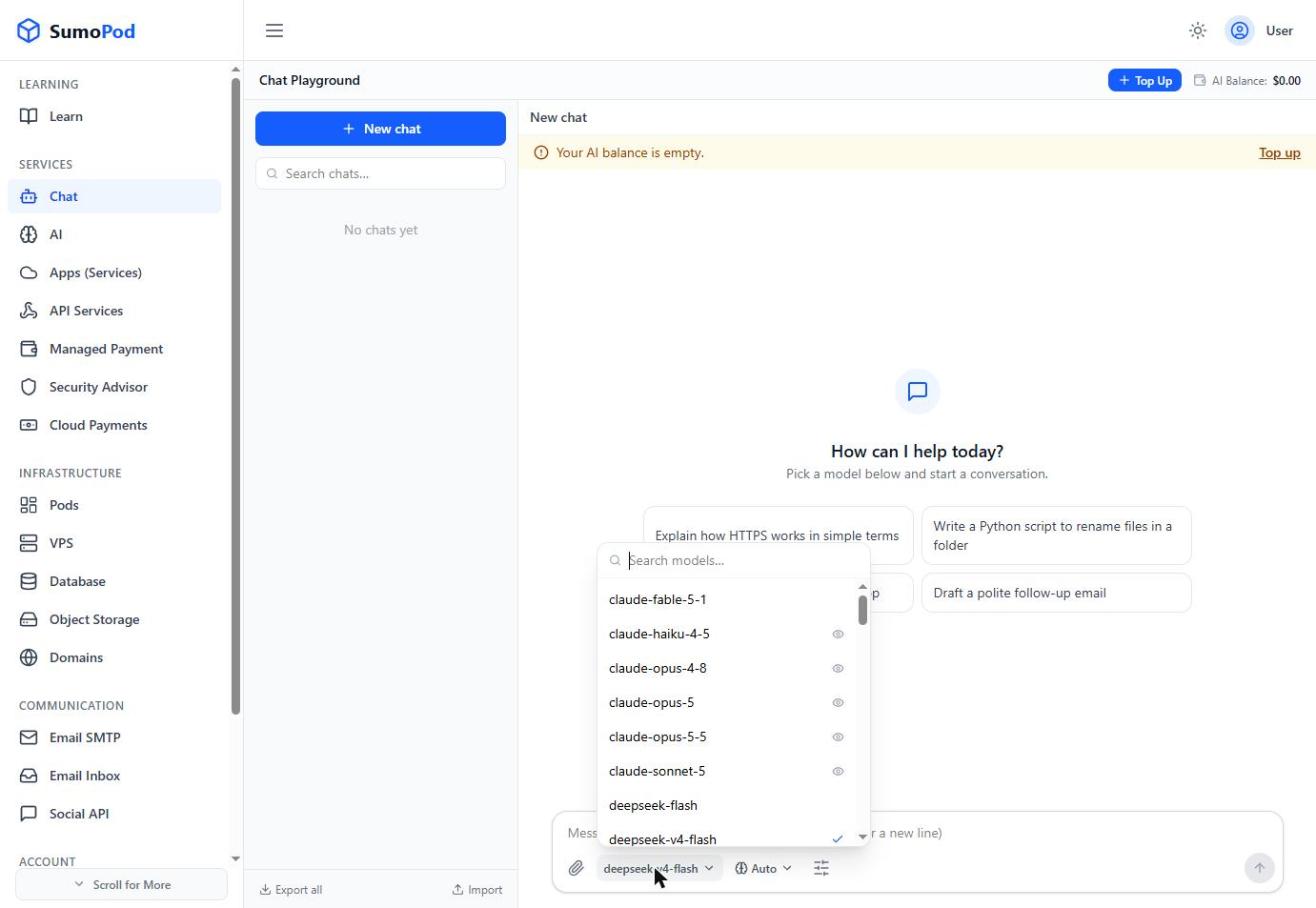
- In the dashboard Chat, you can switch models anytime from the model selector.
Last modified on