

AI
Using the OpenAI-Compatible API
Sumopod AI can be used with any SDK that supports the OpenAI format simply change the base URL to https://ai.sumopod.com/v1.
Steps
- Prepare an API Key from the AI menu.
- Change the base URL to https://ai.sumopod.com/v1.
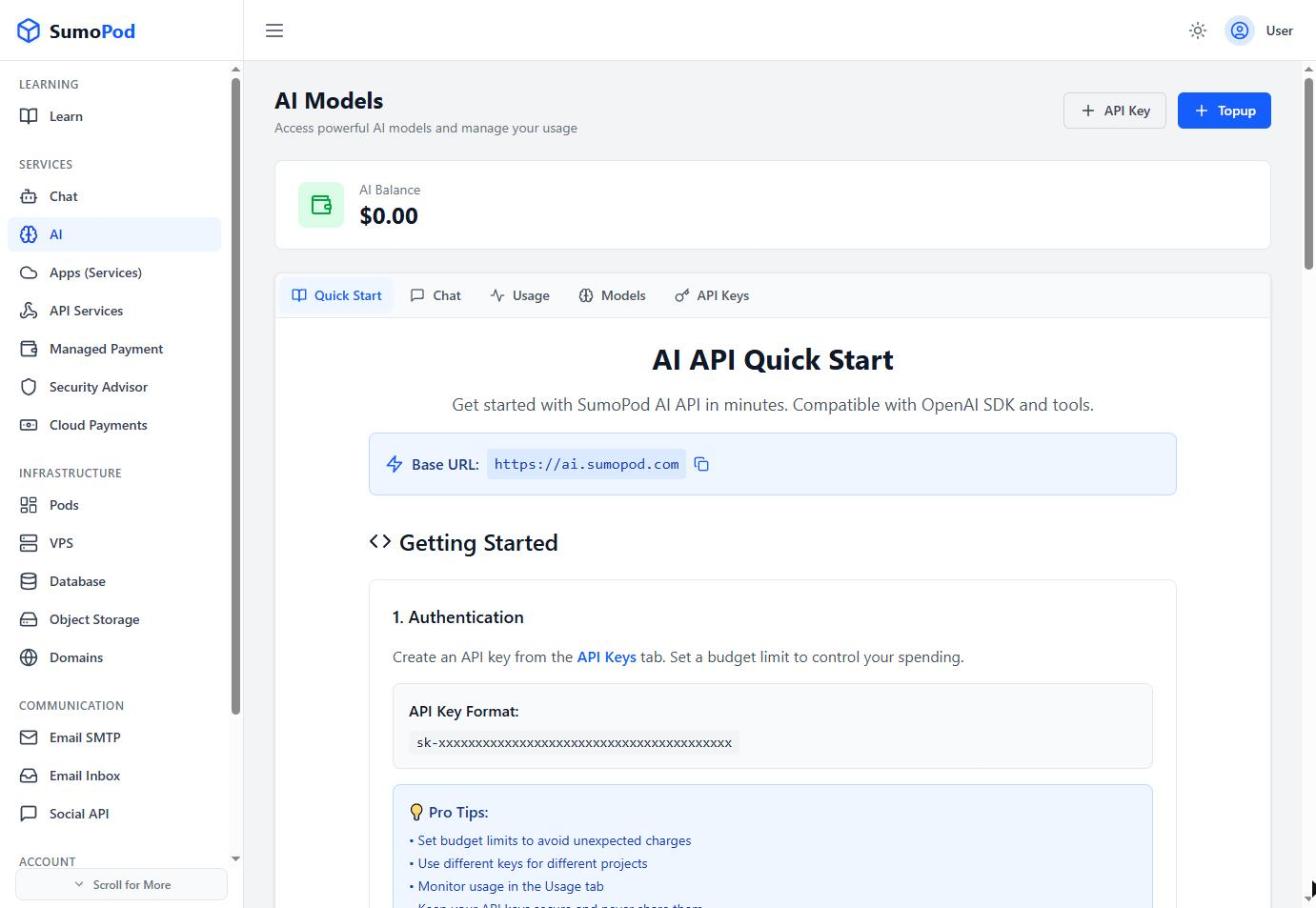
- Use the API Key in the Authorization header.
- Call the chat completions endpoint as usual, setting
modelto one of the available models.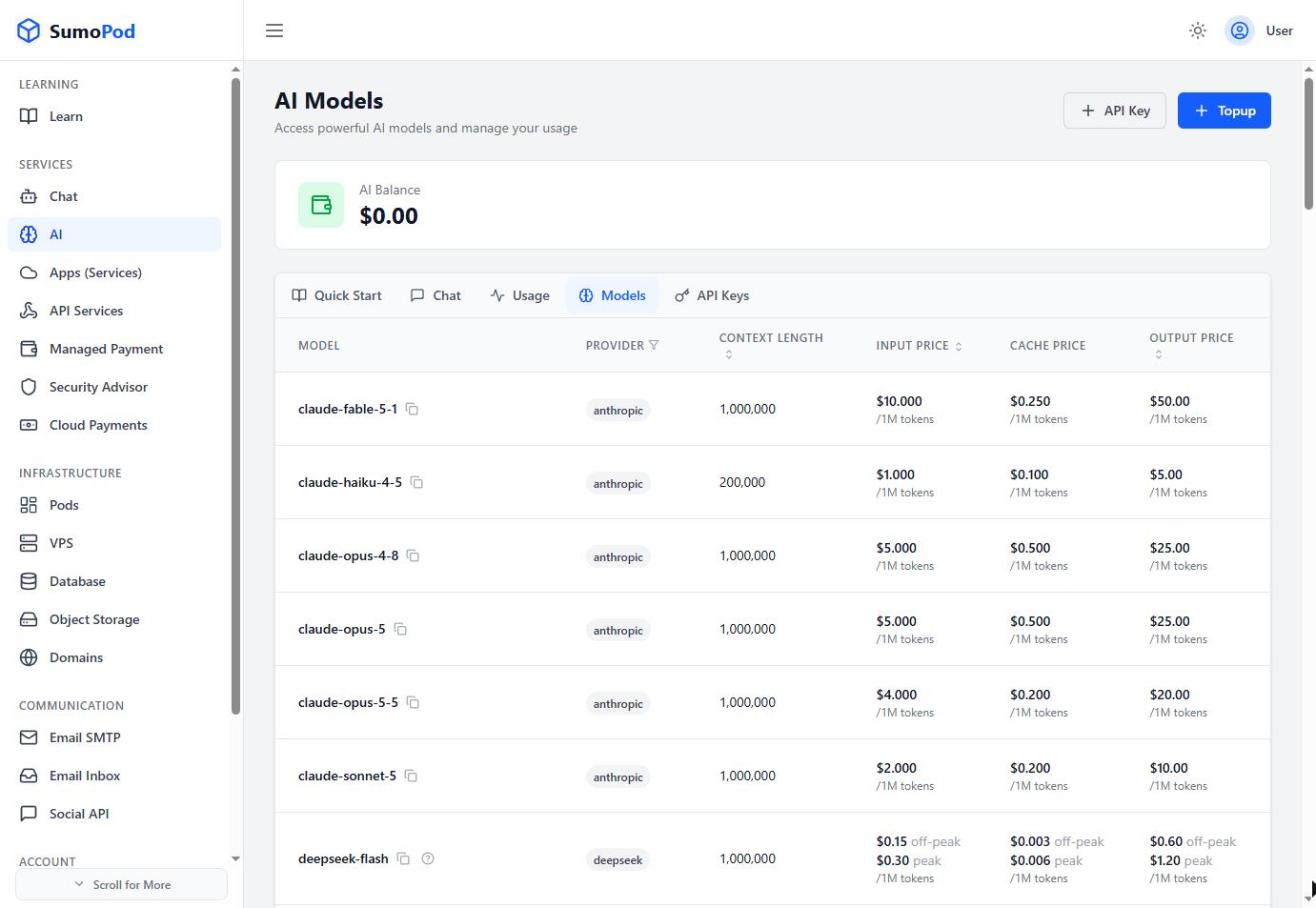
Example usage:
Code
Notes
- Sumopod models can generate text only.
- For more code examples (Python, Node.js, etc.), check the AI Quick Start.
Last modified on