

Object Storage
Managing Files with the File Browser
Upload, organize, and manage bucket files directly from the Dashboard — no SDK required.
Steps
- Open Object Storage, Manage on your bucket, File Browser tab.
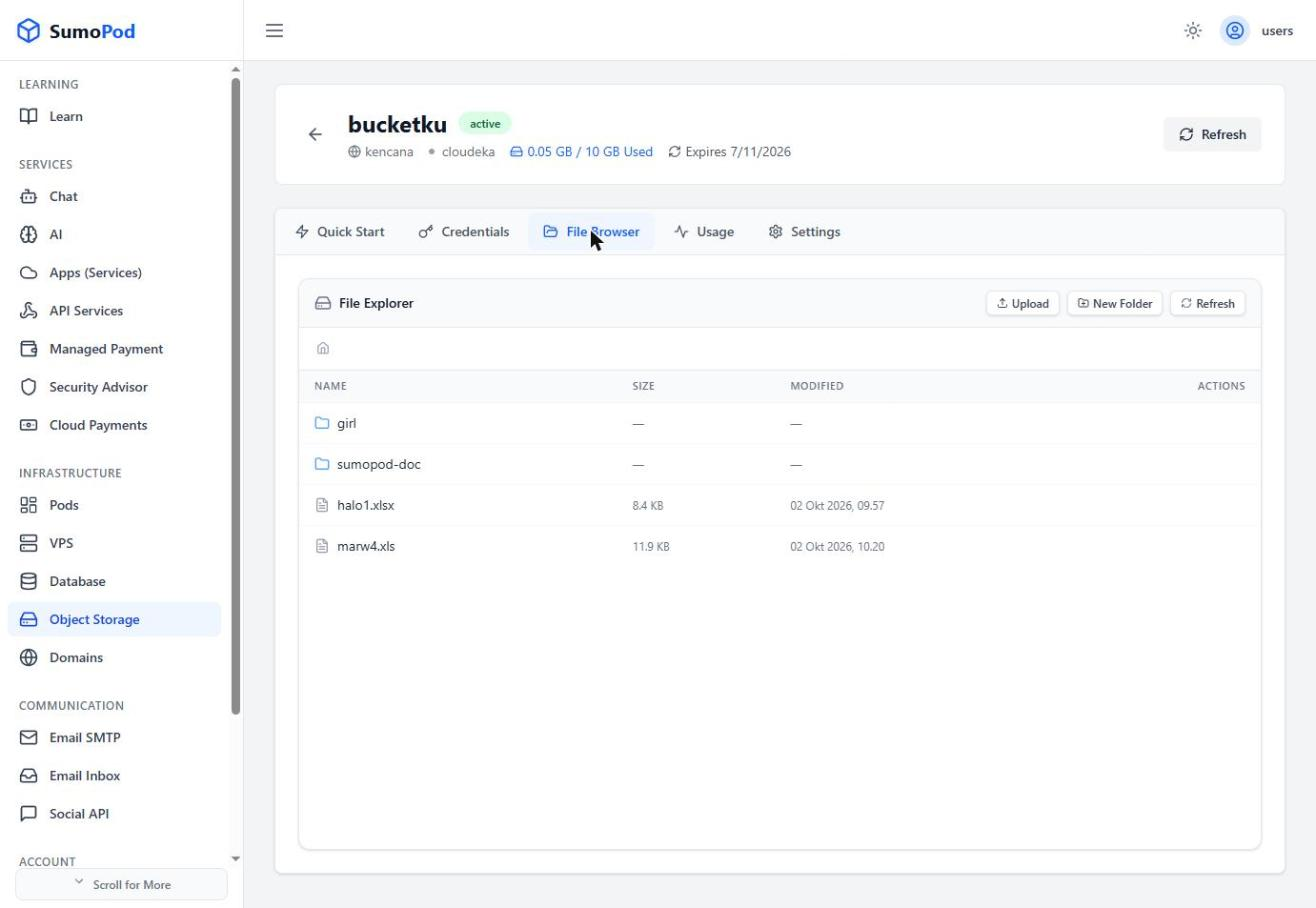
- Click Upload to add files, or New Folder to organize them.
- Use Refresh to see the latest file list (Name, Size, Modified date, Actions).
- Use the row Actions to download, rename, or delete individual files.
Notes
- This is a convenient alternative to the SDK/cURL methods in Object Storage Access, useful for quick checks or one-off uploads.
- To make the bucket public Doc Cloudeka
- Direct link: Object Storage
Last modified on