

Object Storage
Monitoring Usage & Managing Bucket Settings
Check how much storage you've used and manage billing for a bucket.
Steps
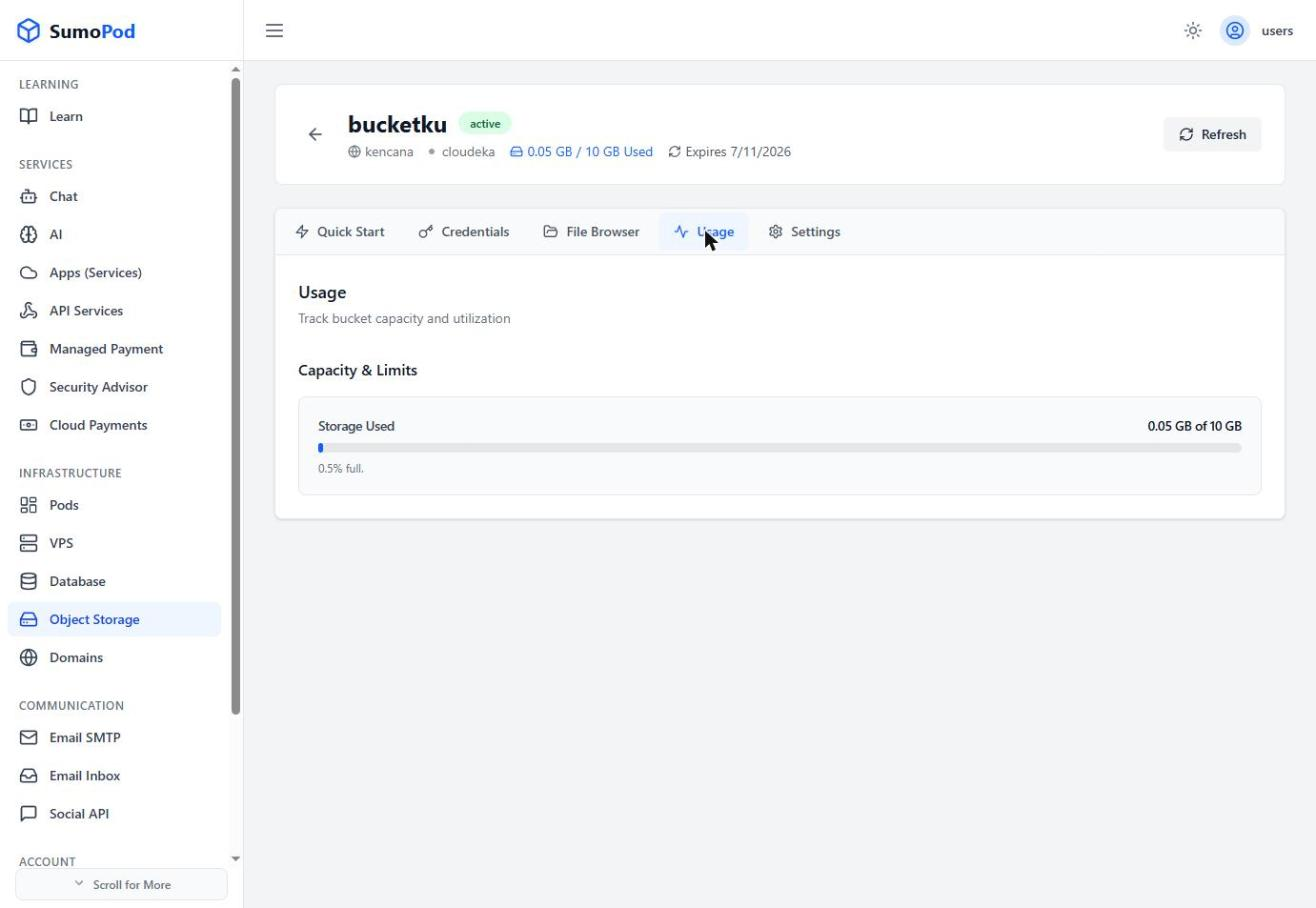
- Open your bucket's Usage tab to see Storage Used versus your plan's limit.
- Open the Settings tab to manage the bucket itself: toggle Auto Renewal on or off.
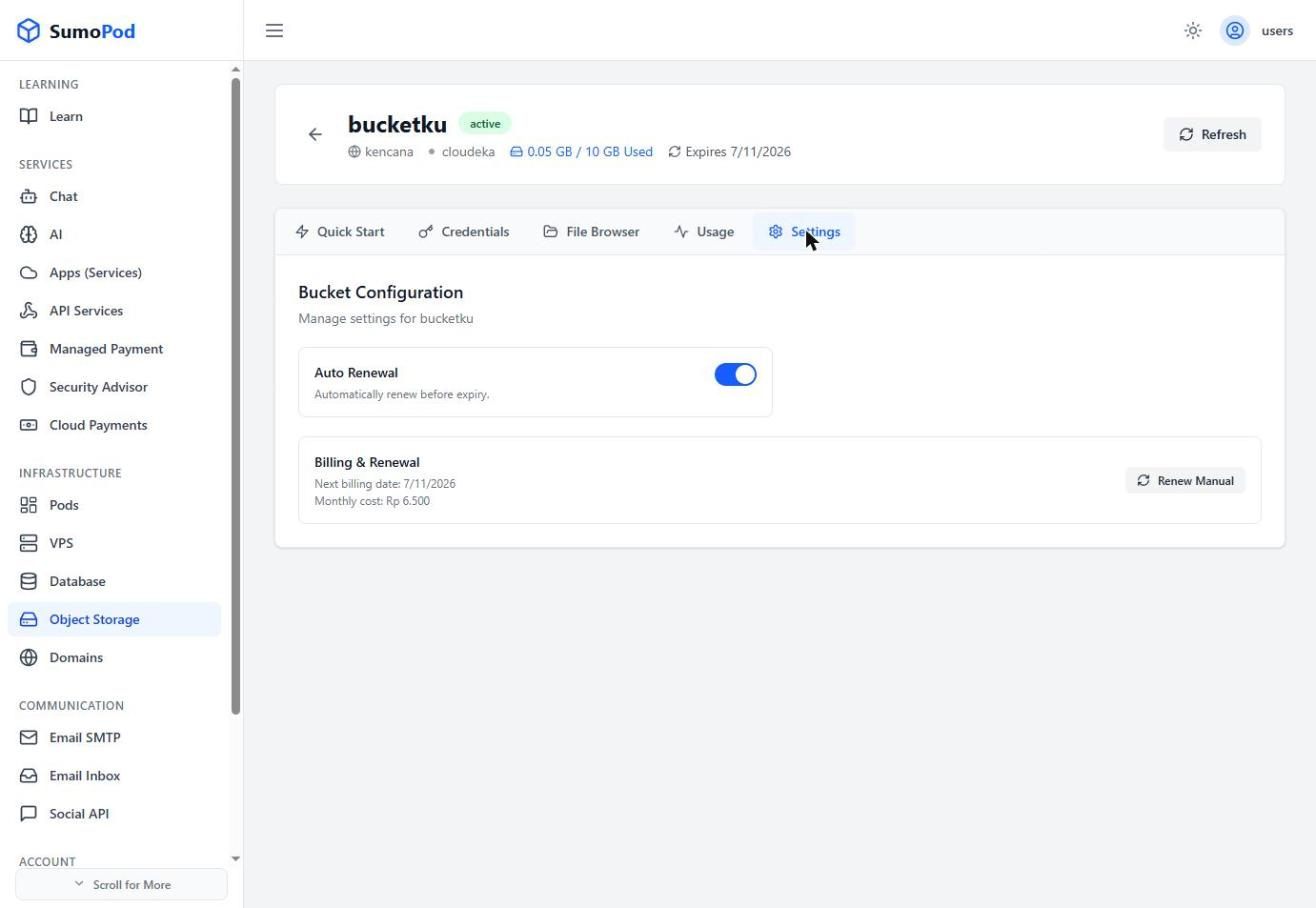
- Check Billing & Renewal for the next billing date and monthly cost, or click Renew Manual to renew immediately instead of waiting for auto-renewal.
Notes
- If a bucket isn't renewed before its expiry date, it may become inactive, keep Auto Renewal on unless you plan to renew manually.
- Direct link: Object Storage
Last modified on