

SMTP
Using SMTP Service
Sumopod's Email SMTP service is included with your account, there's nothing to buy or activate first. Usage is billed from a separate Email Credit Balance, counted per email sent.
Steps
- Open the Dashboard and select the Email SMTP menu.
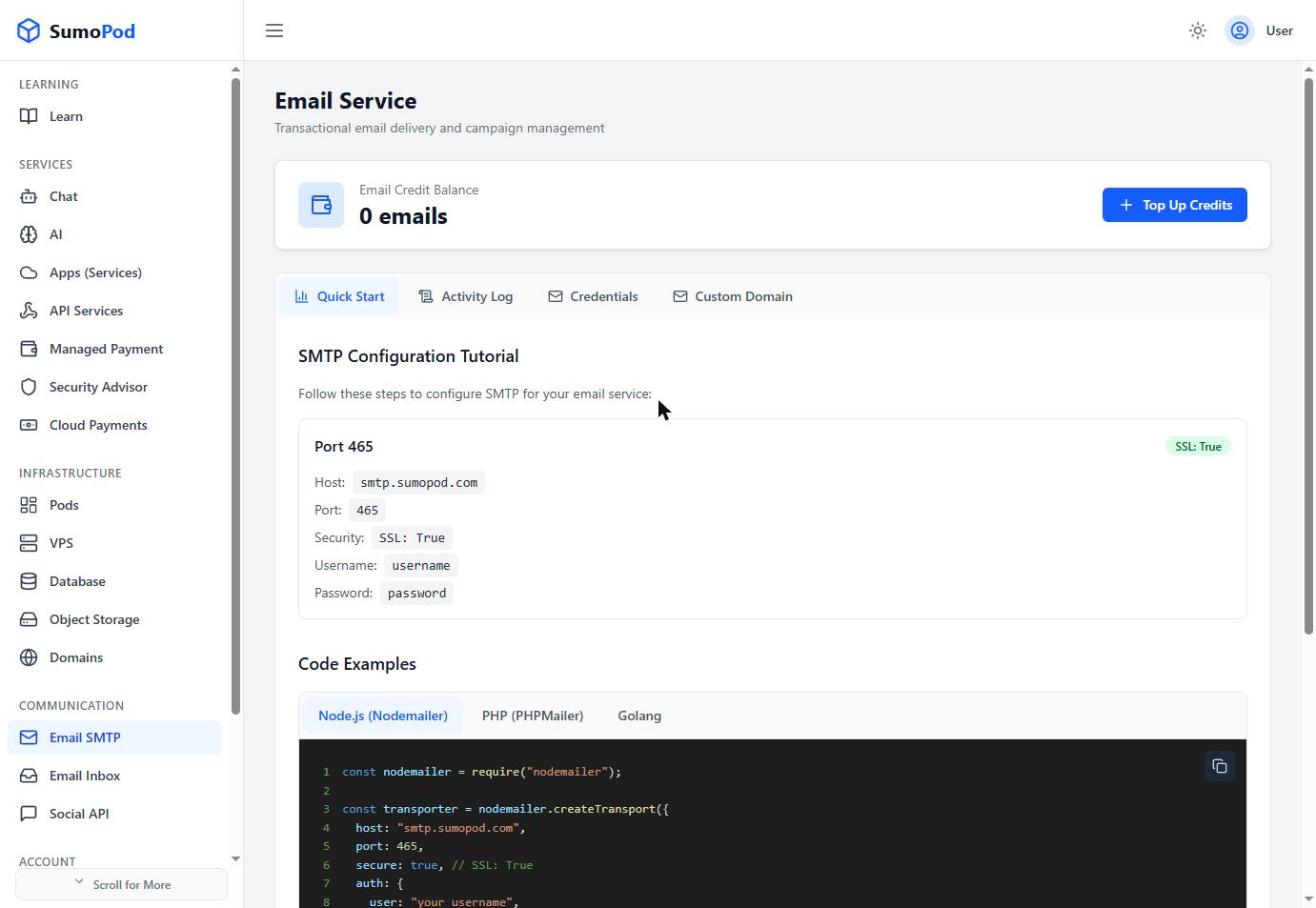
- Go to the Credentials tab.
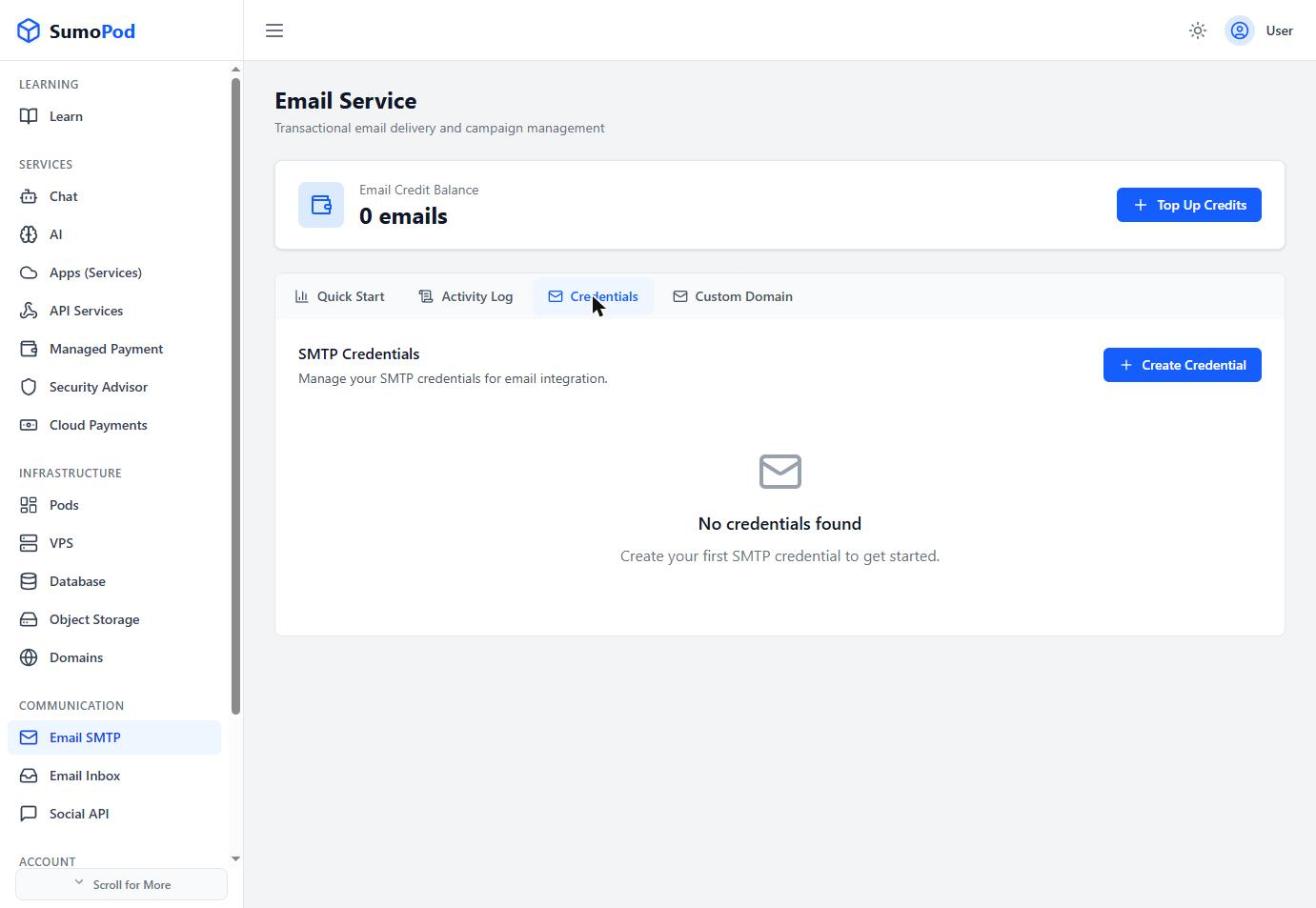
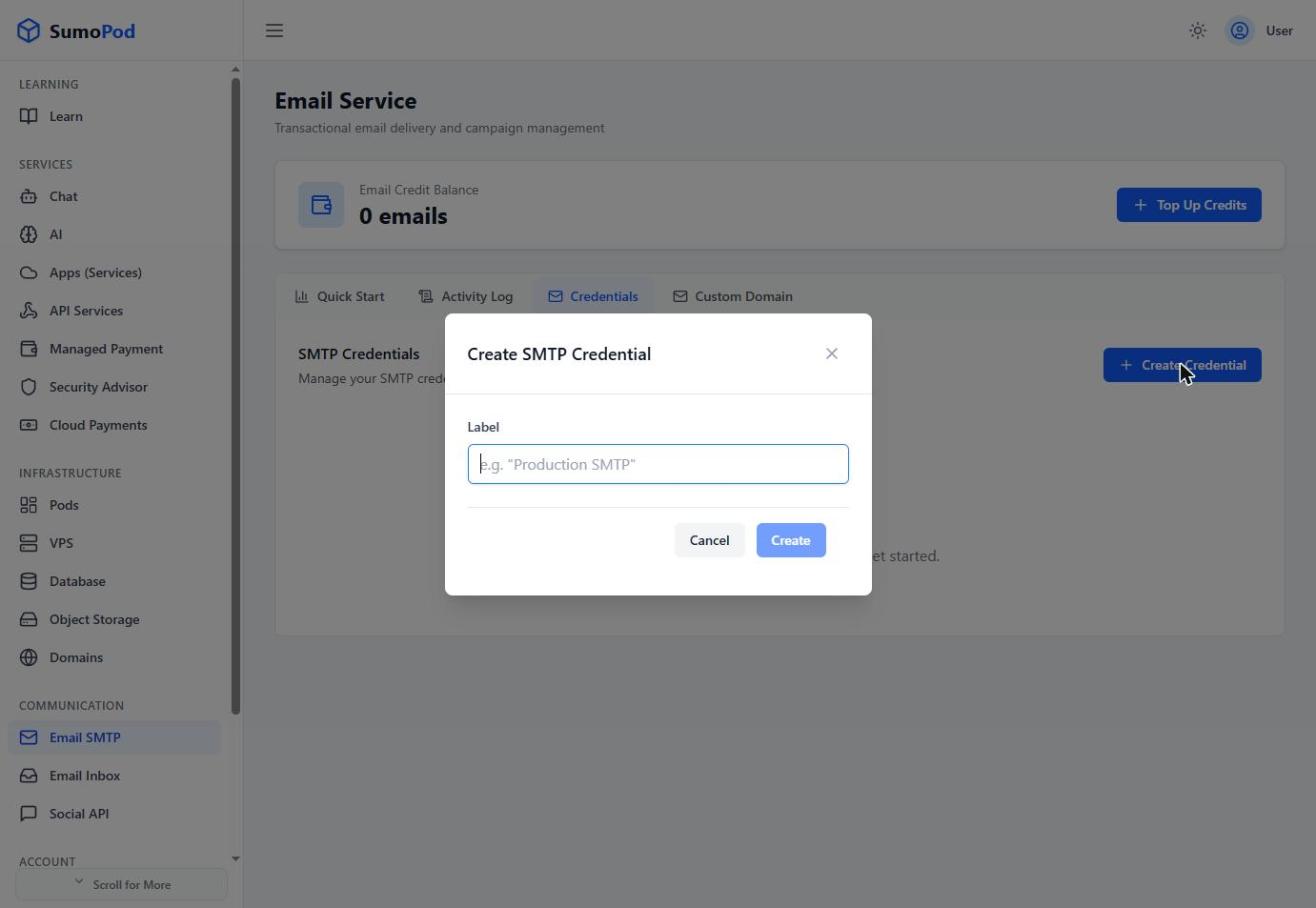
- Click Create Credential, give it a label, and click Create.
- Use the generated credentials. Host
smtp.sumopod.com, port465(SSL), plus the username and password shown in your application.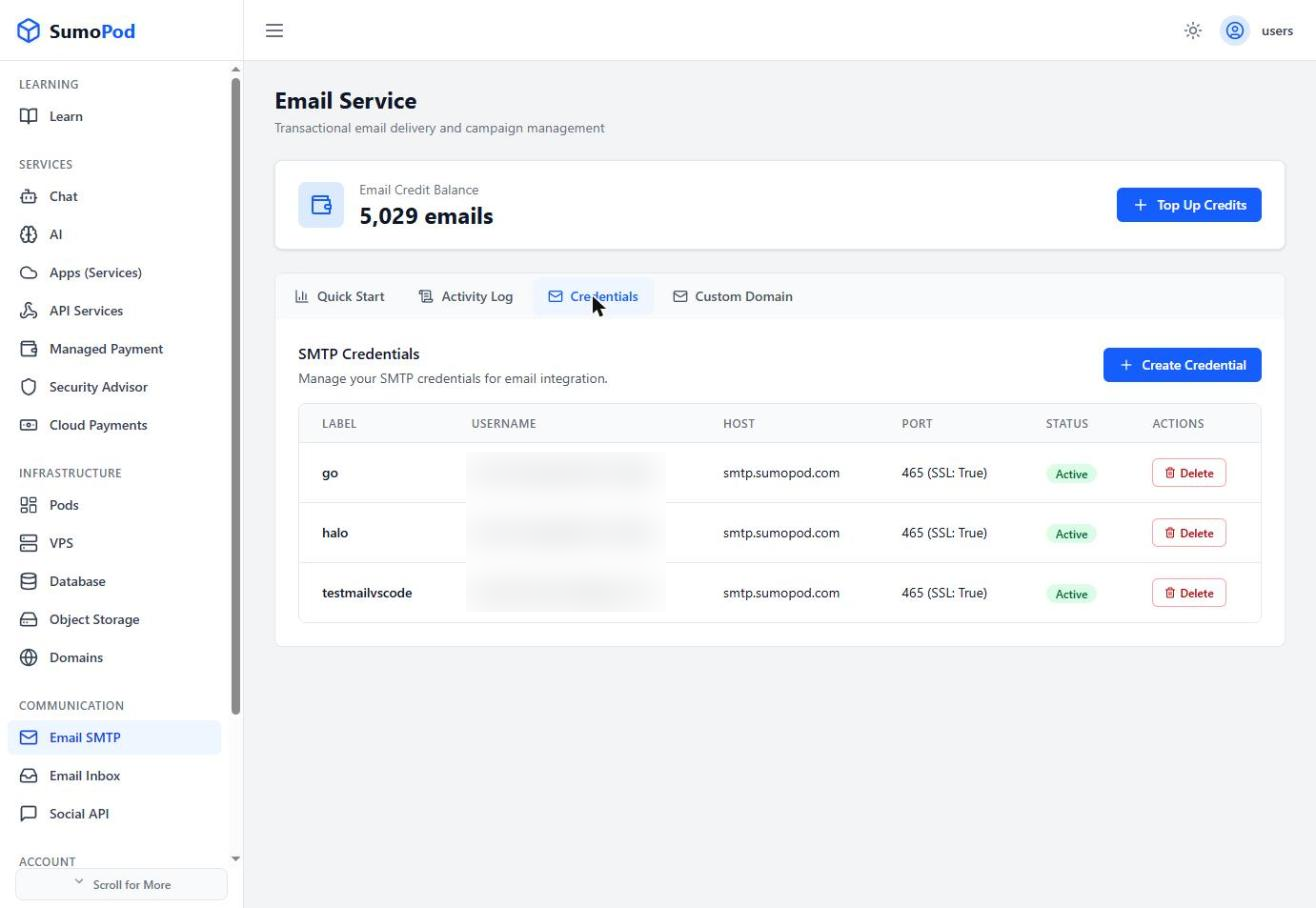
- Top up your Email Credit Balance anytime using the Top Up Credits button if you're running low.
Notes
- You can create multiple named credentials and delete them independently from the Credentials table.
- Ready-made code examples (Node.js/Nodemailer, PHP/PHPMailer, Golang) are available on the Quick Start tab.
- To send from your own domain instead of the default one, verify it under the Custom Domain tab by adding the DKIM, SPF, and verification TXT records shown there.
- Direct link: Email SMTP
Last modified on