

SMTP
Custom Domain for SMTP
Verify your own domain so you can send emails from it (e.g. you@yourdomain.com) instead of the default Sumopod sender.
Steps
- Open Email SMTP → Custom Domain tab.
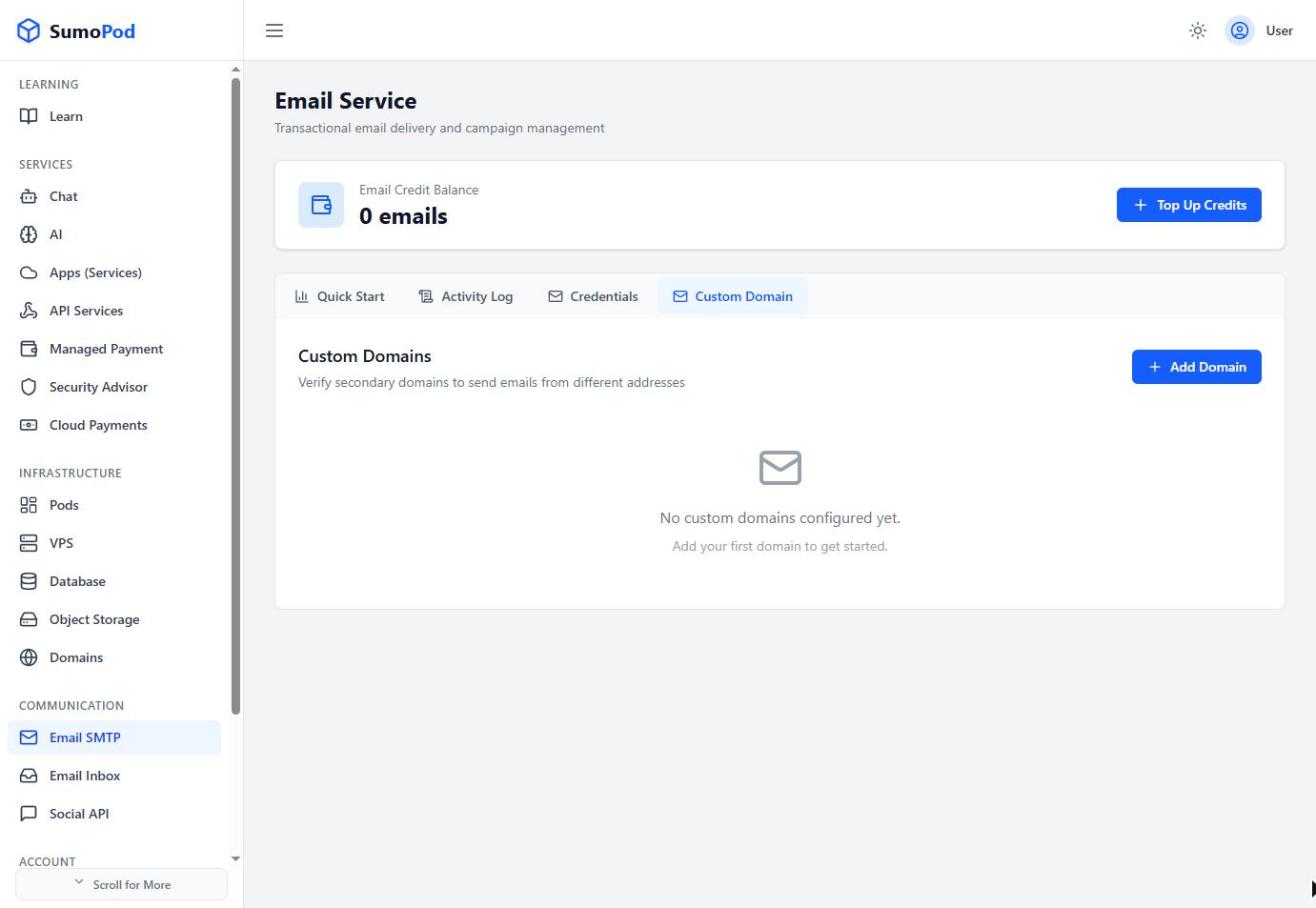
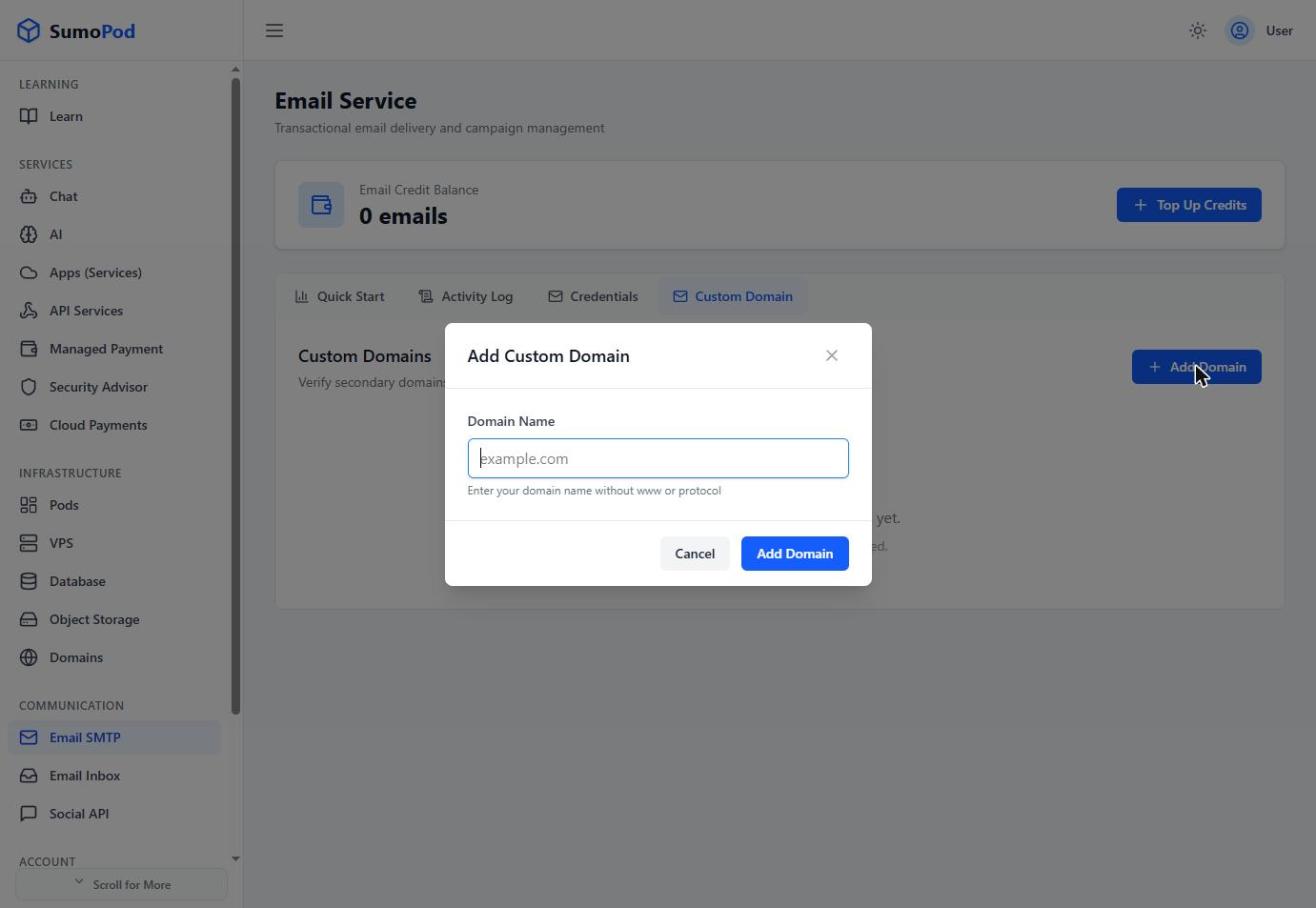
- Click Add Domain and enter the domain you want to verify.
- Add the three DNS records shown to your domain's DNS settings:
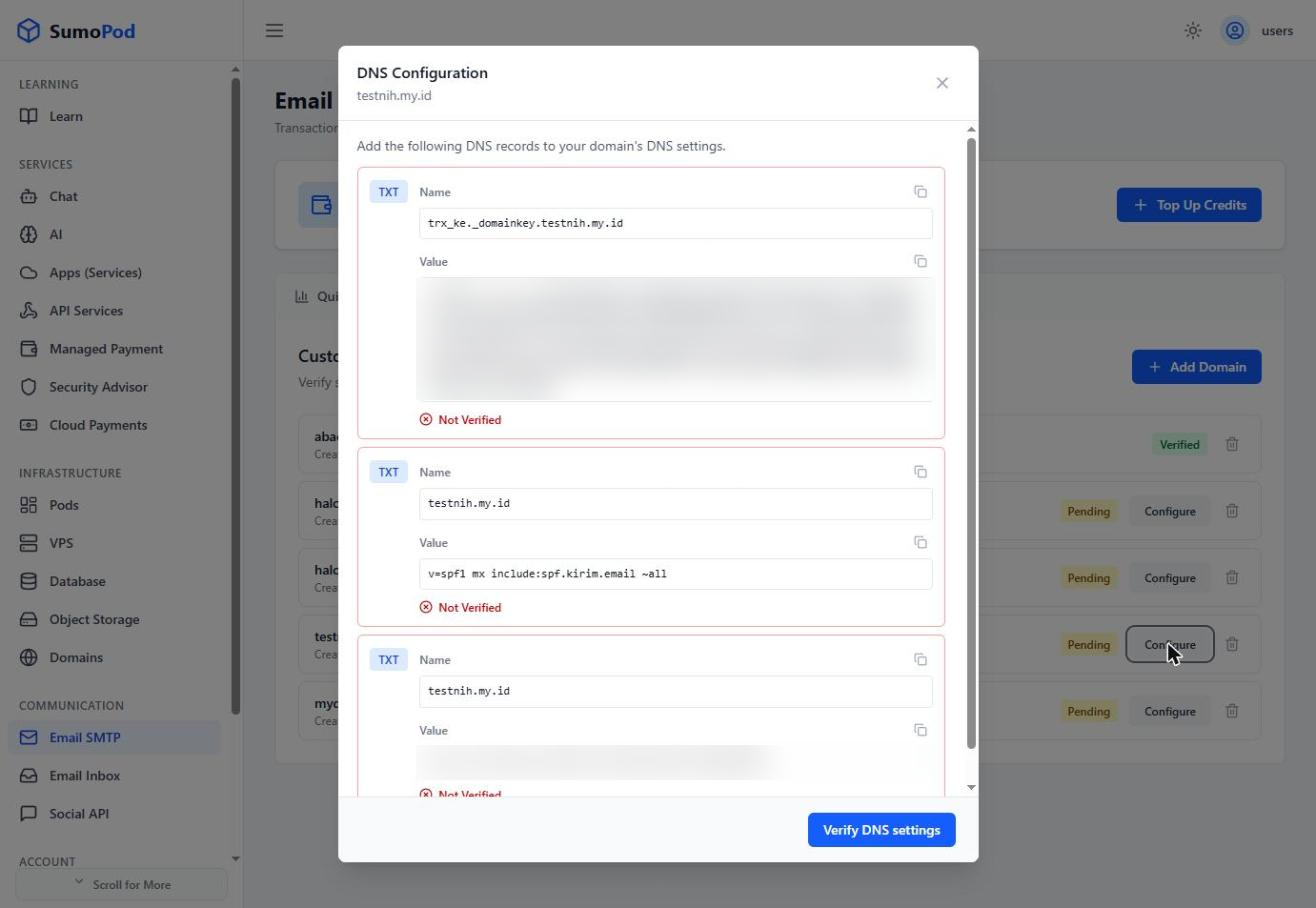
- A TXT record for DKIM, name
trx_ke._domainkey.<yourdomain>. - A TXT record for SPF at your domain root:
v=spf1 mx include:spf.kirim.email ~all. - A TXT record for ownership verification:
sumo-verification=<token>(token is unique per domain).
- A TXT record for DKIM, name
- Once the records have propagated, click Verify DNS settings.
Notes
- A domain shows Pending until all three records are verified, then switches to Verified.
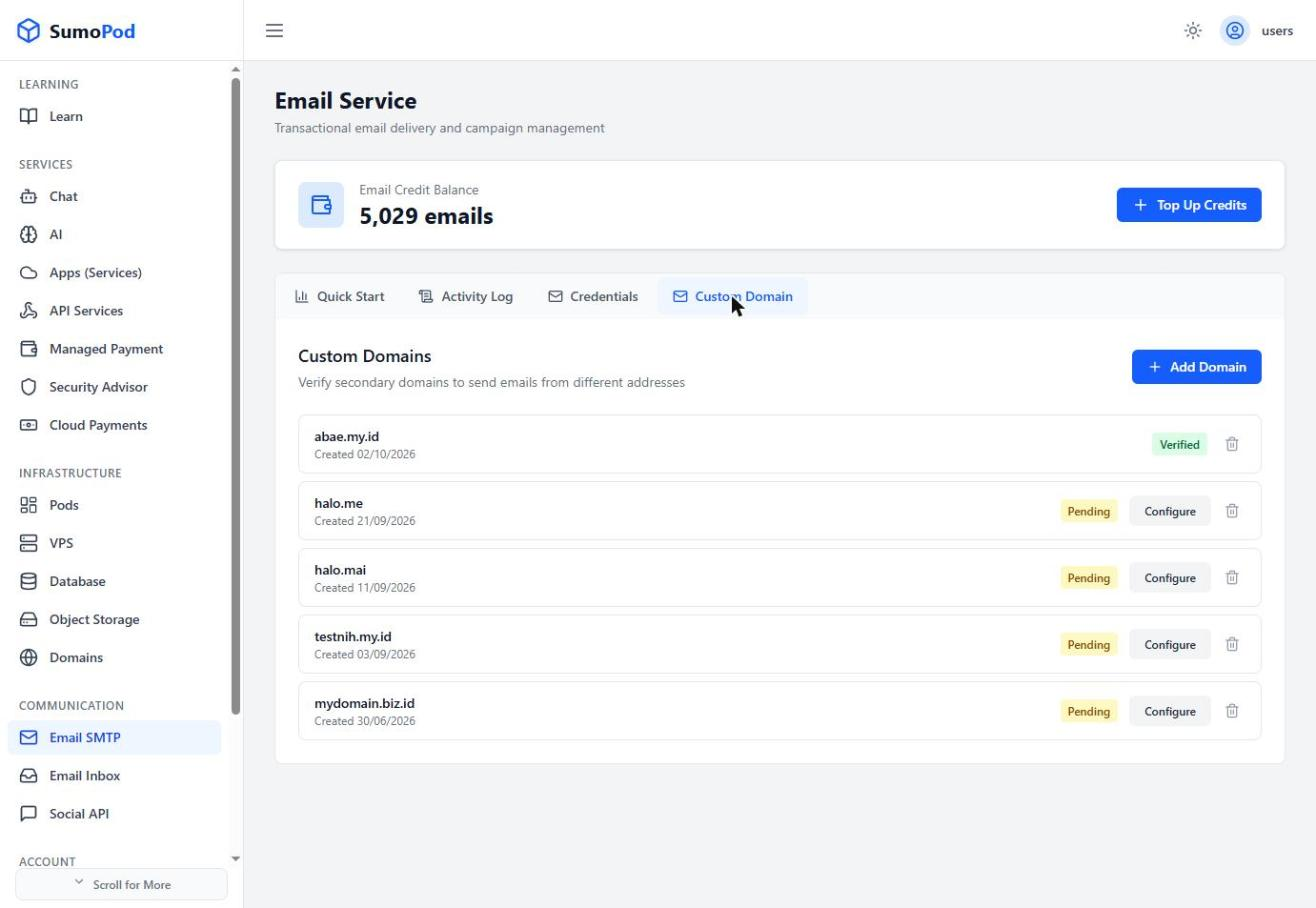
- DNS propagation can take some time, if verification fails right away, wait a bit and try Verify DNS settings again.
- Direct link: Email SMTP
Last modified on