

SMTP
SMTP Configuration
Once you have a credential, configure your application to send through Sumopod's SMTP server.
Steps
- Open Email SMTP, Credentials, and copy the host, port, username, and password for the credential you want to use.
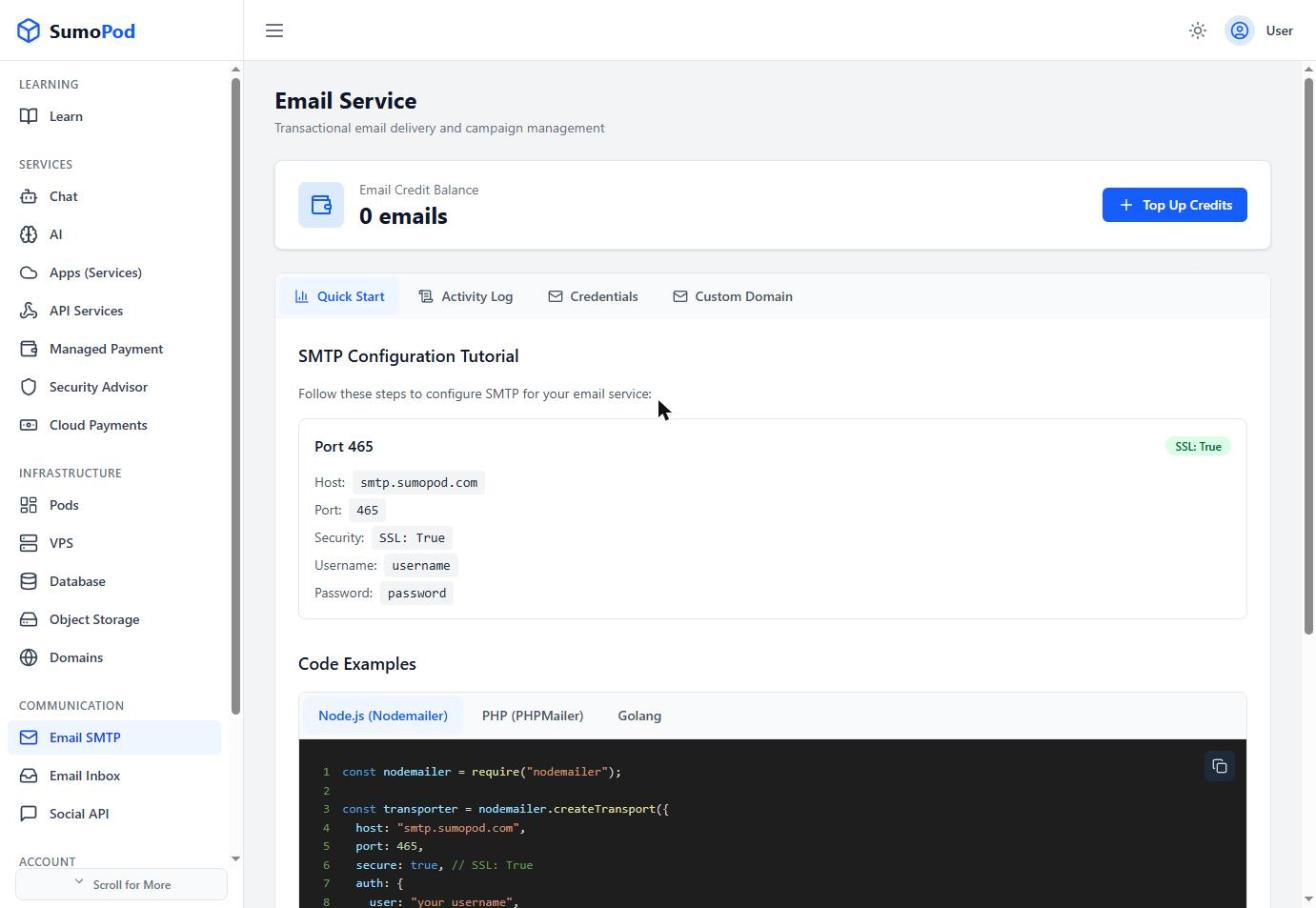
- Configure your application's mail library with: host
smtp.sumopod.com, port465, SSL/TLS enabled. - Send a test email to confirm the connection works.
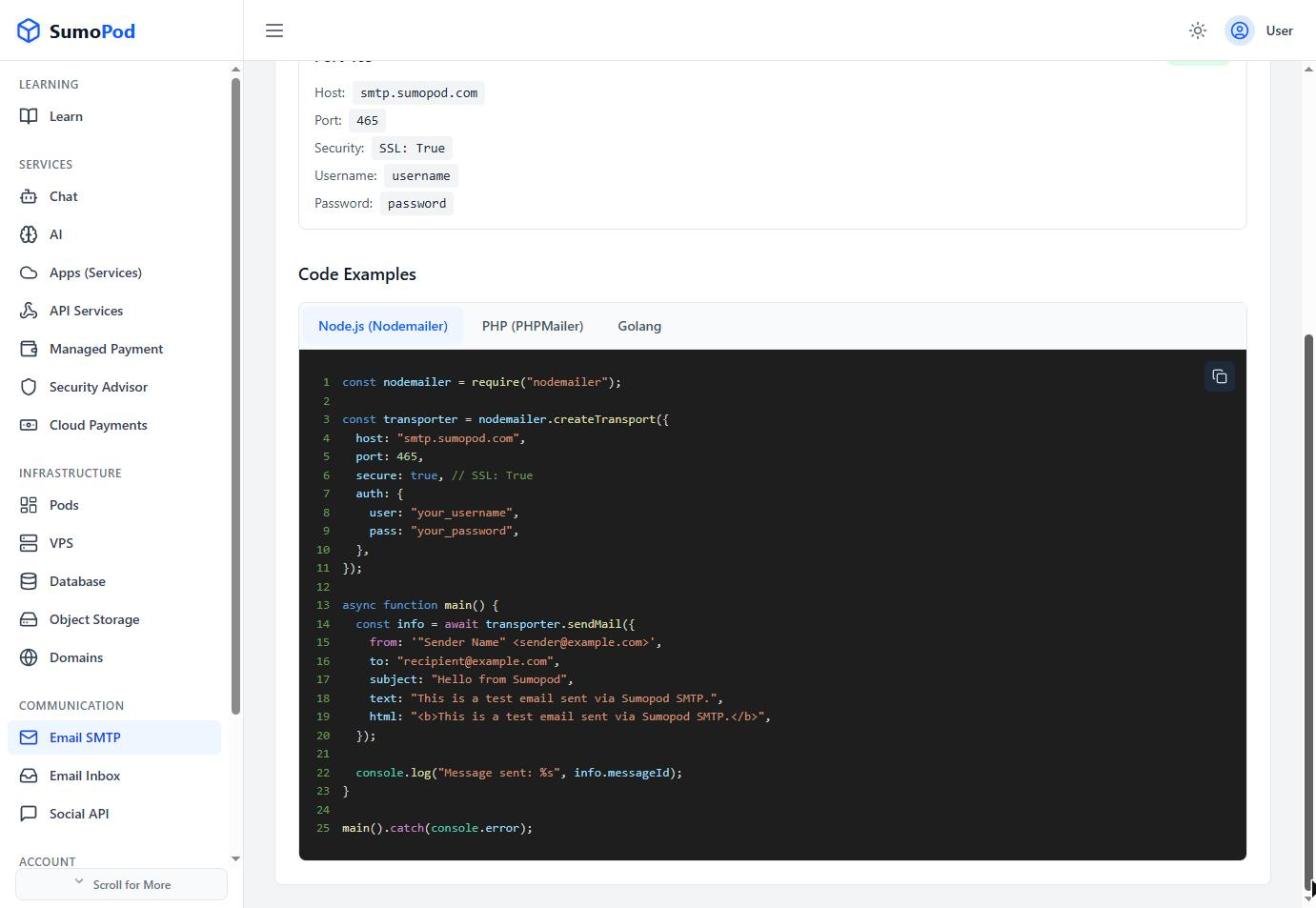
Example (Node.js / Nodemailer)
Code
Notes
- PHP (PHPMailer) and Golang examples are also available on the Quick Start tab.
- Check the Activity Log tab if an email doesn't arrive, it shows delivery status per message.
- Direct link: Email SMTP
Last modified on