

SMTP
Monitoring Email Activity
Track whether the emails you send through Sumopod's SMTP actually get delivered.
Steps
- Open Email SMTP, Activity Log tab.
- Check the summary counters: Total Sent, Delivered, Bounced, Failed, Queued.
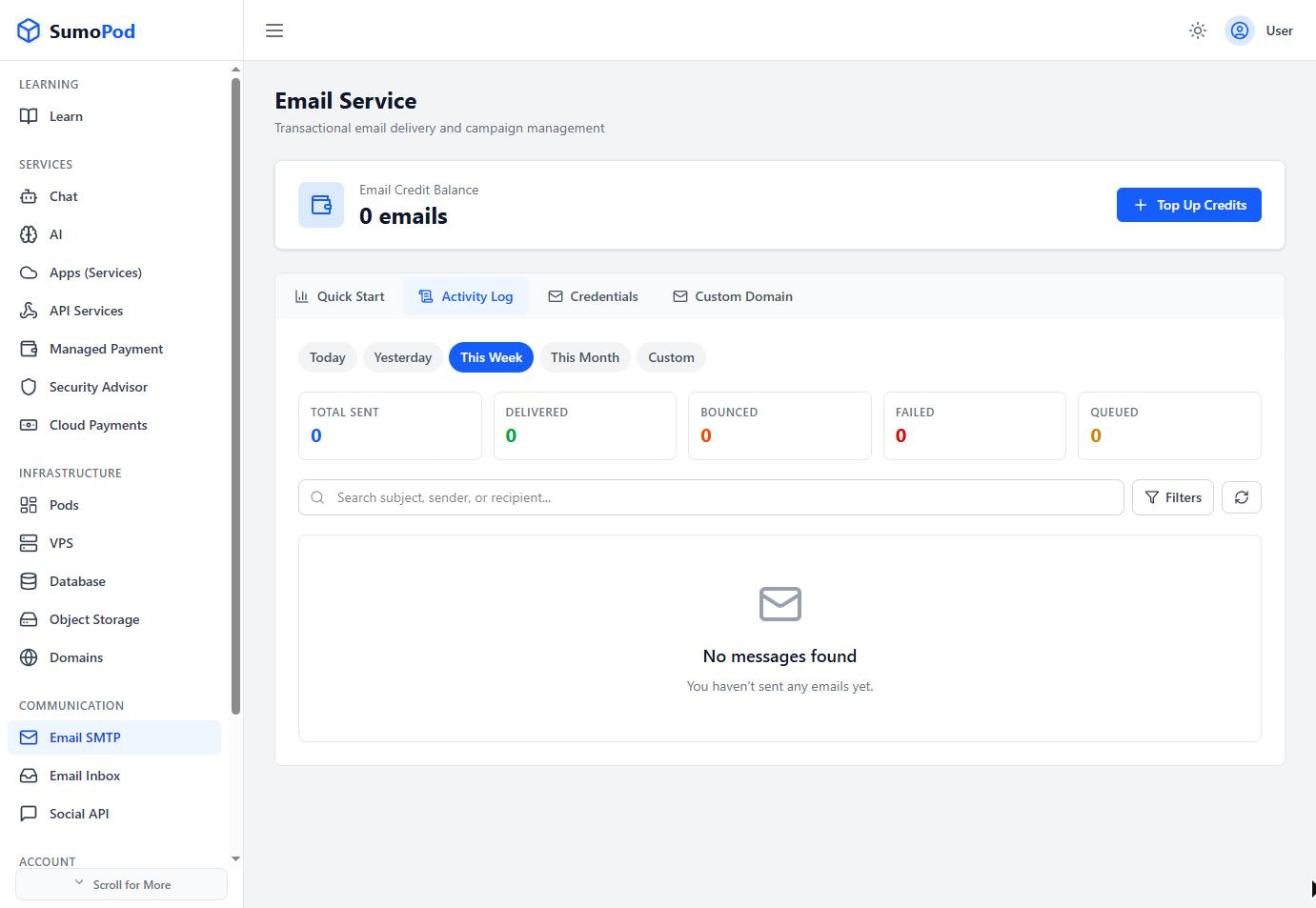
- Use the date filter (Today / Yesterday / This Week / This Month / Custom) and the Filters option to narrow down the message log.
- Review individual messages in the log to diagnose a specific delivery issue.
Notes
- A bounced or failed message usually means an invalid recipient address or a receiving-server rejection, check the message detail for the reason.
- Direct link: Email SMTP
Last modified on