

Cannot Access
Resource Overload
VPS Resource Overload
If your VPS is unresponsive due to excessive resource usage:
- Check resource usage — Log in via web console and run
htoportopto check CPU and memory usage.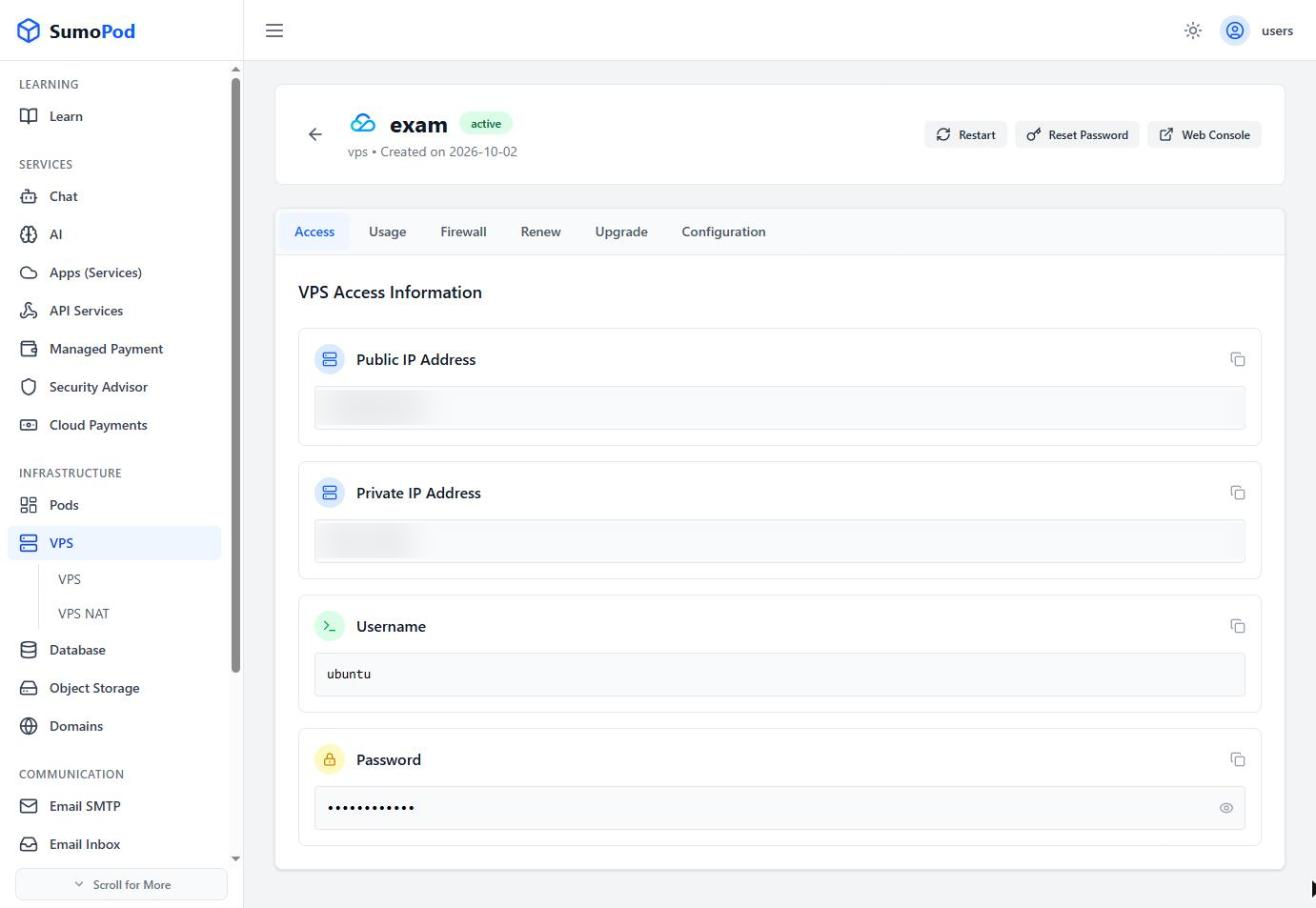
- Identify high-consumption processes — Look for processes consuming excessive resources.
- Kill or restart problematic processes — Use
killor restart the service causing the issue. - Restart the VPS — If the VPS is completely unresponsive, restart it from the Sumopod dashboard.
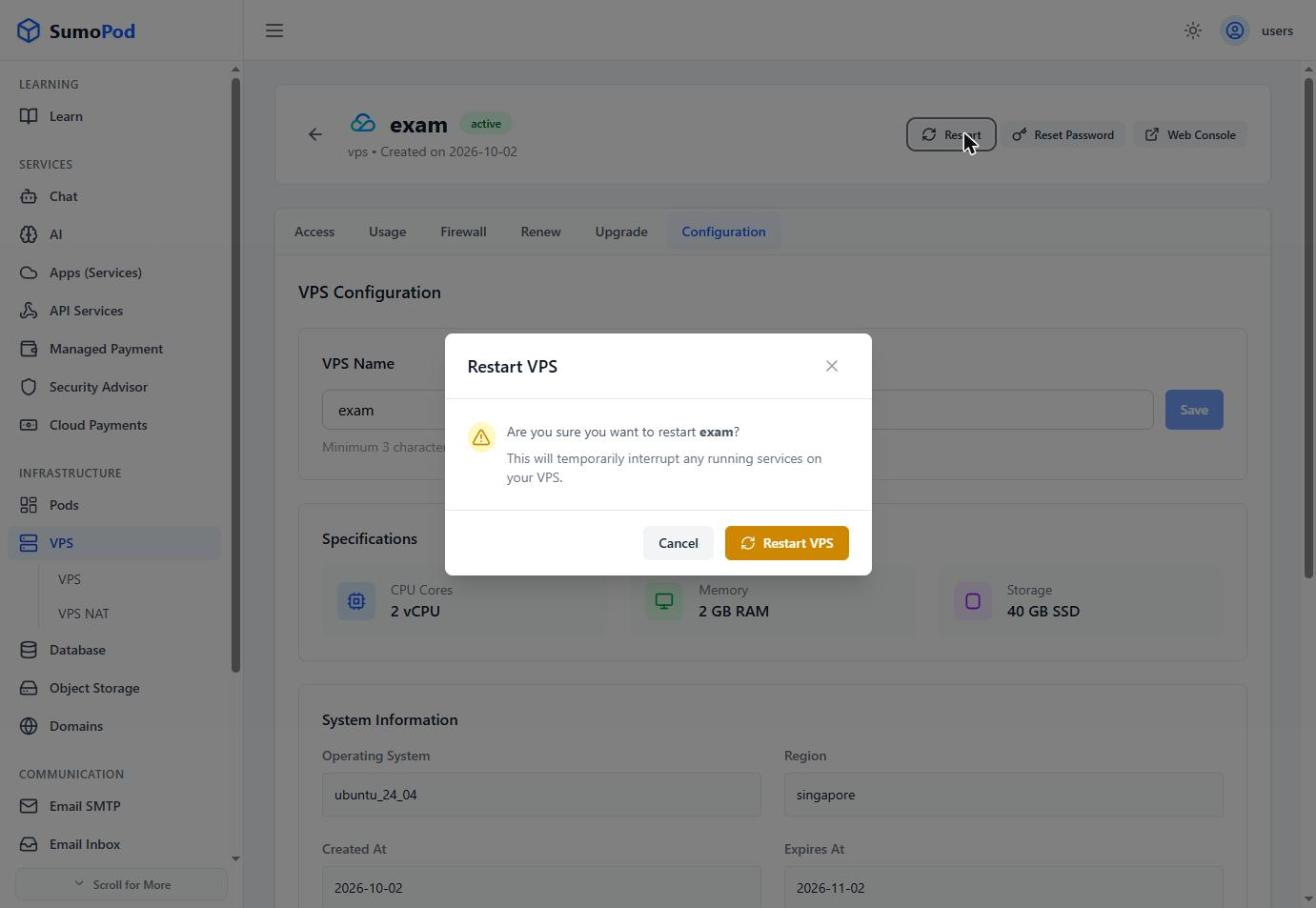
- Consider upgrading — If resource overload happens frequently, consider upgrading to a higher plan.
- Contact support — If the issue persists, contact our support team at support@sumopod.com.
Last modified on