

Cannot Access
SSH After Reset
Cannot SSH After VPS Reset
If you cannot connect via SSH after resetting or reinstalling your VPS:
-
Remove old SSH key — Your local machine still has the old server key stored. Run:
CodeReplace
your-vps-ipwith your actual VPS IP address, shown on the VPS Access tab.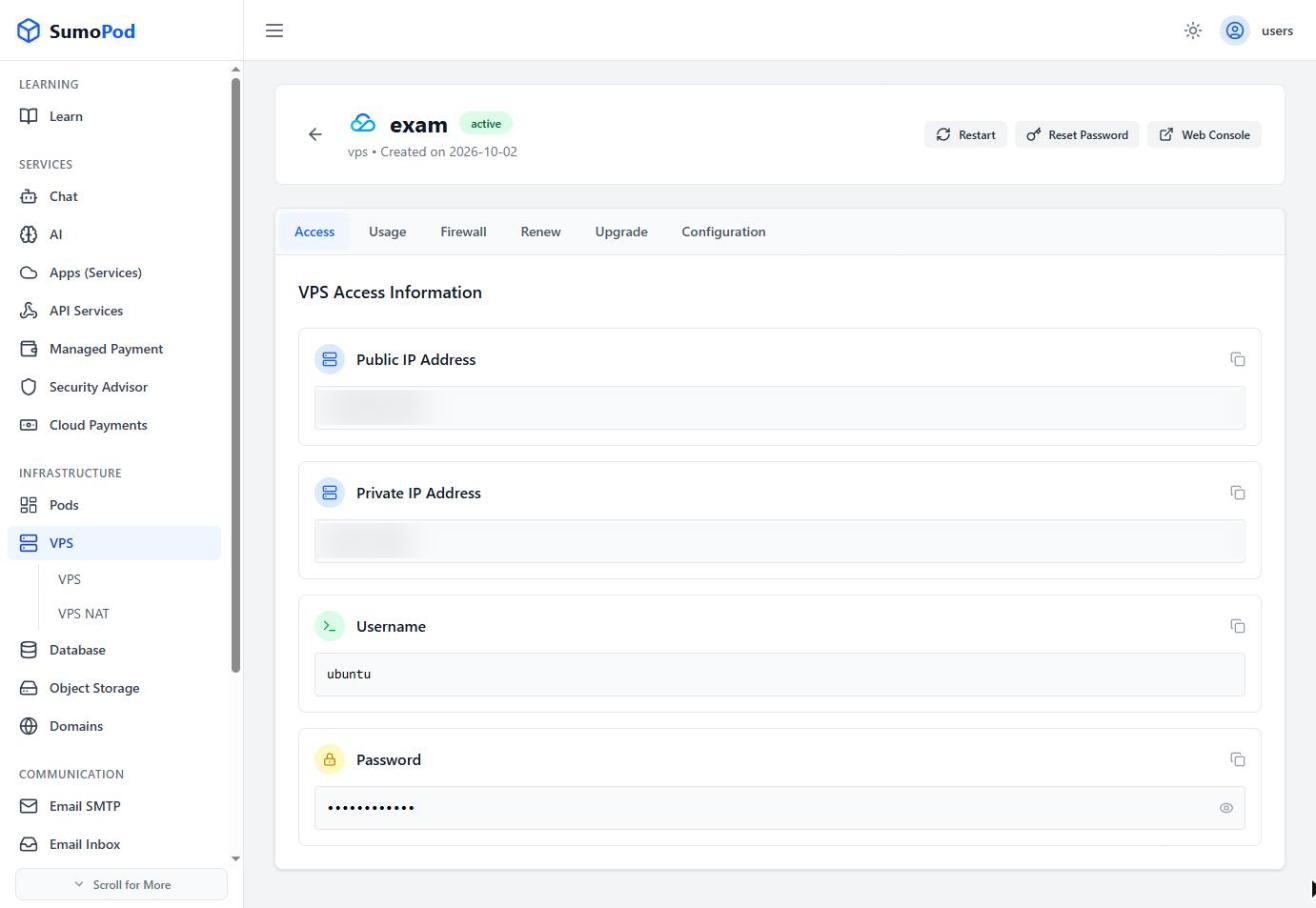
-
Try SSH again — After removing the old key, reconnect:
Code -
Verify the new fingerprint — You will be prompted to accept the new server fingerprint. Type
yesto continue. -
If still failing — Check that the new OS was installed correctly and SSH service is running.
-
Contact support — If the issue persists, contact our support team at support@sumopod.com.
Last modified on