

Managed Payment
Managed Payment Integration
Use webhooks to get notified automatically when a payment's status changes, instead of polling the API.
Steps
- Open Managed Payment → Settings → Webhook, enter your endpoint URL, then click Save & Test.
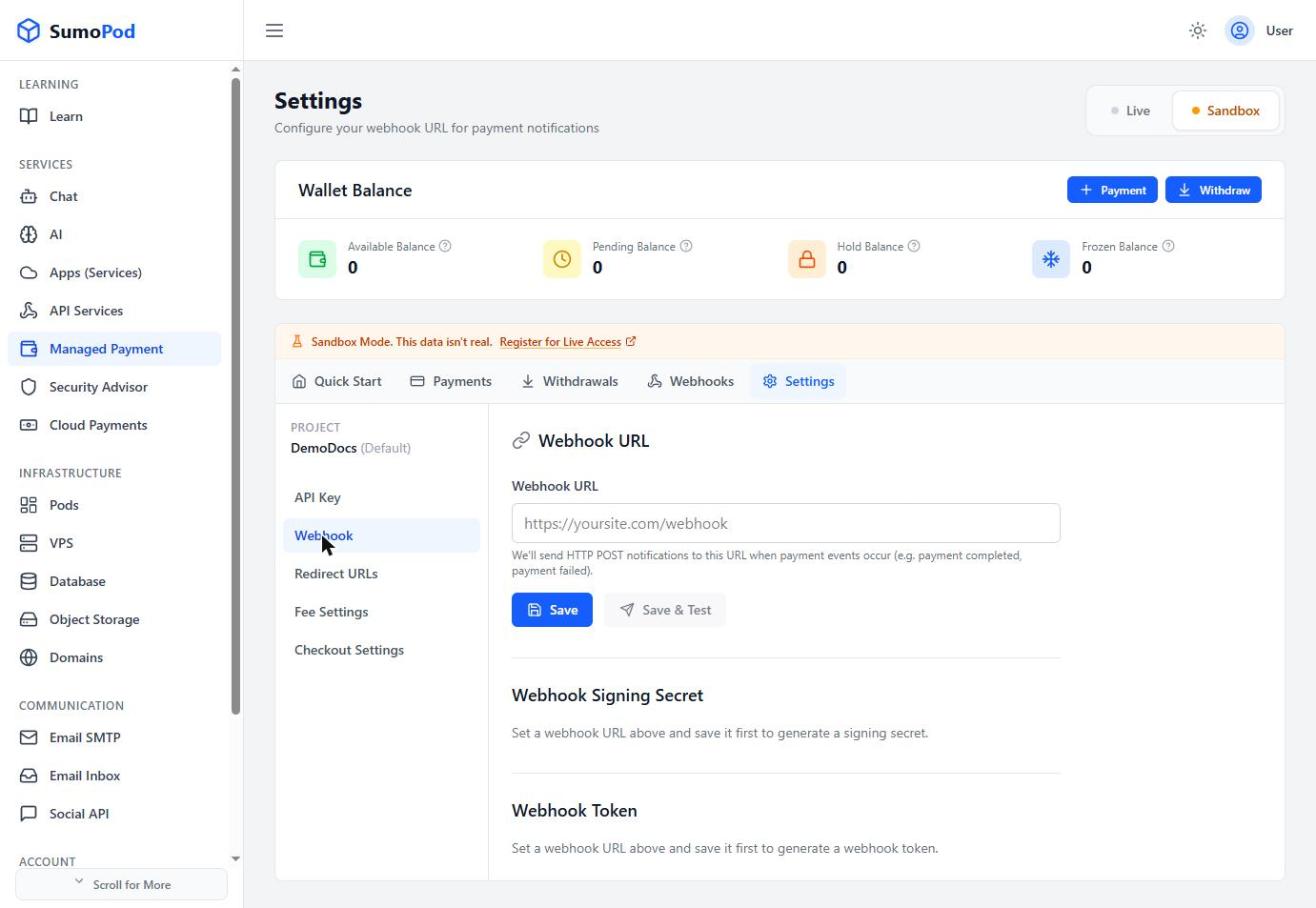
- Your endpoint will receive an HTTP POST for events like
payment.completed,payment.failed, andpayment.expired. It must respond with a 2xx status within 10 seconds, or the webhook is marked failed (you can resend it from the Webhooks tab).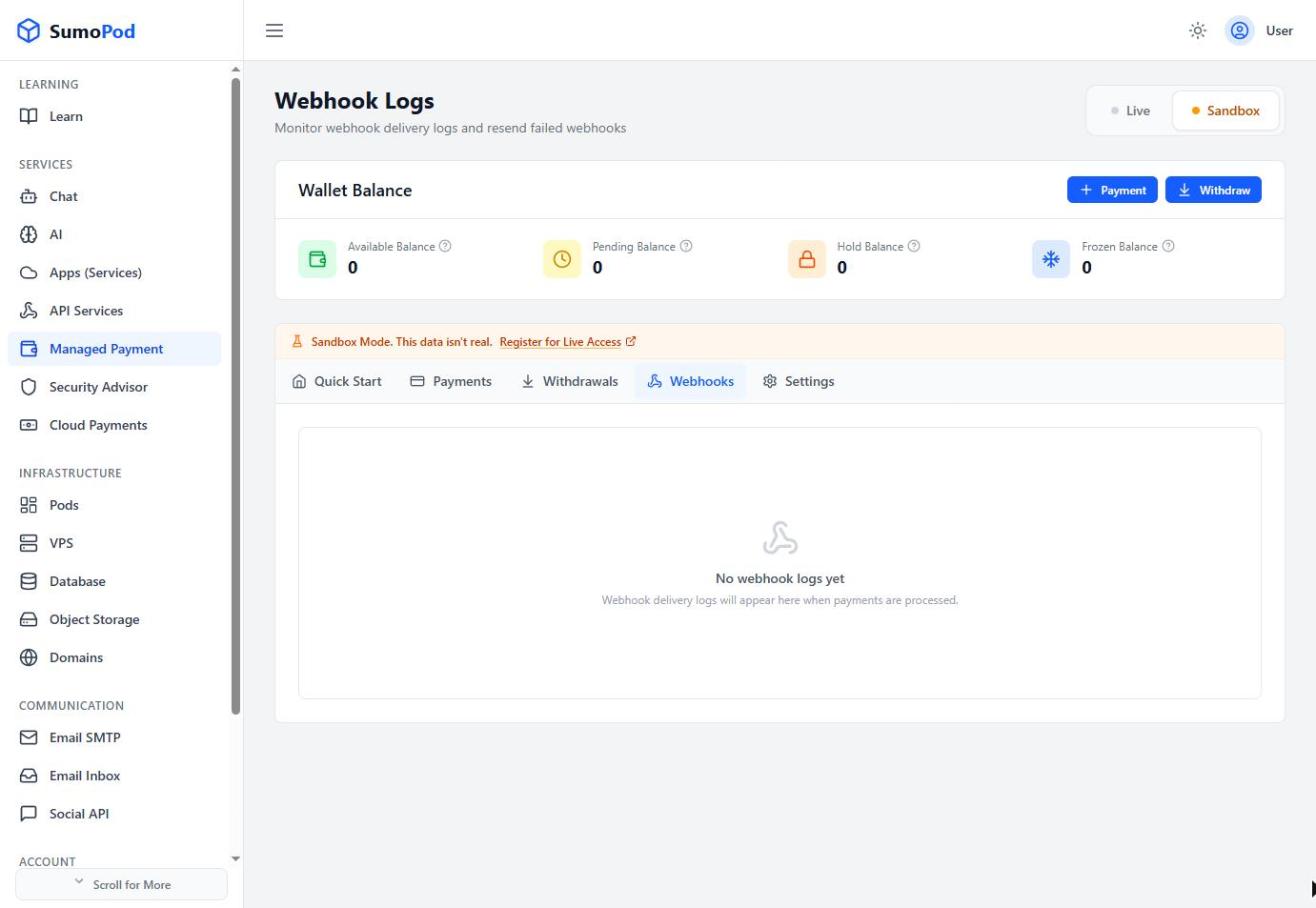
- Verify the request really came from Sumopod using either:
- The
svix-id,svix-timestamp, andsvix-signatureheaders, checked against your Signing Secret (whsec_...), or - The simpler
X-Webhook-Tokenheader, compared directly against your Webhook Token (whtok_...) — no signature computation needed.
- The
Notes
- Both secrets can be viewed (Reveal) or rotated from Settings → Webhook if you suspect they've leaked.
- A sample
payment.completedpayload includespayment_id,order_id,amount,fee,net_amount,status,paid_at, andsettled_at. - Direct link: Managed Payment
Last modified on