

Managed Payment
Using Managed Payment
Managed Payment is Sumopod's built-in sandbox payment gateway. Every account already has a default Project with its own API Key
Steps
- Open the Dashboard and select the Managed Payment menu.
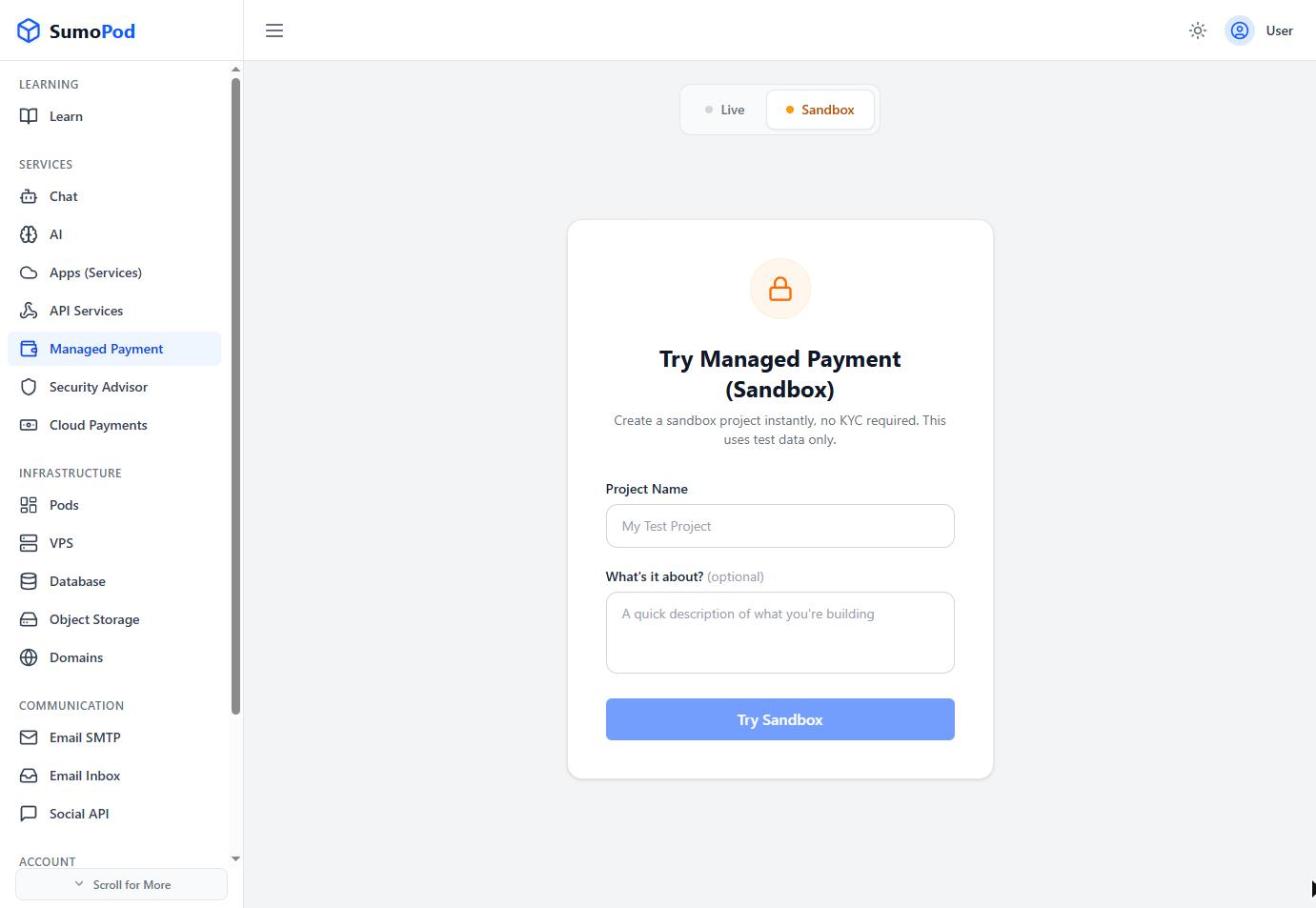
- On the Quick Start tab, copy your Project's API Key, you'll send this as the
X-Api-Keyheader on payment API calls. Note that you start in Sandbox mode (test data only); switch to Live and click Register for Live Access when you're ready to accept real payments.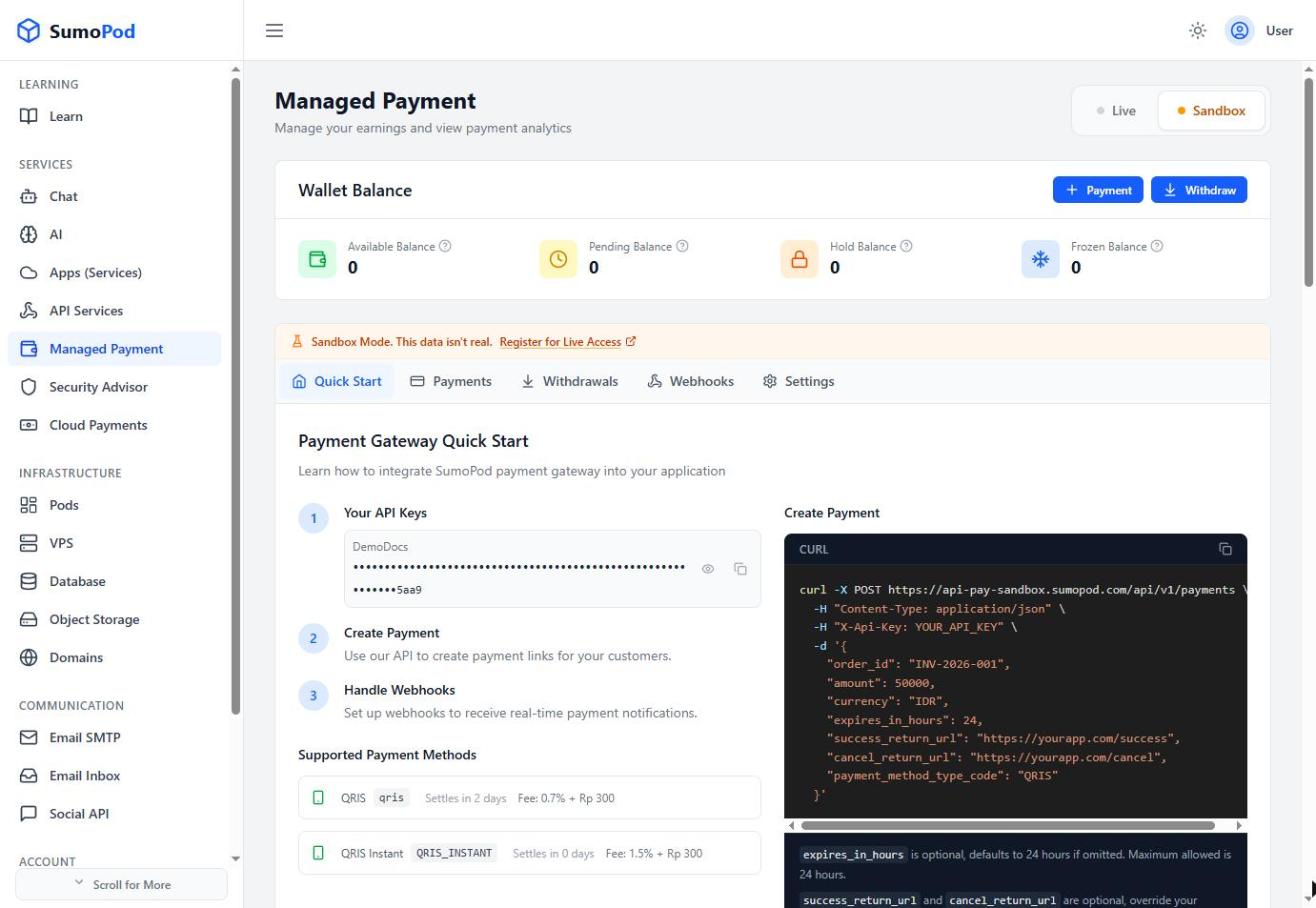
- Create a payment link via the API, for example:
Code
- Redirect your customer to the
payment_link_urlreturned in the response, or show thepayment_codedirectly. - Set up a webhook (see Managed Payment Integration) to get notified automatically when the payment completes.
Notes
- Currently supported payment method: QRIS (fee 0.7% + Rp 300, funds settle to your Available Balance after about 2 days).
- Track your balance and cash out from the Wallet Balance card (Available / Pending / Hold / Frozen) using the Withdraw button.
- Manage your API key, webhook, redirect URLs, fees, and checkout page under the Settings tab.
- Direct link: Managed Payment
Last modified on