

Services / Apps
Monitoring App Resource Usage
Steps
- Open your app, then go to its Monitor tab.
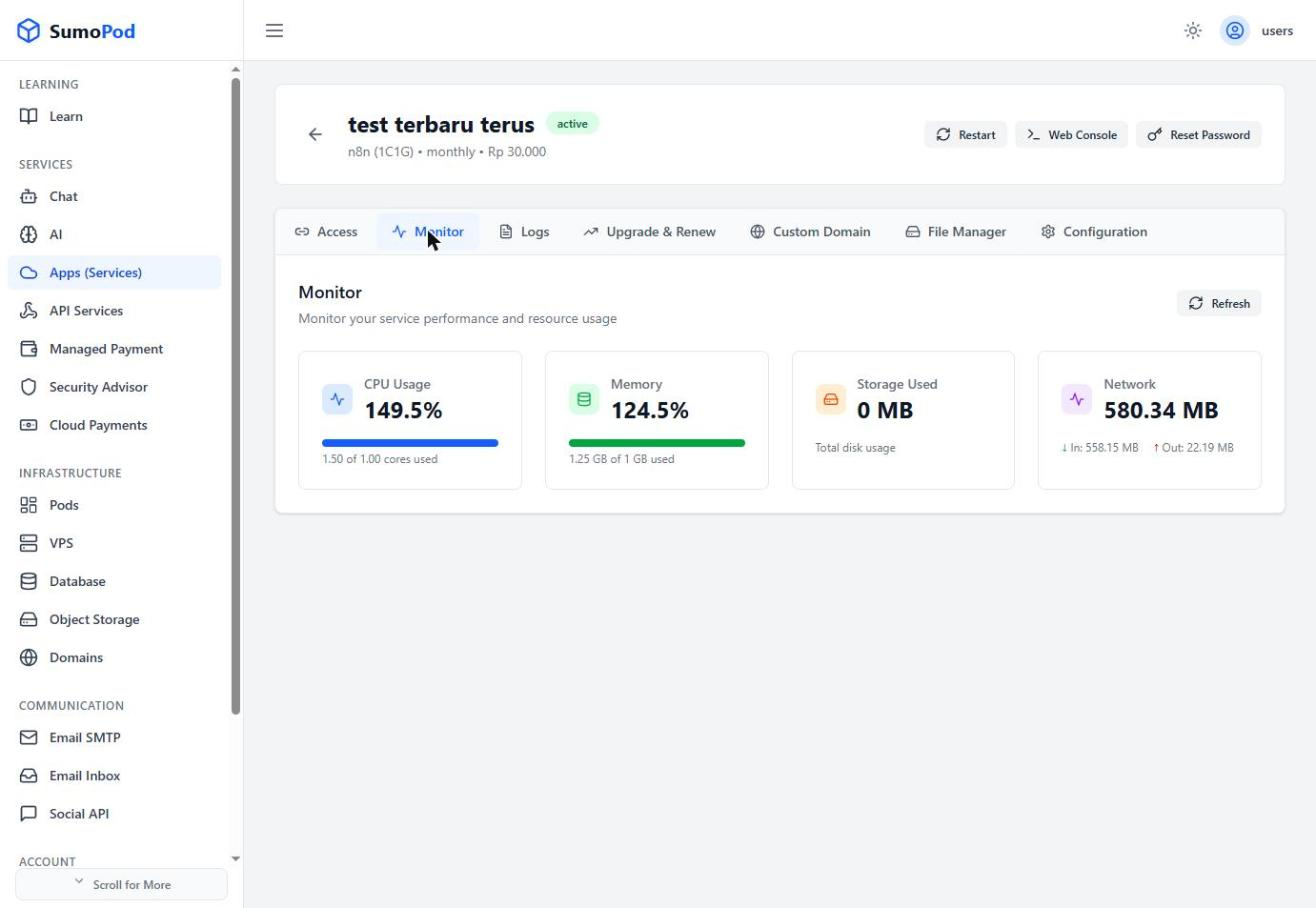
- Review CPU Usage, Memory, Storage Used, and Network (inbound/outbound traffic), updated via Refresh.
Notes
- Use this to decide whether to upgrade to a bigger plan tier (see Upgrading & Renewing an App).
- Direct link: open your app, then go to its Monitor tab.
Last modified on