

Services / Apps
Resetting an App's Admin Password
Steps
- Open your app, then click Reset Password at the top of the page (available for app types that use a dashboard-managed password, such as n8n).
- Confirm the reset.
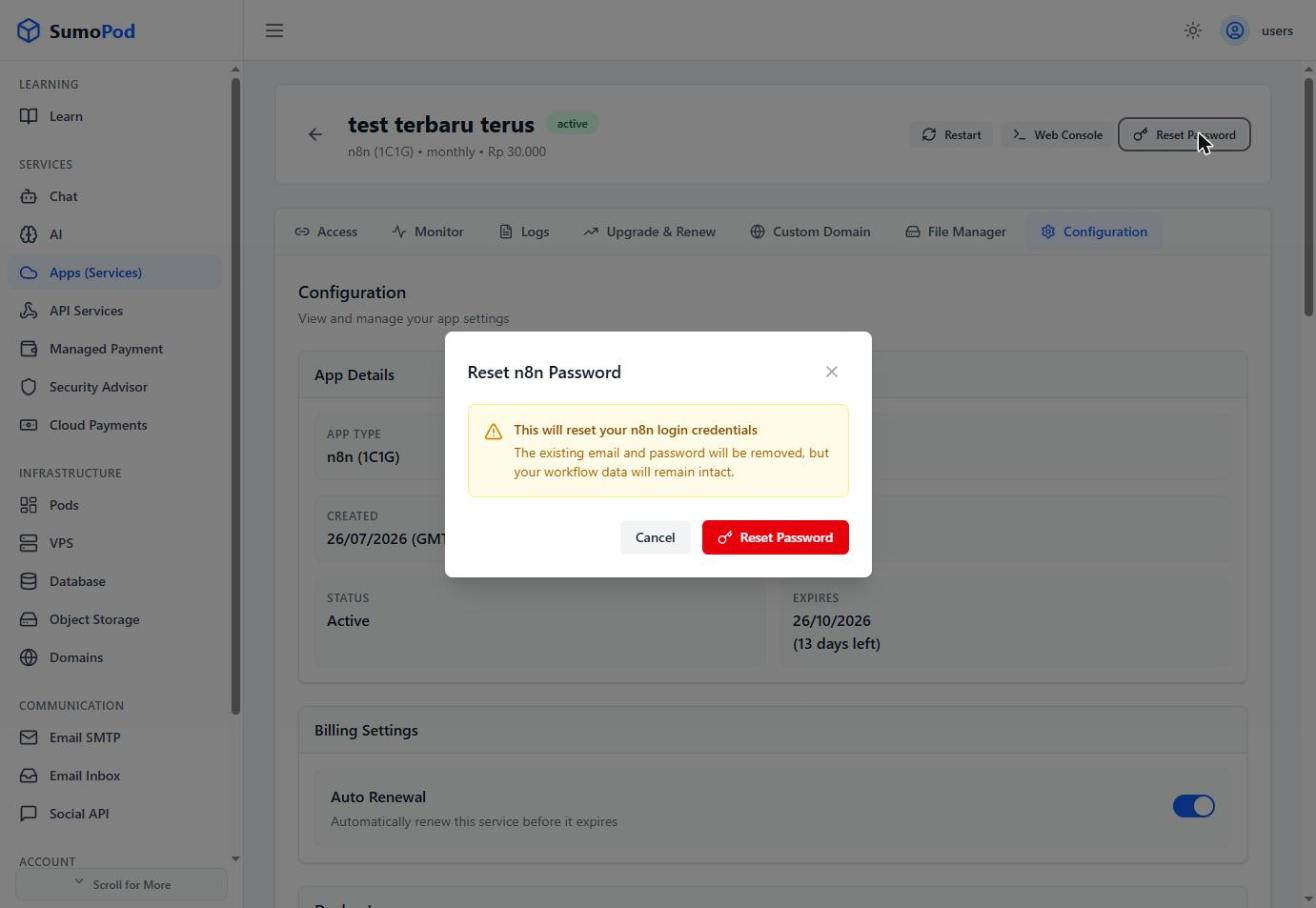
- The old login credentials are removed. Open your app's URL from the Access tab, and you'll be asked to enter new credentials.
Notes
- Some apps, like Hermes and QwenPaw, allow you to change the password in the Configuration tab, under the Docker Image section.
- Direct link: open your app, then check for Reset Password at the top.
Last modified on