

Services / Apps
Restarting an App
Steps
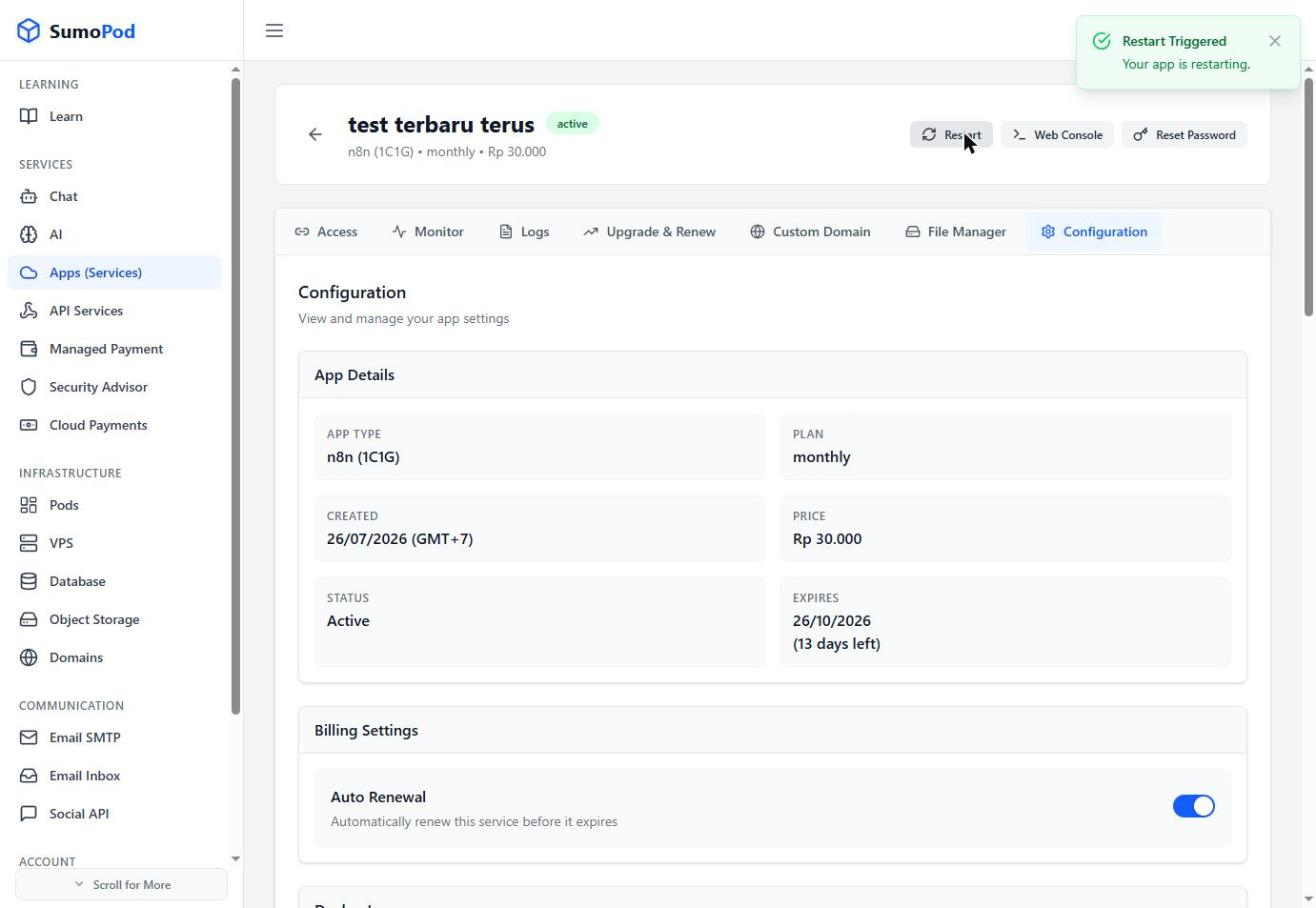
- Open your app from the Apps (Services) list and click Manage.
- Click Restart at the top of the page.
- Wait a few moments for the app to come back online.
Notes
- Restarting does not delete any data.
- Direct link: open your app, then click Restart.
Last modified on