

VPS NAT
Resetting Your VPS NAT Password
If you've lost the root/SSH password of your VPS NAT, set a new one directly from the Dashboard.
Steps
- Open your VPS NAT from the VPS NAT list and click Manage.
- Click Reset Password at the top of the page.
- Type a New password, or click Generate to have one created for you.
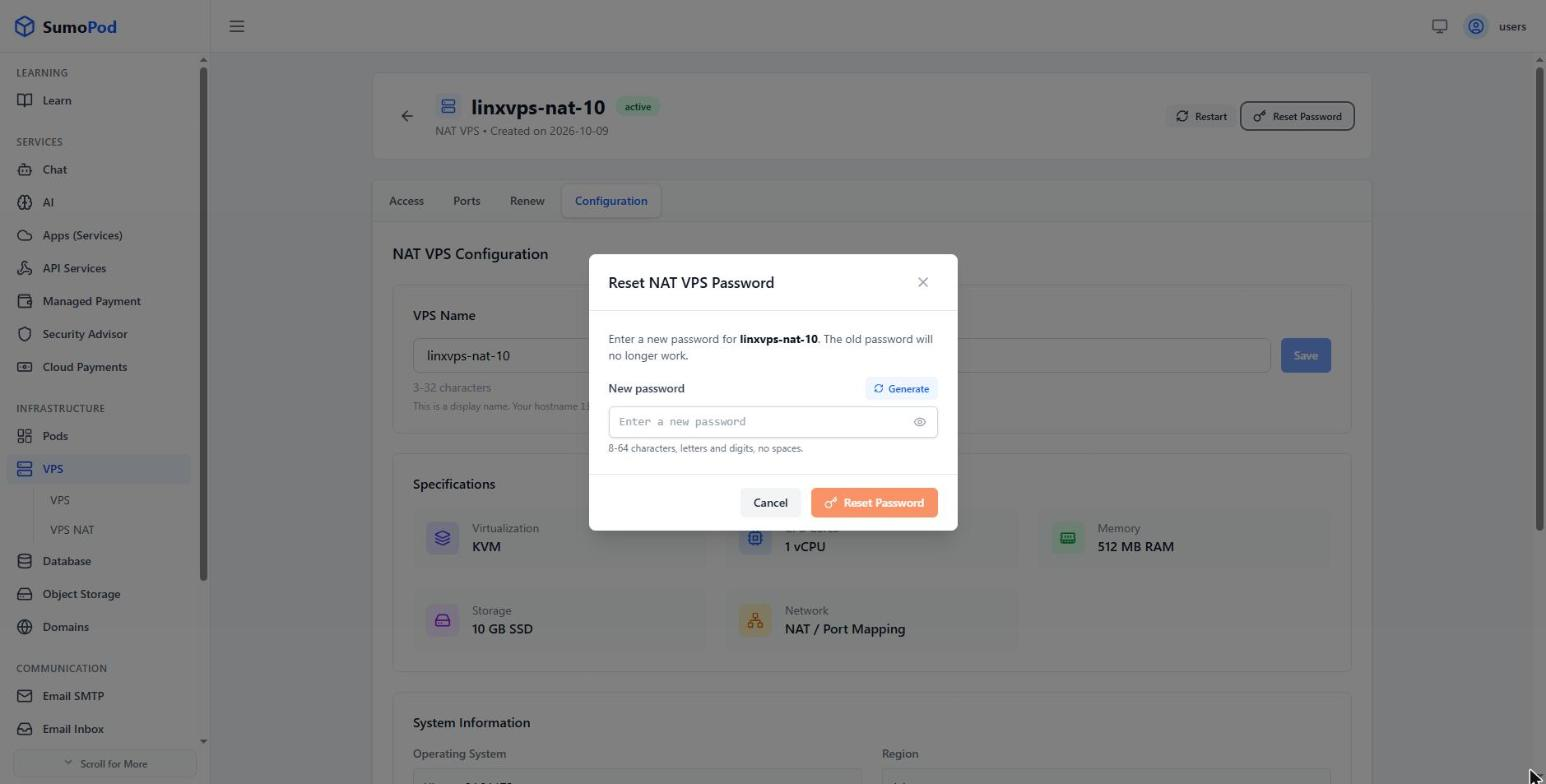
- Click Reset Password. The old password stops working immediately.
Notes
- The password must be 8–64 characters, letters and digits, with no spaces.
- Save the new password before closing the dialog — Sumopod does not store it and cannot show it to you later.
- This only changes the password. No data on the VPS NAT is affected, and the hostname and port mappings stay the same.
- Use the new password the next time you connect over SSH.
Last modified on