

VPS
Monitoring Bandwidth Usage
Check how much of your VPS's monthly bandwidth allowance has been used.
Steps
- Open your VPS, then go to its Usage tab.
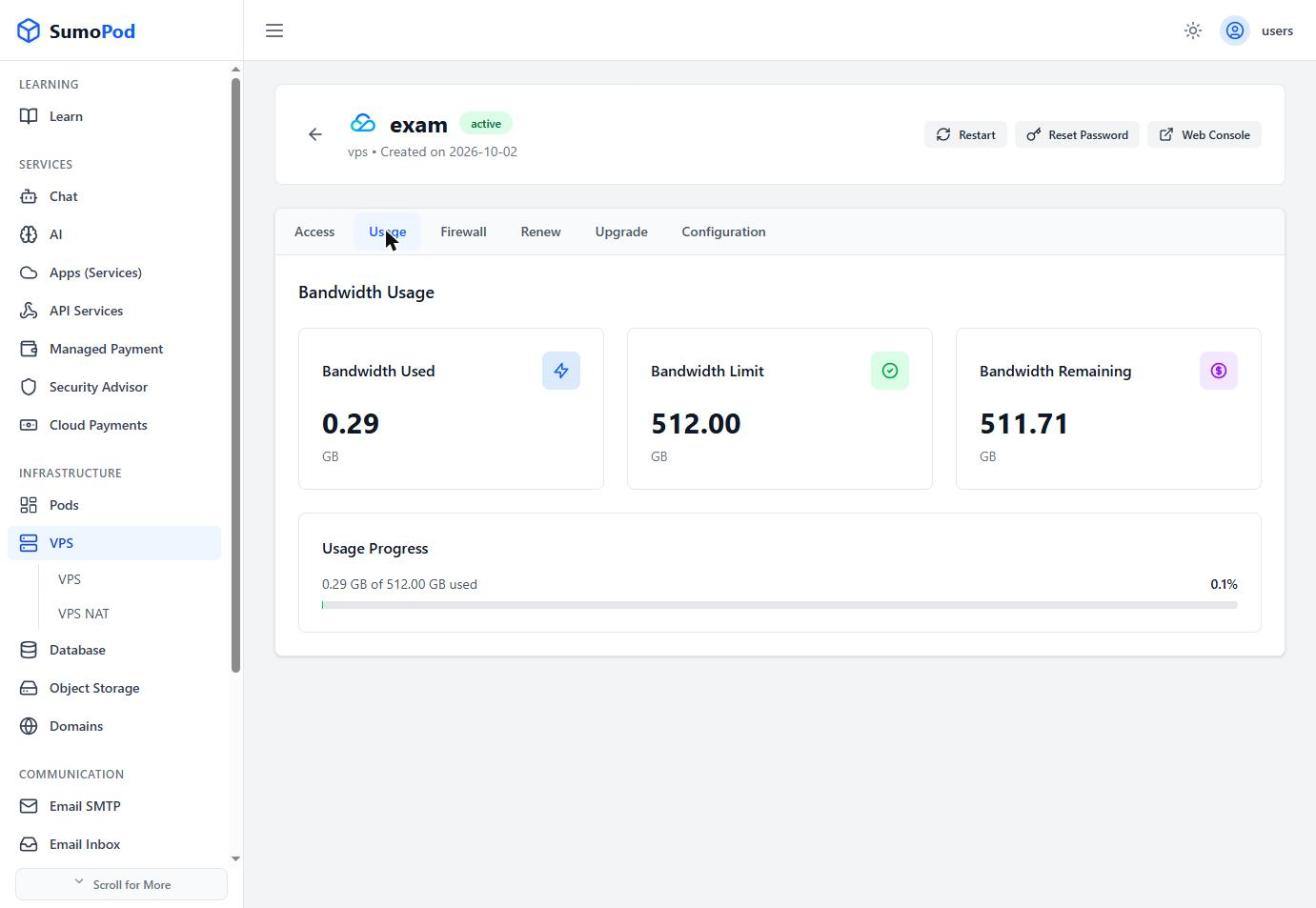
- Review Bandwidth Used, Bandwidth Limit, and Bandwidth Remaining (in GB), along with the usage progress percentage.
Notes
- The bandwidth limit depends on your VPS plan's egress allowance (shown during plan selection, e.g. 512 GB for the base Tencent plan).
- For the Tencent provider, when your bandwidth reaches the limit, the VPS is automatically shut down. The bandwidth usage resets the following month, and the VPS can be turned back on.
- If you need more bandwidth right away, upgrade your VPS to a higher plan. Keep in mind that upgrades are permanent, you can't downgrade afterwards.
- Direct link: open your VPS, then go to its Usage tab.
Last modified on