

VPS
Restarting a VPS
Restart is used to reboot the VPS without deleting any data inside it.
Steps
- Open the VPS page on the Dashboard.
- Select the details of the VPS you want to restart.
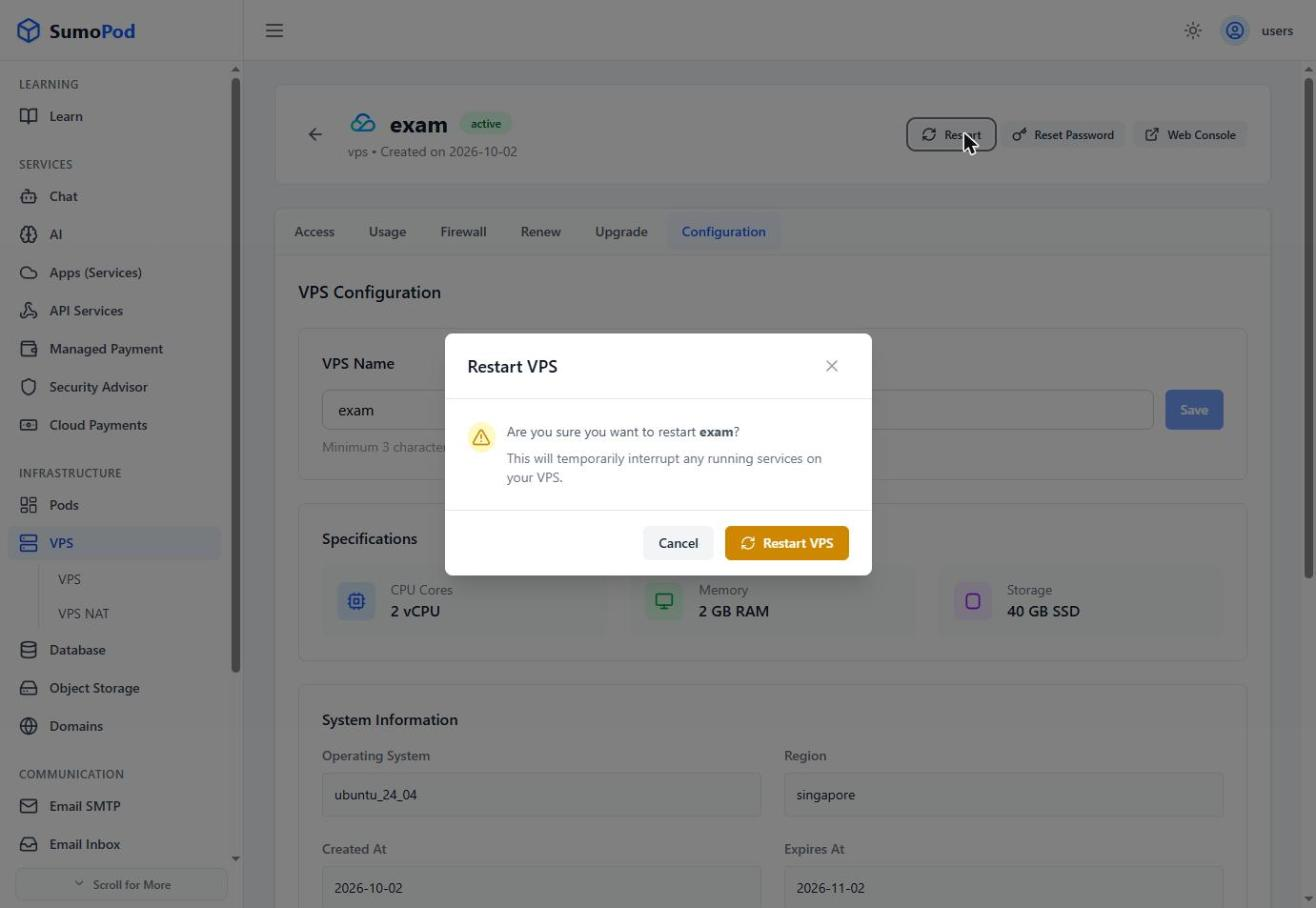
- Click Restart on the control panel.
- Confirm the restart action.
- Wait a few moments for the VPS to come back online.
Notes
- Restart usually takes about 5-10 minutes. If it takes longer than that, you can contact support@sumopod.com.
Last modified on