

VPS
Upgrading a VPS
VPS resources can be upgraded when your application needs have grown.
Steps
- Open your VPS from the VPS list and click Manage.
- Go to the Upgrade tab.
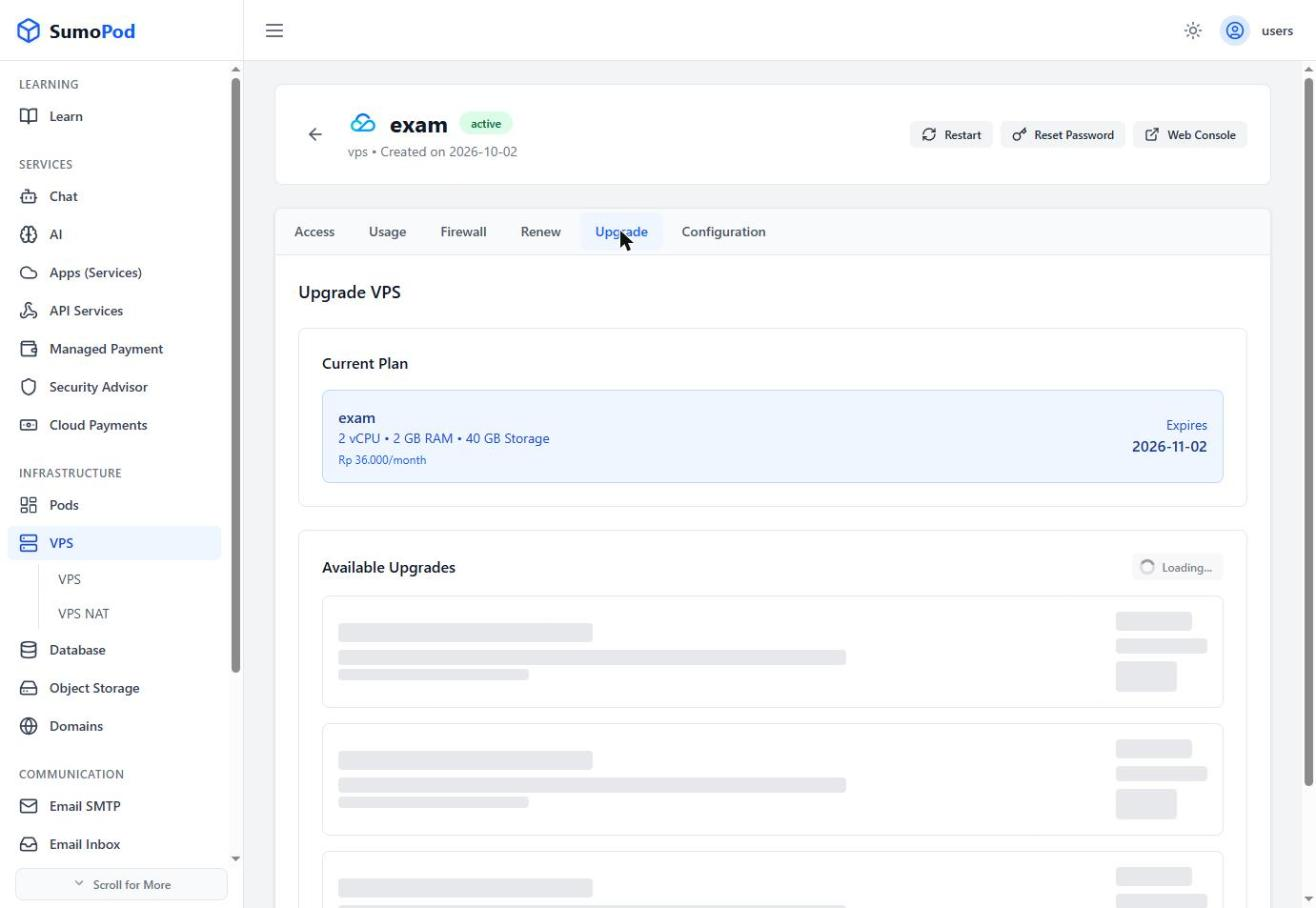
- Choose the desired new package.
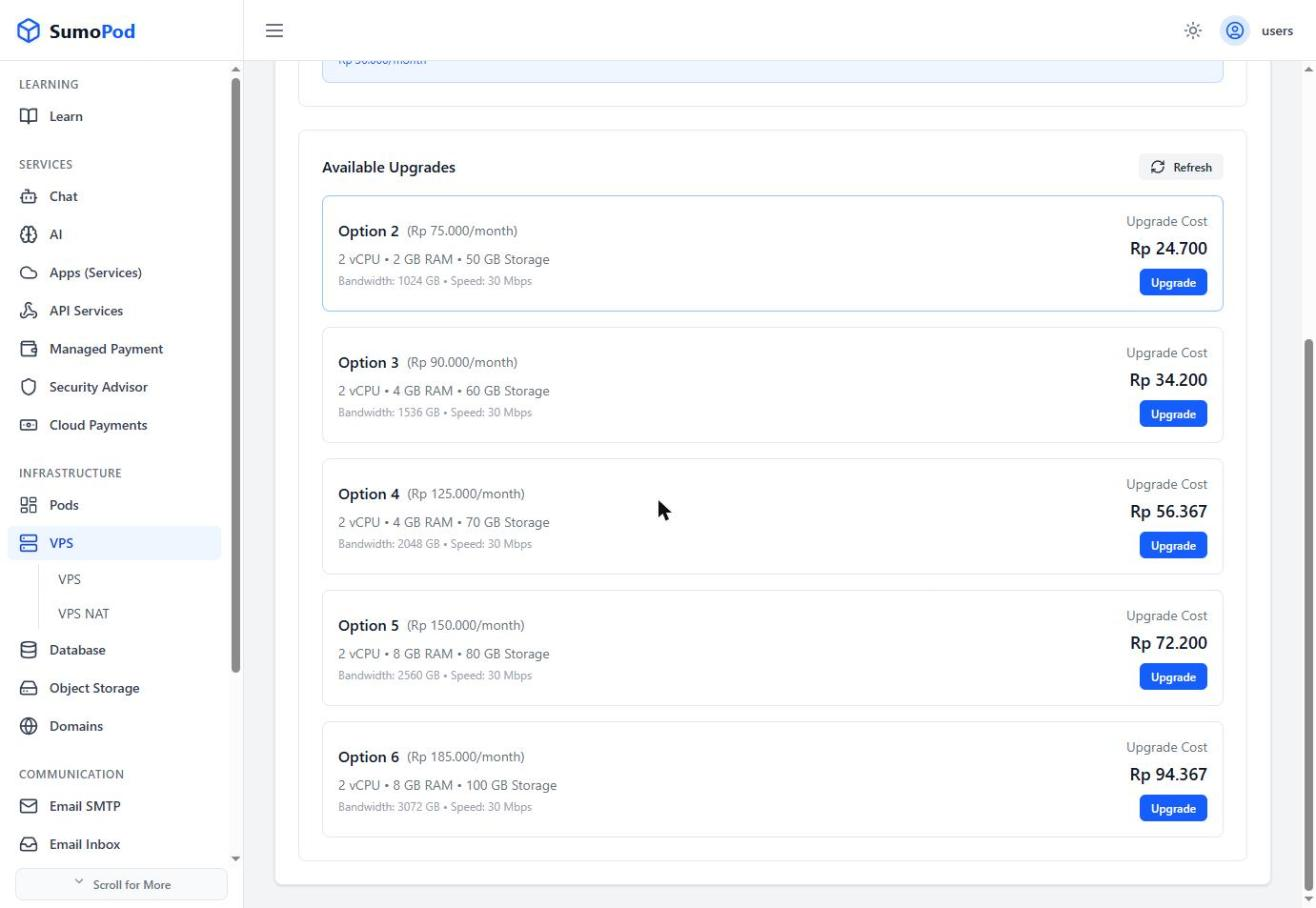
- Confirm the payment.
Notes
- Upgrade costs are calculated on a prorated basis — for example, upgrading a VPS billed Rp 36.000/month to a Rp 90.000/month plan mid-cycle showed a one-time prorated cost of Rp 45.000, not the full new monthly price.
- Only upgrades to a larger plan are offered; downgrading is not available.
- If the plan you need isn't available, or you want to upgrade to a higher plan than the ones listed, contact support@sumopod.com.
Last modified on