

VPS
Accessing VPS via Web Console
The Web Console allows you to access your VPS directly from your browser without any additional applications.
Steps
- Open the VPS page on the Dashboard.
- Select the VPS details.
- Click Web Console.
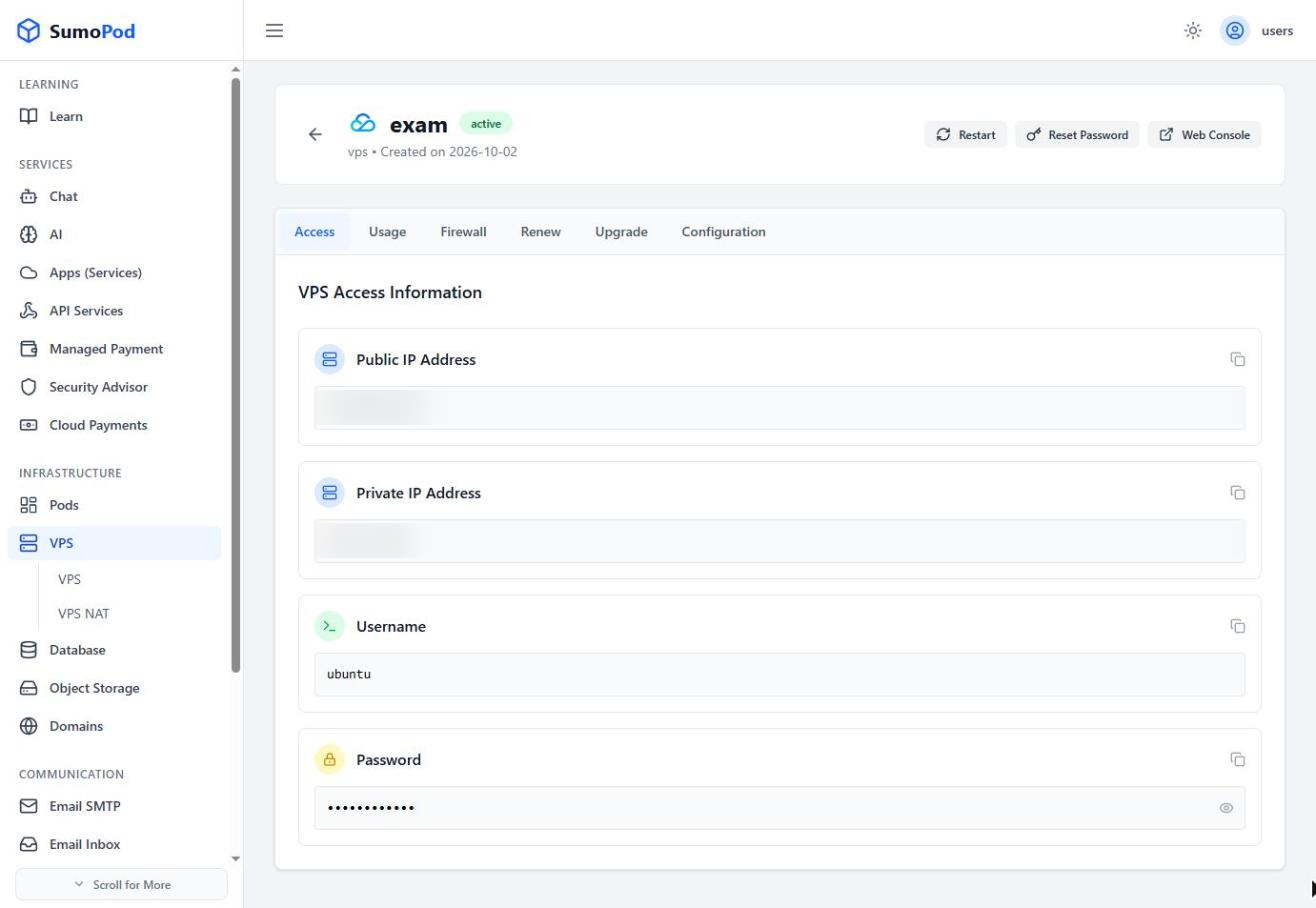
- Wait for the terminal to appear in a new window.
- Enter your username and password to start working.
Notes
- The Web Console can be used to access the VPS when SSH is not available.
Last modified on