

VPS
Accessing VPS via SSH
SSH is the primary way to access and manage your VPS from a terminal or command prompt.
Steps
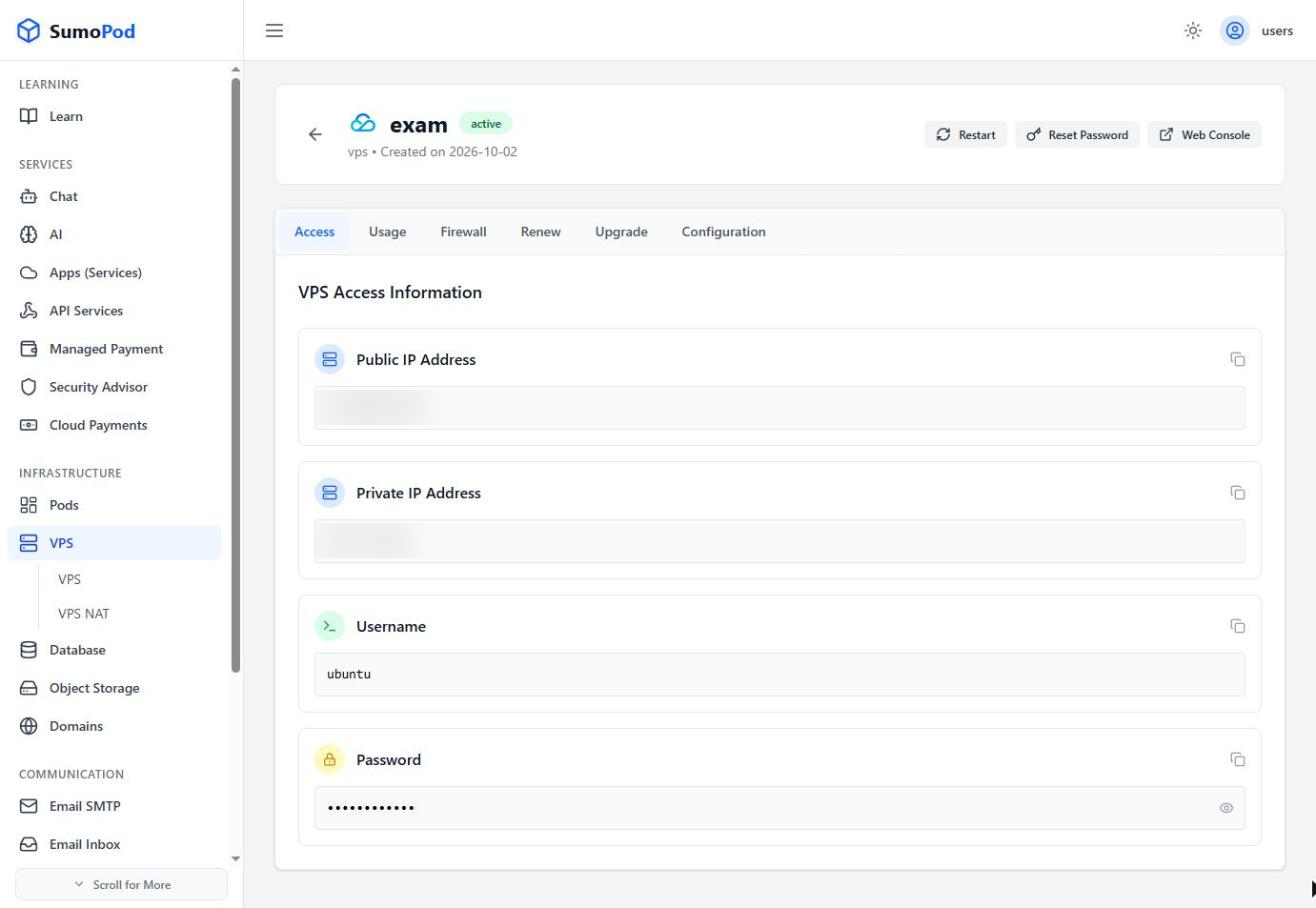
- Copy the public IP address of your VPS from the Dashboard.
- Open a terminal or command prompt on your computer.
- Run the command:
ssh username@VPS_Public_IP. - Enter your password.
Notes
- All credentials are available on the Sumopod Dashboard, under the Access tab (Public IP, Private IP, Username, Password).
- The default username for Ubuntu images on Tencent is
ubuntu(may differ for other operating systems).
Last modified on